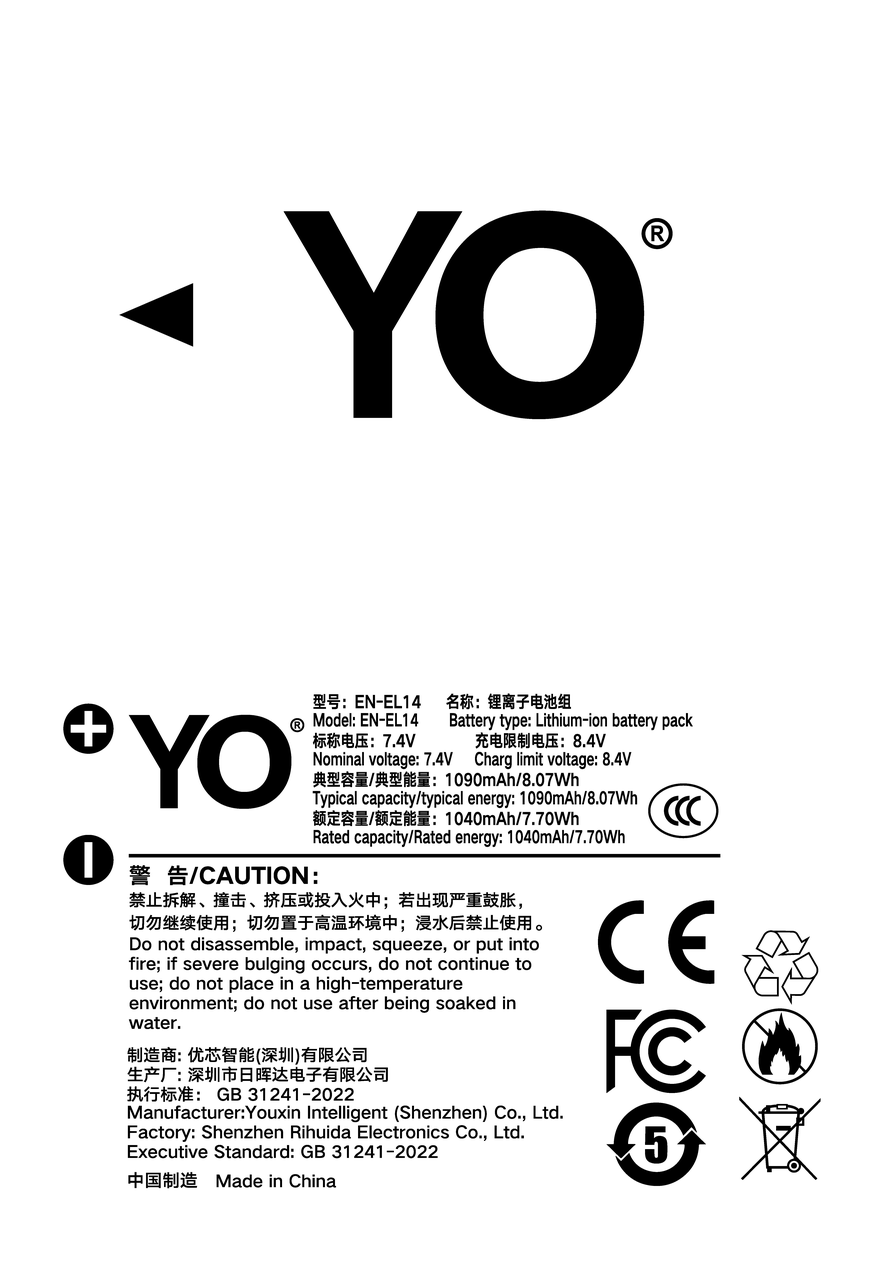
Short answer: the meter works, but it is less accurate and less steady than the original.A third-party EN-EL14+ in a D3400 or D5600 will step through the bars and the remaining-shots estimate normally if the chip inside is properly built. If it is not, you get a long stretch at full followed by a sudden drop to one flashing bar, or a reading that sticks at the low-battery warning. The useful test is what the meter does in the first ten minutes and whether the pack gets close to its claimed shot count, not the words on the box.

What the camera is actually reading
The camera does not measure the charge left in the cell. It reads fields from a small chip on the battery’s protection board, mainly remaining capacity and voltage, and converts them into the bar icon and the remaining-shots figure on screen.
In an original pack, chip and firmware are designed together, so fields and conversion curve line up. A third-party pack imitates that conversation with its own chip, which the trade calls decoding. A good imitation reports real capacity; a crude one reports a voltage step or a fixed value, with nothing in between.
That explains a common misunderstanding. The pack still has hours left, the camera shows full, then one bar flashes: it never reported the middle of the curve.
Five symptoms and what causes them
Sort out what you are seeing before trying to fix it. The table runs from most common to least.
| Symptom | Likely cause | What to do |
|---|---|---|
| Freshly charged pack shows one or two bars | Incomplete decoding, so the camera falls back on voltage; or the pack simply shipped partly charged | Charge it fully once and reinsert; if nothing changes, plan by real shot count, not bars |
| Full for a long time, then straight to one flashing bar | The pack only reports charged and empty, with nothing in between | Log the actual number of shots from full to shutdown and use that as your own figure |
| One bar and a replace warning, then two or three bars after a restart | Voltage sags under load, trips the protection threshold, and recovers at rest | Clean the contacts, avoid burst shooting and long Live View sessions, keep it as a spare |
| Camera says the battery cannot be used, or ignores it | Chip protocol mismatch with the firmware, or oxidised contacts | Clean the contacts, then test in a second body; if both refuse it, it is a compatibility problem |
| Only a few dozen shots between one bar and shutdown | Real capacity below the label, an aged cell, or a cold environment | Run two or three full cycles at room temperature; keep the pack warm in cold weather |
Judging the chip in five minutes
No test equipment is needed.
- The first few minutes. A charged pack should read close to full the moment it goes in. One bar short at startup usually means the chip reports a low starting value.
- The shape of the drop. The fall from full to one bar should be slow and even. Nothing for the first half and then two bars at once means the curve is wrong.
- Whether it reaches the claimed count. The display is only the surface. Shoot at room temperature, flash off, steady interval, and note where it ends.
- A second body. The D3400 and D5600 run different firmware, so one pack should behave similarly in both; a large gap points to compatibility.
- What the warning leaves you. Good decoding leaves dozens of shots after the last bar; poor decoding leaves the warning and nothing.
What to do when the reading misbehaves
Start with the contacts. Wipe the terminals and compartment contacts with a dry cotton swab or clean pencil eraser, no liquid. The oxide layer is invisible but thick enough to make communication intermittent.
Then run two or three full cycles. Not a repair, only a chance for the chip’s accounting to re-align with the cell. Some packs improve, some do not.
Then test in another body. If both misbehave, the pack is the problem. If only one does, check that body’s contacts or firmware version.
Finally, manage expectations. Treat it as a usable spare with an unreliable gauge, carry two for anything important, and never plan around the bars. For events and weddings, keep the original or a steady brand in the main slot. Specs are on the EN-EL14+ compatible battery page; the body list is in the Nikon EN-EL14 series category.
FAQ
A third-party pack shows full and then dies quickly. Is it faulty?
Usually not. The chip reports only full and empty. Judge by shots: if it delivers close to its rating at room temperature, keep using it; a few dozen frames points to the cell or its age.
Can an inaccurate gauge damage the camera?
The display cannot. What matters is voltage behaviour: a pack that runs hot at room temperature, swells, or triggers repeated battery errors should be retired. That is separate from gauge accuracy.
The camera says the battery is exhausted right after charging. Can I still use it?
Test it in a second body. If both behave the same, the pack cannot supply the current that burst shooting and Live View demand. Fine as a spare, not as the main pack.
Should I only buy packs marked fully decoded?
Worth checking, not worth trusting alone. Buy where returns are easy and run the checks above when it arrives.