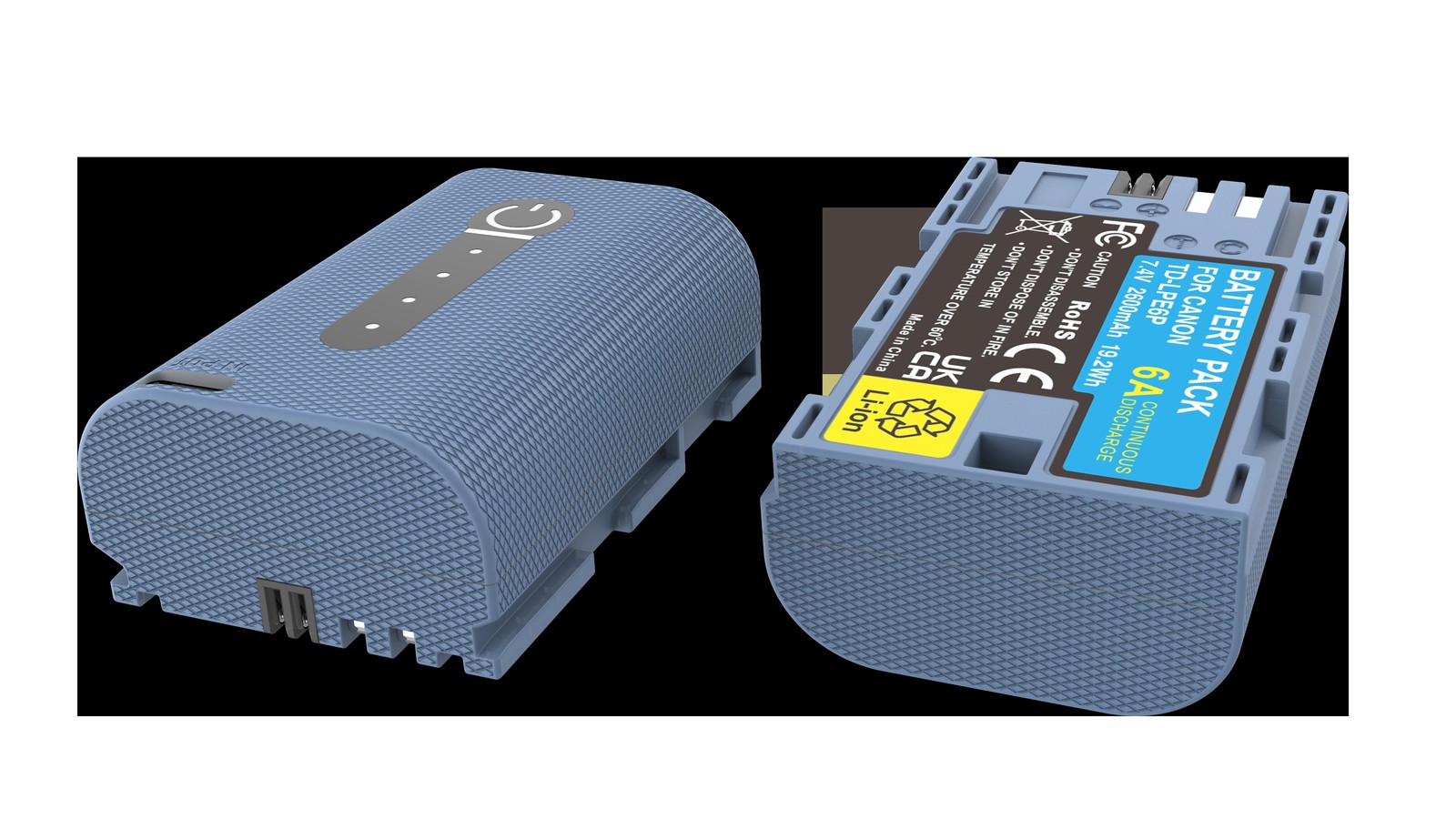
Short answer: yes, it will fill. The LC-E6E is the OEM dock charger for the LP-E6 family, its charging voltage platform matches LP-E6P, and under normal conditions it brings an LP-E6P to full charge, with the body showing 100% as expected. Expect roughly two and a half to three and a half hours, slightly longer than or comparable to an LP-E6NH, depending on starting charge, ambient temperature, and the pack’s current condition.
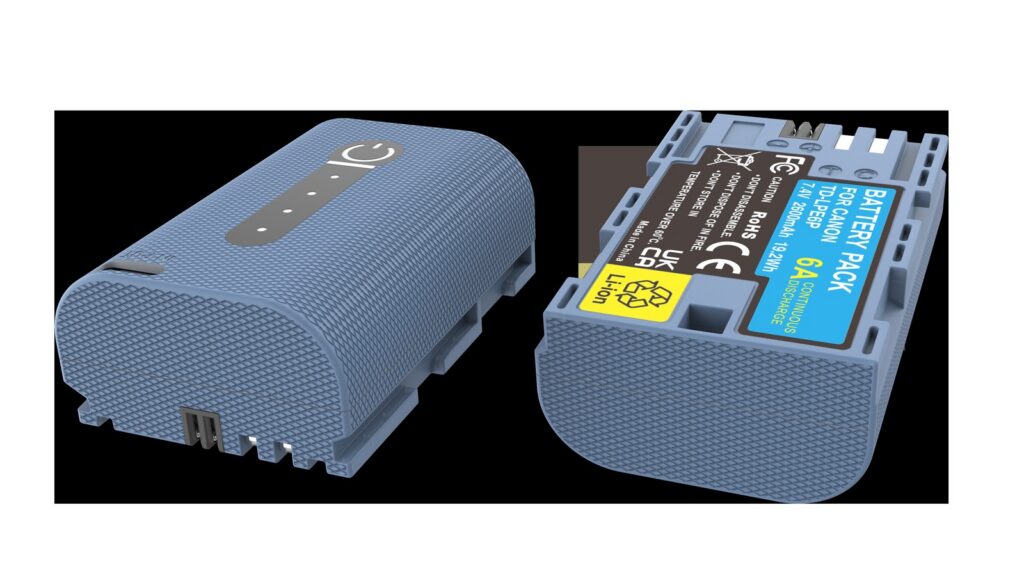
One common misconception to clear up first: despite the P in the name and the higher positioning, LP-E6P did not change the voltage platform or add a charging port. Like LP-E6NH it is a 7.2V two-cell series pack, and neither has a USB-C charging port. To charge it you either use a dock charger or rely on the body charging the pack while running on USB-C PD power, and the latter depends on whether your specific body supports it.
One: why one charger serves two generations
A dock charger converts mains power into a charging curve of constant current followed by constant voltage, and the cut-off voltage is set by the battery’s chemistry. LP-E6, LP-E6N, LP-E6NH, and LP-E6P all share one voltage platform and the same cut-off voltage, so a charger is electrically interchangeable across them. That is also why Canon used only the LC-E6 / LC-E6E line for years.
The distinction worth making is between “it charges” and “the charging strategy is optimal”. LP-E6P’s selling point is sustained discharge capability, and its internal construction and protection board differ from a capacity-oriented pack, so its current acceptance during charging may differ too. An OEM charger adjusts current according to what the pack reports, which is why an OEM dock is preferable to a universal charger.
Two: estimating charging time
| Starting charge | Approximate time | Notes |
|---|---|---|
| Nearly empty (below 10%) | Around three hours | Longest constant-current phase, full power throughout |
| About half (40%–60%) | One and a half to two and a half hours | The most common top-up case |
| Above 70% | Under an hour | Enters constant-voltage quickly, current tapers off |
Those are range estimates, not promises. Lithium-ion charging has a constant-current phase and a constant-voltage phase: fast at first, slow at the end, and the last dozen percent often takes a third of the total time. So the difference between “empty to full” and “half to full” is smaller than most people expect.
Three: four factors that change charging speed
Temperature comes first. When the cell is too cold the charger deliberately reduces current or pauses, as a protection measure; when it is too hot, current is limited as well. Charging in an unheated room in winter therefore takes noticeably longer, and that is not a faulty charger.
Starting charge determines how soon the constant-voltage phase begins. The lower the charge, the longer the constant-current phase and the longer the total, but the fastest energy goes in early — twenty minutes of charging in an emergency usually gets you a usable amount.
Charger and cable only matter for in-body USB-C charging. A dock charger is unaffected by the cable. USB-C PD charging requires both the power adapter and the cable to support enough wattage; with too little, charging becomes very slow, or merely holds the charge steady.
Pack condition is the one most easily overlooked. An older pack with higher internal resistance reaches its constant-voltage phase earlier and stays there longer, which shows up as “charges forever but never fills” or “shows full, then drops immediately in use”. In that case the suspect is the pack, not the charger.
Four: troubleshooting a short fill, and charging habits
- Try another pack first. Same charger, same outlet, a pack you know is good. If that one fills, the problem is the first pack; if it does not, the problem is the charger or the power supply.
- Try another outlet and another charger. Rule out the simple causes such as a loose power strip or unstable voltage. Dock chargers tolerate a limited input range, and a poor power strip can genuinely cause trouble.
- Watch the indicator light. OEM docks signal state with the light: steady usually means charging, slow blinking usually means waiting on temperature or waiting to start, fast blinking generally means a fault. If it blinks fast for a long time, unplug it, remove the pack, let it cool, and retry; if it repeats, stop retrying.
If all three steps fail and the pack is confirmed faulty, stop forcing it. Repeatedly charging a failing pack is one of the main routes to swelling and to genuine safety risk.
On habits: do not charge a pack immediately after a heavy recording session while it is still hot. Let it come down near room temperature first — that does more for longevity than any “care mode”. Do not leave a pack on the charger overnight; take it off when full. Do not charge in a car or in direct sunlight. For packs going into long storage, keep them at four to six tenths of charge rather than full.
Also, when two generations share one charger, label the packs. The habit costs almost nothing and prevents an aged pack from being carried out as the primary one.
For LP-E6P body compatibility and usage boundaries, see the LP-E6P category. The capacity-oriented LP-E6NH follows the same charging logic as described here; see the LP-E6NH category. For how low temperatures affect both charging and discharge, the general conclusions in cold-weather battery behavior apply. YO’s compatible LP-E6P also works with the LC-E6 / LC-E6E dock family.
FAQ
Is there a difference between LC-E6 and LC-E6E?
Both are OEM docks for the LP-E6 family. The main differences are the power plug format and the regional version bundled with the camera; the charging logic is essentially the same. There is no need to distinguish them in daily use, as long as the contacts and plug match.
Can I charge an LP-E6P with a phone charger?
Not directly. LP-E6P has no USB-C port, so it must go into a dock charger or sit in a body that supports USB-C PD input and lets the body charge it. Clamping a so-called universal charger onto the contacts is high risk and not recommended.
Does the indicator go out when charging is complete?
Most OEM docks switch to steady or off when full; check the manual for your unit. The most reliable way to confirm a full charge is to put the pack in the body and read the charge display, not to watch the light.
Does a new battery need a 12-hour first charge?
No. Lithium-ion cells are already formatted at the factory, so charging to full is enough. Extended overcharging brings no benefit and adds heat and aging.