Posted on — Leave a comment

Is the NP-FZ100 Two-Battery Kit Worth It? Kit vs Single Compared

Short version: if you do not already have a usable charger, the two-battery kit is usually the better value. If you have a charger and just want one more spare, buy the single. Using YO pricing: the NP-FZ100 single is around $17.89, one battery with charger around $22.93, and two batteries with charger around $36.74. A charger on its own works out to roughly $5. Once you spread the charger cost across the kit, the per-pack price comes in below buying cells and charger separately.

YO NP-FZ100 camera battery render
Product render of the YO NP-FZ100 compatible battery: front label, rear LED charge indicator and USB-C port.

The three configurations, broken down

Flatten the prices first, then compare. Figures below use this site’s NP-FZ100 pricing at 2600mAh / 7.2V / about 19.24Wh.

Option Price What you get Effective cost per battery Who it suits
Single battery About $17.89 1 battery About $17.89 You own a charger, just adding a spare
One battery + charger About $22.93 1 battery + charger About $17.89 + roughly $5 for the charger First time buying a compatible pack
Two batteries + charger About $36.74 2 batteries + charger About $18 per pack, charger included Full-day shoots, weddings, travel
Two singles + one charger About $40.82 2 batteries + charger Roughly $4 more than the kit Comparison only, usually not worth it

The kit saves a few dollars over assembling the same thing yourself. Not life-changing money, but the direction is clear: if you need a charger, the kit does not cost you extra.

The real value is fewer decisions, not fewer dollars

  • One purchase, matched parts: the charger and cells in a kit are designed together, so pins and charge logic agree. No mixing gear from different sources.
  • Same batch: two cells from one batch tend to match on capacity and internal resistance, so rotation feels consistent rather than one pack reading full and the other reading soft.
  • One less thing to pack: a single charger rotates both packs, so you need only one outlet on the road.
  • Backup mindset: what actually buys peace of mind is having a second pack, not the kit format itself — the point our spare battery count guide keeps returning to.

When a single battery makes more sense

Kits are good, but these cases favor the bare cell:

  • You already have the original charger: NP-FZ100-spec chargers are generally interchangeable, so just add cells.
  • You want to verify compatibility first: with your first compatible pack, buy one, confirm body recognition, charge display and runtime, then add a second. For what to expect, check how the body reports remaining charge.
  • The body gets used rarely: a couple of sessions a month means one spare is plenty; extras just sit in storage.
  • You want to spread the spend: solve “do I have a spare” first, then decide about the charger.

Three things to confirm before buying a kit

Confirm your body takes NP-FZ100

NP-FZ100 covers the A7 III, A7R III, A7R IV, A7R V, A7 IV, A7S III, A9, A9 II, A9 III, A1, A6600, A6700, A7C, A7C II, A7CR, FX3, FX30 and ZV-E1. The A6400, A6500, A7 II and A7R II use NP-FW50, and the RX100 series uses NP-BX1. A wrong model will not fit, so check the Sony mirrorless battery cross-reference before ordering.

Check the charger spec and indicator behavior

Wait for the indicator to turn green before pulling the pack. A slightly warm battery during charging is normal; hot to the touch is not. For standard practice, wait for the indicator to turn green before pulling the pack.

Know where after-sales support lives

A kit has multiple parts, so keep the full packaging and order details. If something misbehaves, you can tell quickly whether the cell or the charger is at fault.

Two other ways to keep shooting

If your days regularly run long, consider two options beyond more packs. A multi-slot charger processes several cells at once back at the room, which suits travel and multi-body work where several packs need handling at once. A dummy battery with an adapter or power bank suits fixed-position recording and streaming; match voltage and connector, which uninterrupted power options covers. They are not mutually exclusive. A common loadout is two packs rotating, one dual charger and one power bank.

Whatever you choose, watch temperatures while charging: warm is normal, hot is not, and we recommend cutting power and investigating if a pack gets hot. More on that in third-party battery safety and swelling. How fast a pack wears depends mostly on storage charge level and ambient temperature.

FAQ

Is the kit more expensive than two singles?

Charger aside, the kit works out to roughly $18 per pack. Add a separate charger and the total climbs. If you already own a charger, the single is the better buy.

Will the kit charger charge an original Sony battery?

Usually yes. We suggest using it within the models listed on the charger, and watching temperature and full-charge indication if you mix.

Is the USB-C version worth the extra money?

Build your kit: the NP-FZ100 is 2600mAh / 7.4V / 19.24Wh. Battery only, battery plus charger, or two batteries plus charger — pick under Bundle. If you would rather leave the dock at home, the same-capacity USB-C version (2600mAh / 7.2V / 18.72Wh) charges from any phone charger. Bulk orders: wholesale enquiry.

Does buying two kits get a better price?

Volume pricing usually improves. For orders of 100 units or more, use the wholesale inquiry page — studios and rental houses benefit most.

Only need a spare? The NP-FZ100 2600mAh comes on its own, with a charger, or as a two-battery kit. Both versions hold 2600mAh; the USB-C one costs slightly more and saves you carrying a dock.
Posted on — Leave a comment

NP-BX1 Compatibility Chart: 22 Bodies and the Models That Do Not Fit

The NP-BX1 covers 22 bodies, from the RX100 to the FDR-X1000V; the most common buying mistake is not capacity but boundary cases such as NP-BN / NP-BN1. The table below lists every compatible body by series, followed by the models that take a different cell. Always trust the marking on the camera or in the battery compartment: similar-looking packs are not necessarily interchangeable, and NP-BX1 should still be checked against the contacts and firmware of your body.

By CIPA standard the RX100 VII delivers about 250 shots per charge (220–330 / ZV-1 4K 45–60 min). Real-world figures fall with viewfinder use, bursts, flash and low temperature, so budgeting around 70% of the rating is safer.

Full compatibility list

All 22 bodies below accept the NP-BX1 or a cell from the same family, grouped by series. “Compatible” means the compartment and contacts match; it does not guarantee that older bodies can exploit the full capacity of a high-capacity pack.

Body Body Body Body
RX100 RX100 II RX100 III RX100 IV
RX100 V RX100 VI RX100 VII ZV-1
ZV-1 II ZV-1F RX1 RX1R
RX1R II HX90 HX90V HX80
HX60 HX50 WX500 WX350
HDR-AS50 FDR-X1000V

Which models do not fit

This is where search results most often mislead. Packs with similar names and near-identical shells frequently belong to entirely different systems, and forcing one in can damage the compartment.

Item Value
NP-BX1 NP-BX1
NP-BX1 Sony NP-BX1
np-bx1 1090 mAh / 4.04 Wh
RX100 VII 250 / 220–330 / ZV-1 4K 45–60 min
NP-BN / NP-BN1 NP-BX1
NP-BX1 1090 mAh / 4.04 Wh

How to check before ordering

The reliable check is the model printed on the bottom of the body or inside the battery compartment, matched against this list. On a used camera, also confirm that a previous owner has not swapped the battery door.

To pick by model, start with the specifications and stock status on Sony NP-BX1 1090mAh, then browse the full article set in NP-BX1; if your body belongs to a neighbouring system, NP-F960 has the side-by-side explanation.

FAQ

How many bodies take the NP-BX1?

Our list contains 22 bodies, from the RX100 to the FDR-X1000V. It is grouped by series, but still check the body marking, since a later generation in the same line can switch cells.

Is the NP-BX1 interchangeable with neighbouring models?

NP-BX1 shares one shell and contact layout, so those cells fit each other. However, NP-BN / NP-BN1, and those bodies need their own cell — never judge by shape alone.

Will every body on the list benefit from higher capacity?

All of them run normally, but older bodies set their cutoff and fuel gauge to the original specification, so extra shots do not scale linearly and the percentage may read conservatively.

How do I confirm which cell to buy?

Read the model on the bottom plate or inside the battery compartment and match it against this list. If the marking includes a suffix or a “for use with” note, follow the manual rather than the capacity figure.

Posted on — Leave a comment

LP-E6P Guide: What Canon’s High-Discharge Battery Fits

Short answer: LP-E6P is the fourth official battery in Canon’s LP-E6 family, introduced in 2024 alongside the EOS R5 Mark II. Its core change is not capacity but continuous discharge current — it is built for heavy loads such as high-bitrate video and fast bursts. It needs both body and firmware support to deliver its full capability; fitted to older bodies such as the 5D Mark III, 6D, 7D Mark II, or 5D Mark IV, it typically behaves as an ordinary LP-E6-class pack, and in some cases may not even be recognized. Calling it an upgraded LP-E6NH misses the point: the two solve different problems.

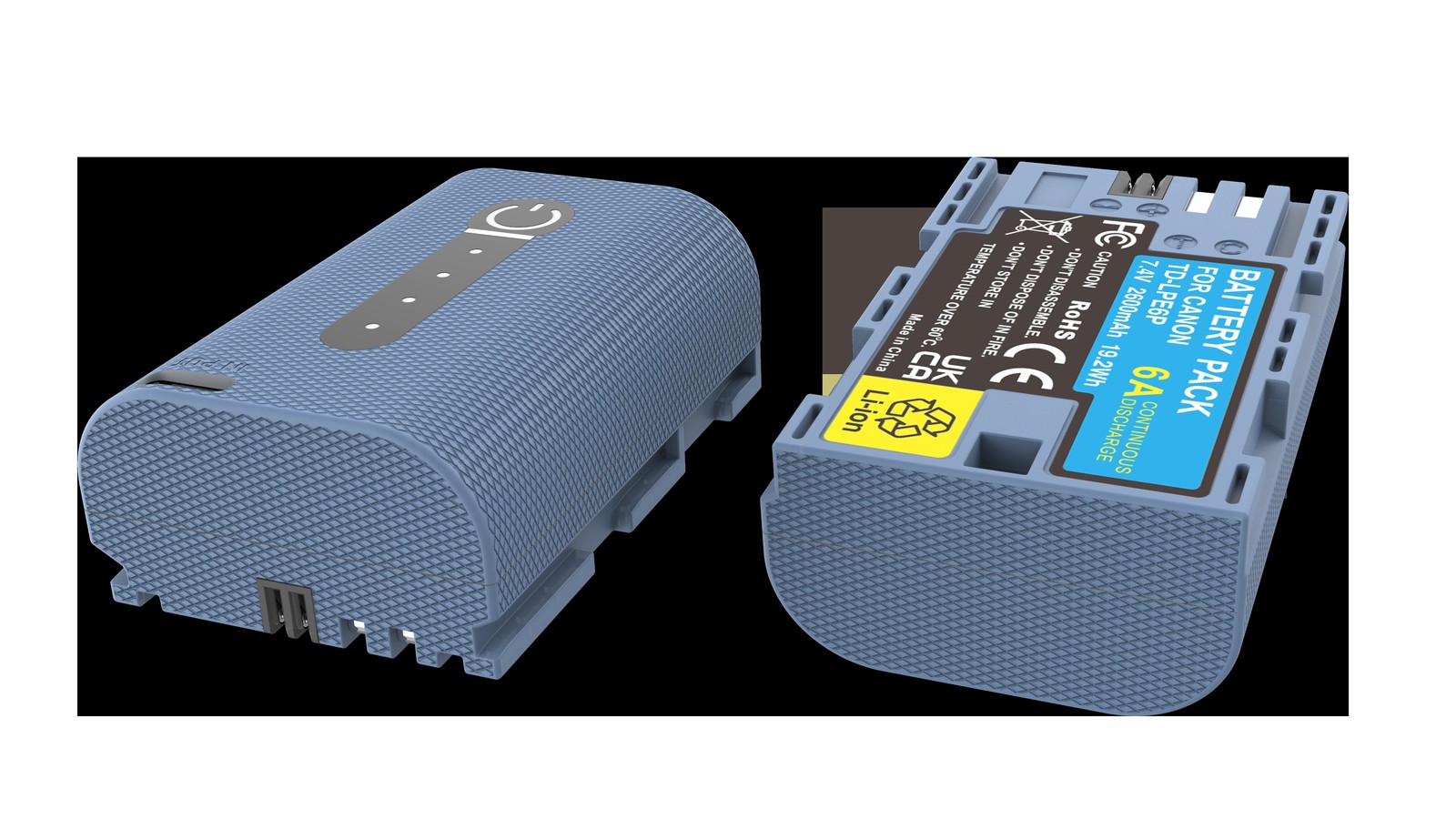
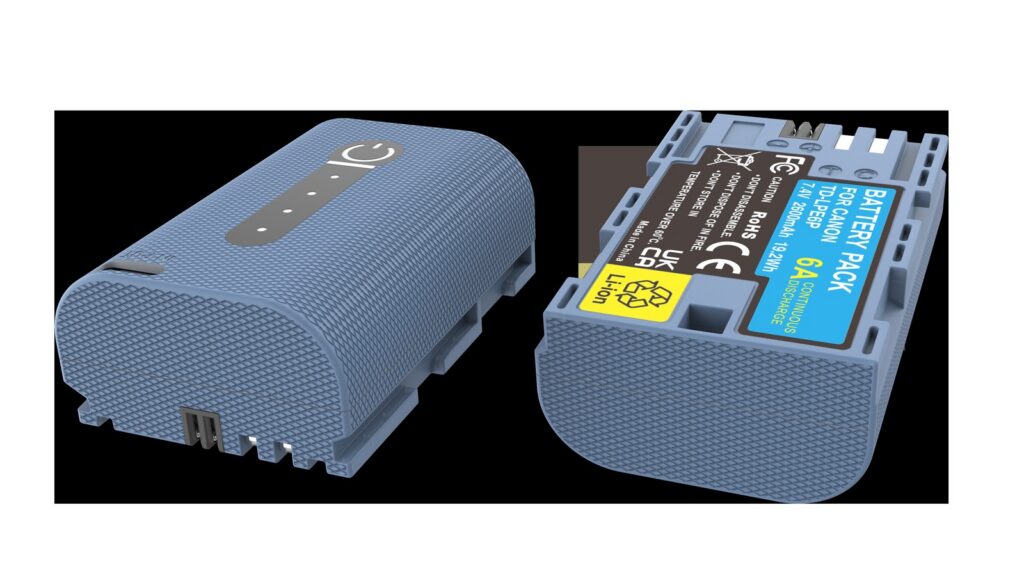
YO LP-E6P camera battery render
Product render of the YO LP-E6P compatible battery: front label, rear LED charge indicator and USB-C port.

This article moves through three layers: what actually changed, who can use it fully, and what older bodies will run into.

LP-E6P changes discharge, not capacity

From LP-E6 to LP-E6NH, Canon’s upgrade path was all about capacity: 1800 → 1865 → 2130mAh. With LP-E6P, the thinking changed.

High-bitrate video (8K, or high-frame-rate 4K) and fast bursts share a trait: both instantaneous and continuous current demand are high, and the demand lasts. If the pack cannot discharge fast enough, voltage gets pulled down, and the body either throttles, limits recording time, or reports low battery and stops. That bottleneck is exactly what LP-E6P targets.

So when reading LP-E6P specs, the number to focus on is not mAh but “how much current it can deliver steadily, and for how long”. This is also why so many older bodies feel “about the same as LP-E6NH” with it fitted — those bodies never needed that much current, so the extra capability goes unused.

Four official generations compared

Model Capacity Release context Compatible bodies
LP-E6 1800mAh / 7.2V Around 2008, widely adopted with the 5D Mark II; the family’s starting point 5D Mark II, 7D, 60D
LP-E6N 1865mAh / 7.2V Around 2014, updated with the next body generation; a small capacity gain 5D Mark III, 5D Mark IV, 6D, 6D Mark II, 80D, 90D
LP-E6NH 2130mAh / 7.2V 2020, launched with the EOS R5 / R6; a large capacity gain R5, R6, R6 Mark II, R7, and all older bodies
LP-E6P 2130mAh class 2024, launched with the EOS R5 Mark II; focused on sustained discharge R5 Mark II and other new bodies that support high discharge

All four share the same shape and will fit any body that accepts the LP-E6 family. The row most often misread is the last one: the body column says “new bodies that support high discharge”, not “all bodies”. Fitting is not the same as using the capability.

Compatibility in three tiers

Tier one: full capability

The EOS R5 Mark II is currently the main target for LP-E6P, with both power circuitry and firmware adapted for high discharge. Only on this body does LP-E6P deliver its value in high-bitrate recording and fast bursts.

Tier two: works, but not fully used

The EOS R5, R6, R6 Mark II, and R7 can all shoot on LP-E6P. But they were designed around LP-E6NH and do not need higher continuous current. There is no problem fitting it, and no obvious benefit either — a case of “it works, but there is no reason to buy it deliberately”.

Tier three: degraded operation or recognition errors

Older bodies such as the 5D Mark III, 6D, 7D Mark II, and 5D Mark IV were never adapted for LP-E6P in either circuitry or firmware. The usual outcome: it powers on and shoots, but is treated as an ordinary LP-E6-class pack. Some bodies fail to recognize it, show odd charge readings, or even report a communication error. The pack is not broken; the body simply does not know it.

If you own one of those older bodies, there is no reason to buy LP-E6P as an “upgrade”. Their bottleneck is the body, not the battery. For context, compare the LP-E6 base model and the LP-E6NH category.

Charging: still no built-in port

Like LP-E6NH, the LP-E6P pack itself has no USB-C charging port. No battery in this generation of the LP-E6 line offers in-pack charging, so you charge in the LC-E6 / LC-E6E dock, or charge the pack inside the body over USB-C.

  • OEM dock. LC-E6 and LC-E6E belong to this family and will charge LP-E6P; charging time varies with capacity, temperature, and dock model.
  • Third-party dock. Confirm the label lists LP-E6P. Older docks marked only for LP-E6 / LP-E6N may take longer or fail to reach full charge because the charging curve differs.
  • In-body charging. Suitable for emergencies; charging while shooting a long heavy session adds extra heat.

A practical rule for a shoot day: plan on one pack per hour of intensive recording, and make the dock charger, rather than in-body charging, your main way of topping up.

Who should buy LP-E6P

  1. EOS R5 Mark II owners. Buy it — this battery was designed for that body.
  2. Anyone shooting high-bitrate video with long continuous takes. Even if your body is not an R5 Mark II, confirm the body supports it before deciding.
  3. Teams sharing packs with an R5 Mark II. Standardizing on LP-E6P simplifies gear management, and older bodies can still use it as an ordinary pack.
  4. Everyone else. LP-E6NH is better value: same capacity class, lower cost, wider compatibility.

Third-party products at this spec level are still catching up, with uneven recognition and discharge behavior. YO offers alternatives across the LP-E6 line, but for a model as dependent on body adaptation as LP-E6P, OEM should come first. Details are in the LP-E6P category.

FAQ

Does LP-E6P have more capacity than LP-E6NH?

They are in the same capacity class. LP-E6P’s upgrade is continuous discharge capability, not capacity. On a lower-draw body, switching to LP-E6P will not produce a noticeable runtime gain.

Can LP-E6P be used in a 5D Mark IV?

Physically it fits, but the 5D Mark IV firmware was not designed for it, so it typically runs as an ordinary LP-E6-class pack, and some bodies show recognition or charge-display errors. It is worth trying as an emergency supply; it is not recommended as your daily pack.

Does LP-E6P have a USB-C charging port?

No. No battery in this generation of the LP-E6 line has one, so you must use a dock charger or charge in the body over USB-C.

Why does an older body report low battery with LP-E6P fitted?

Older bodies estimate charge from a voltage curve, and LP-E6P’s discharge characteristics differ from the profile those bodies expect, so the estimate drifts. It does not mean the pack is empty, but it does affect your judgment, which is why this combination should stay an emergency option.

Posted on — Leave a comment

What Is LP-E6+ — A Third-Party Label, Not a Canon Model

Short answer: LP-E6+ is not a Canon model. Canon has released only four packs in the LP-E6 family — LP-E6 (1800mAh), LP-E6N (1865mAh), LP-E6NH (2130mAh) and the LP-E6P introduced in 2024 with the EOS R5 Mark II. “LP-E6+” is how third parties (YO included) label an enhanced version to distinguish a higher tier in their own range. It describes a class of packs that fit LP-E6 bodies and are built better than a maker’s base model — not an entry in Canon’s catalog.

YO LP-E6+ battery rating label
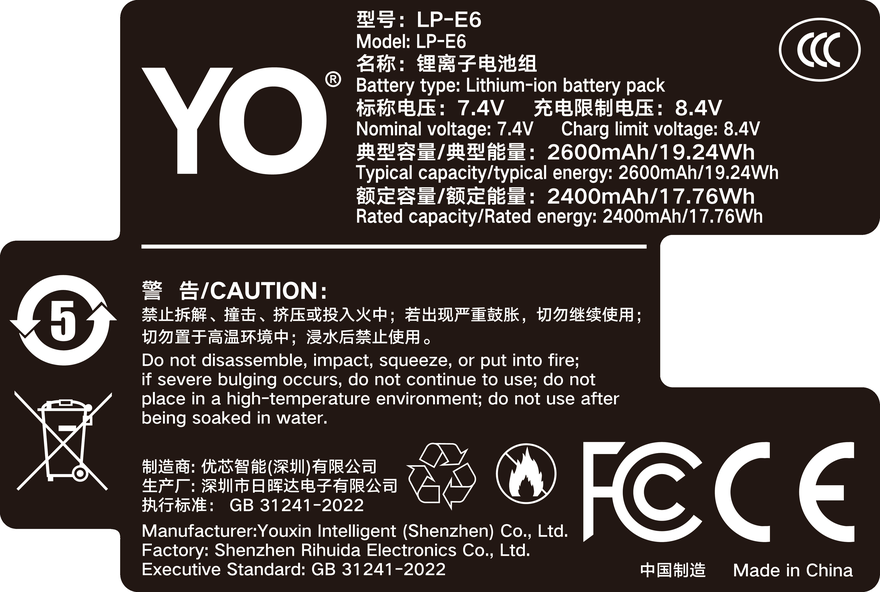
Rating label of the YO LP-E6+ battery: nominal voltage, typical capacity and safety certifications.

The distinction is not wordplay. Once you understand it, you know what to compare against, what to expect, and which marketing claims to discount.

Canon has exactly four models

Nail down the official family first; every later comparison depends on it.

Official model Rated capacity Background Typical bodies
LP-E6 1800mAh / 7.2V Widely adopted around 2008 with the 5D Mark II 5D Mark II, 7D, 60D
LP-E6N 1865mAh / 7.2V Updated around 2014 with a new body generation 5D Mark III, 5D Mark IV, 6D, 6D Mark II, 80D, 90D
LP-E6NH 2130mAh / 7.2V Introduced in 2020 with the EOS R5 / R6 R5, R6, R6 Mark II, R7 and all earlier bodies
LP-E6P 2130mAh class Introduced in 2024 with the EOS R5 Mark II, focused on high continuous discharge R5 Mark II and newer bodies

There is no LP-E6+ in that table. Almost every LP-E6+ you see on a marketplace is a third-party maker’s own model built on LP-E6NH-class specifications, where the plus expresses “stronger than our base model” rather than a Canon generation number.

What the plus sign is trying to say

Third parties need a differentiating tag they can put in a listing title. Calling it an LP-E6NH makes it look like a counterfeit, while an invented code gets no search traffic — so LP-E6+ becomes a compromise that keeps the main keyword and implies “enhanced”.

A few common uses:

  • Capacity boost: rated at 2200mAh or higher, which reads better than Canon’s 2130mAh.
  • Discharge boost: claiming higher sustained current, aimed at the LP-E6P’s use cases.
  • Feature boost: a USB-C charging port, a charge indicator, a Type-C input.
  • Marketing only: a new shell and packaging over the same cells as the base model.

Of those four, the first three mean something real; the fourth can only be detected through specifications and teardowns. So when you see a plus, the first question should be “enhanced where”, not “better than Canon”.

Where enhanced packs usually add something

Capacity — possible, within limits

The LP-E6 shell is a fixed size and cell energy density gains are limited. Products rated 2200-2400mAh do exist, but watch the gap between rating and measurement. The higher the claim, the more you should check whether test conditions are stated.

The charging port — the genuine differentiator

Canon’s LP-E6NH and LP-E6P both lack a USB-C charging port. Some enhanced third-party packs add a Type-C port on the side so you can top up from a power bank. For long trips and travel shooting that is real convenience, and it is the most valuable thing the plus buys.

Discharge — it depends on whether the body can use it

Enhanced discharge means little in an older body, because its power circuit already caps momentary current. The bodies that genuinely need high discharge are newer ones like the EOS R5 Mark II, and those also have stricter recognition requirements. Third-party performance here varies; marketing alone will not tell you.

The identification chip — the most overlooked item

Whether a percentage appears, and whether a “cannot communicate” message shows up, depends on the identification chip. There is no common standard, and even batches from one brand can differ.

Three questions to settle before buying

  1. Which official specification does it correspond to? Was it built to LP-E6N or to LP-E6NH specifications? That determines what you should be comparing its price against.
  2. Is my body on its supported list, for the right year? Early bodies such as the 5D Mark II and 60D are more likely to have recognition issues.
  3. Does it have a charging port, and at what wattage? If escaping the dock is the reason you are buying, confirm this, or you will end up with a pack that still needs one.

For how Canon’s three general-purpose generations perform in practice, see the LP-E6NH category; if your body is a high-discharge model such as the R5 Mark II, go straight to the LP-E6P category instead of looking for the answer among third-party enhanced packs.

FAQ

Is LP-E6+ a new Canon model?

No. Canon’s official LP-E6 family is LP-E6, LP-E6N, LP-E6NH and LP-E6P. LP-E6+ is a third-party naming convention, with no common standard between brands, so the packs cannot be treated as equivalent.

Will an LP-E6+ fit every Canon LP-E6 body?

Physically it usually will, because it reuses the LP-E6 series shell and contacts. Whether it is recognized properly and whether the gauge is accurate depends on that product’s chip and your body firmware, so confirm the supported-model list before buying.

If the rating is higher than Canon’s, is it more durable?

Not necessarily. A rating is an ideal-condition laboratory figure, while real runtime is affected by discharge curve, internal resistance and temperature. A pack with high capacity but high resistance may sag sooner under heavy load.

Why do some LP-E6+ packs have a USB-C port when Canon’s do not?

Because Canon’s generation of LP-E6 packs was never designed with a charging port, and third parties add a charging module to the shell. It is a deliberate third-party design choice, not something Canon overlooked.

Posted on — Leave a comment

DMW-BLK22 Ageing and Troubleshooting: Swelling, Fast Drain and Not Recognised

Most “dead” DMW-BLK22 packs are really dirty contacts, cold cells or normal ageing. Run three quick checks before buying a replacement. Batteries are consumables. As cycle count rises, internal resistance increases and the pack shows full charge for less time, or shuts down abruptly in the cold. Work in order: clean the contacts, retest in a second body, then log the shot count from three full charges.

By CIPA standard the S5 II delivers about 370 shots per charge (4K 60p 90 min). Real-world figures fall with viewfinder use, bursts, flash and low temperature, so budgeting around 70% of the rating is safer.

Symptom checklist

The table lists four symptoms by how often they occur. In most cases a replacement is not yet necessary; rule out contact and temperature factors first.

Symptom Likely cause What to do
Full charge drops to low very quickly Oxidised contacts or an aged cell Clean the contacts, retest in another body, then log full-charge shots
Body reports "cannot recognise this battery" Third-party decoding mismatch or dirty contacts Wipe and reseat; if it persists, test with an original-spec cell
Shuts down suddenly in the cold Higher internal resistance causes a voltage dip Keep spares warm in an inner pocket and retest at room temperature
Shell bulges or the pack runs hot Overcharge, hot storage or aged cells Stop using it immediately and recycle under local rules

A three-step diagnosis

Step one: wipe the contacts with a dry soft cloth and reseat the pack. Step two: retest in a second body from the same family. Step three: log the shot count from three full charges to separate real ageing from a bad gauge.

Item Value
DMW-BLK22 DMW-BLK22
DMW-BLK22 2200 mAh / 16 Wh
dmw-blk22 2520 mAh / 19.24 Wh
S5 II 370 / 4K 60p 90 min
S1 / S1R / S1H → DMW-BLJ31 / GH5 / GH5S → DMW-BLF19 DMW-BLK22
DMW-BLK22 2520 mAh / 19.24 Wh

When to replace the pack

Replace the pack when full-charge shots fall below about 60% of a new cell, the shell bulges, or the body repeatedly refuses to recognise it. Stop using a swollen cell immediately and recycle it properly.

To pick by model, start with the specifications and stock status on Panasonic DMW-BLK22 2520mAh, then browse the full article set in DMW-BLK22; if your body belongs to a neighbouring system, BCX204 has the side-by-side explanation.

FAQ

Does a jumping charge level mean the DMW-BLK22 is dead?

Not necessarily. Clean the contacts, retest in a second body, then log the shot count from three full charges. Only a sustained drop in shots points to real cell ageing.

What if the camera says the battery is not recognised?

Dirty contacts or a third-party decoding mismatch are the usual causes. Wipe and reseat the pack; if it persists, test with an original-spec cell to separate a battery fault from a body fault.

Is fast drain in winter normal?

Yes. Cold raises internal resistance and causes a momentary voltage drop. Keeping spares in an inner pocket helps considerably, and capacity normally returns at room temperature.

When must the cell be replaced?

Replace it when full-charge shots drop below about 60% of a new cell, the shell bulges, it gets unusually hot while charging, or it is repeatedly not recognised. Never squeeze, puncture or recharge a swollen pack.

Posted on — Leave a comment

Lumix Video Runtime: What 19.24Wh Buys per Mode

Short answer: one DMW-BLK22 gives about 90 minutes of 4K 60p on an S5 II at CIPA figures, which works out to roughly 13W of draw. At 4K 30p you get about 2.1 hours; 6K and internal ProRes drop to just over an hour. One pack does not cover a full day, and for long takes you should run USB-C PD. The pack is quoted at 2520mAh and 7.4V, 19.24Wh, with 2400mAh and 17.76Wh nominal. That is a decent amount of energy, but video drains it continuously, which is nothing like the short bursts of stills shooting.

YO DMW-BLK22 battery rating label
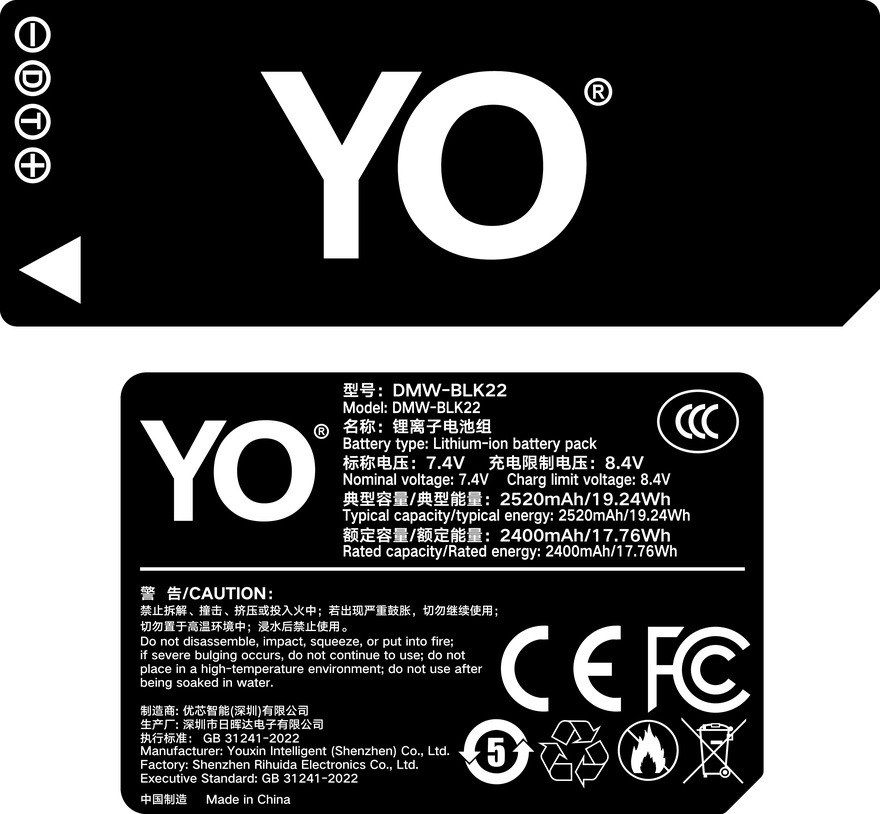
Rating label of the YO DMW-BLK22 battery: nominal voltage, typical capacity and safety certifications.

Why video drains so much faster than stills

A still is a series of spikes. Focus, shutter, card write, each lasting a few hundred milliseconds, with the sensor and processor idling in between. Three hundred frames from one pack depends on that duty cycle.

Video is a different regime. The sensor reads out continuously, the encoder compresses continuously, the screen stays lit, stabilisation keeps correcting, and the processor watches thermals. Those blocks run at once with no gap to save power, so the draw is a flat high line. 4K 60p pushes twice the data of 4K 30p per second, and the encoder load doubles with it.

Two more costs are easy to miss. The screen is a large, bright, always-on panel and takes a real share of the total. Heat adds a little as well, since a warm body draws slightly more, and that shows up outdoors in summer.

The arithmetic: how long 19.24Wh lasts

The formula is simple: 19.24Wh divided by draw in watts gives hours. The draw figures are assumptions for the whole camera, sensor, encoder, screen and stabilisation included. They are estimates, not measurements.

  • 4K 60p: 19.24 / 13 is about 1.48 hours, or 89 minutes, which lines up with the CIPA figure of 90.
  • 4K 30p: 19.24 / 9 is about 2.14 hours.
  • 6K open gate: 19.24 / 15 is about 1.28 hours.
  • Internal ProRes: 19.24 / 17 is about 1.13 hours.
Mode Assumed draw Estimated runtime Packs to carry
4K 60p 10-bit internal 13W About 1.5 hours (90 minutes) 3
4K 30p internal 9W About 2.1 hours 2
6K open gate / 5.8K 15W About 1.3 hours 3
Internal ProRes 17W About 1.1 hours 4
HDMI out to a recorder, 4K 60p 11W About 1.7 hours 2
Timelapse at 5 second intervals 4W About 4.8 hours, limited by clip length 1 to 2
Livestream on USB power 7W Powered, so runtime is not the limit 1 spare

The pack count assumes half a day to a full day of shooting, one in the body and the rest as spares. Add more if a monitor or wireless video transmitter is also drawing from the body.

6K, ProRes and recording externally

Resolution is not what sets the draw. Where the encoding happens is. In internal recording the encoder runs inside the body, and heavier compression at higher bitrates keeps the processor busier. That is why internal ProRes is the hungriest mode: high bitrate writes to a card or SSD put encoding and storage under load at the same time.

External recording moves the encoder into the recorder. The body only has to send a clean HDMI signal, so the internal encoder idles and the draw falls. The trade-off is a heavier rig, and the recorder needs its own power, though not from this pack. So external recording is easier on the camera battery without necessarily being easier on the total kit.

6K open gate sits between the two. The readout area is larger and the sensor and processor work harder than at 4K, but nothing is pinned like ProRes. If the deliverable is 4K, shooting 6K open gate and cropping leaves room in the grade, at a cost of roughly thirty percent of runtime.

Is one pack enough, and when to plug in

For short films, interviews and event coverage with stops and starts, one pack in the body plus one spare is usually enough. For continuous long takes, lectures and streaming, one pack will not cover a session, because swapping mid-take breaks the recording.

The S5 II supports USB-C PD while running, so a large PD bank lets the body record for hours with the pack acting as a buffer. Two cautions. The body runs hotter on PD, so leave room for airflow outdoors in summer. And keep the bank out of direct sun, since heat makes it derate its output.

Timelapse is its own case. Draw per frame is tiny and a pack lasts a long time, so the real limits are usually clip length and card space rather than energy. You can check capacity on the DMW-BLK22 compatible battery page, and pick a multi-pack under the same category. The original Panasonic DMW-BLK22 is quoted at about 2200mAh and 16Wh, slightly below the compatible pack, so by the arithmetic above it runs a little shorter.

FAQ

Is 4K 60p really only 90 minutes

90 minutes is a CIPA reference, measured with intermittent recording and standard brightness. Continuous takes, a brighter screen, active stabilisation or an external monitor all shorten it. Treat it as a ceiling, not a promise.

Can two packs cover a full day of event work

For event coverage built on 4K 30p with plenty of stopping, two is often enough for a day. If most of the work is 4K 60p or 6K, two covers half a day and you should plan for three or four.

Does charging while recording interrupt the clip

With a stable PD supply it does not, the body moves between supply and pack as needed. The risks are a bank that is unplugged or drained, and thermal protection kicking in. Check the cable and connector lock before a take.

Is external recording always more efficient

For the camera pack, yes, because the encoder work moves to the recorder. For the whole rig, not necessarily, since the recorder needs power of its own. Decide on image quality and workflow, not on runtime alone.

Posted on — Leave a comment

Powering Monitors, LED Lights and Sliders with an NP-F960

Short answer: yes. Running monitors, LED panels and sliders from an NP-F960 is routine, either through an NP-F adapter plate or with a dummy battery that feeds external power into the device. Runtime is energy divided by draw: 38.9Wh gives roughly 7.8 hours at 5W, 3.9 hours at 10W and 1.9 hours at 20W, before conversion losses take about 15 percent. The real question is not whether it works but how each device fails when the voltage collapses: a monitor just goes black, a slider stops mid-move, and a camera may corrupt the file it is writing.

Adapter plate, dummy battery, real battery

An adapter plate is a small board that clips onto the back of the pack and turns the NP-F contacts into a DC barrel, D-Tap or USB output. It stores no energy itself; it only lets the battery plug into something else. Check two ratings before buying: output voltage and maximum current. NP-F is nominal 7.2V and passes through at about that level, so a 12V light needs a step-up version.

A dummy battery looks like a real pack but holds no cells. A cable feeds external power to the device’s battery contacts. Its value is uninterrupted operation on mains power, which suits studio work, streaming and fixed camera positions. The cost is a tether: the rig loses portability, and if the external supply fails the device stops instantly with no buffer.

A real battery, like this 5400mAh, 38.9Wh pack, carries its own protection circuit and can be swapped in the field. The limitation is fixed capacity. The three are not substitutes but roles: dummy battery for fixed positions, real battery for movement, adapter plate to connect a real battery to non-NP-F gear.

Runtime: 38.9Wh divided by wattage

The formula is simple: pack energy ÷ device wattage = hours. The 38.9Wh comes from 5.4Ah × 7.2V. Take wattage from the label or the manual’s input rating, not from a brightness setting.

Device draw Theoretical (38.9Wh ÷ W) At 85% efficiency Typical gear
5W approx. 7.8 hours approx. 6.6 hours Small monitor, single lamp at low output
10W approx. 3.9 hours approx. 3.3 hours 5–7 inch monitor, compact LED panel
20W approx. 1.9 hours approx. 1.7 hours High-output LED, monitor with recording

The theoretical column ignores conversion losses. Step-up circuitry, cable resistance and cell ageing all take a share, so the 85 percent column is closer to reality. Plan a 10W device around 3.3 hours rather than 3.9.

Two variables are easy to miss. LED output tracks brightness, so a panel rated 20W draws noticeably less at half. Monitors draw more with an SDI input or recording enabled, which makes the label figure a floor rather than an average.

Sharing one pack across devices

Add the wattages first. A 10W light plus an 8W monitor is 18W, and 38.9Wh ÷ 18W ≈ 2.2 hours. This is an estimate.

The second limit is the plate’s current rating. Most are marked around 3A, and 7.2V × 3A ≈ 21.6W, above which protection trips. With two or three devices on one plate, check the total against that ceiling first.

A few rules of thumb: give high-draw gear its own pack; let small devices share; keep slider motors off a shared plate; and never parallel a long continuous recorder with something that starts and stops. Switch devices off before swapping a pack, because most plates do not support hot swapping and the output dies the moment the battery leaves.

What low-voltage cutoff does to gear

As a lithium pack reaches its cutoff, output falls from 7.2V toward 6V and the plate cuts off to prevent over-discharge. The cut is abrupt and unannounced.

A monitor takes it best: the screen goes black, and a few models lose unsaved brightness or colour settings. A slider is worse, stopping mid-move and losing its position, which means re-homing and another take. Cameras deserve the most care: a file being written may not close properly, and footage on the card is at risk, a far more expensive loss than a battery.

The practice is plain: do not wait for the cutoff. Swap at seven or eight tenths of the estimated time, check charge before important takes, and relay two packs for long recordings. Choose plates with low-voltage protection; hand-soldered leads lack it and can take cells below 5V.

The NP-F960 helps here because 38.9Wh covers a full interview or a long take, so swaps are rare and the odds of a mishap drop with them. Specifications are on the NP-F960 product page, with more packs under Sony NP-F960 series.

FAQ

Can an NP-F pack feed a 12V monitor?

Yes, with a step-up adapter plate. Converting 7.2V to 12V costs efficiency, so usable energy is below the nominal figure; plan at about 80 percent.

Can a dummy battery replace a real one entirely?

No. It has no cells, only passes external power through, stops when the supply fails and cannot travel with you. It suits fixed positions and long studio sessions, not field work.

Can one battery run a light and a monitor together?

Yes, if you add the wattages first. A 10W light plus an 8W monitor is about 2.2 hours, provided the plate’s current rating covers both.

Should the adapter plate have protection built in?

Yes. A low-voltage cutoff stops output before the cells are over-discharged. Plates without it can pull a pack below 5V, which usually ends that battery.

Posted on — Leave a comment

Runtime Gets Worse Every Year: NP-FZ100 Ageing and When to Replace

“It does not last like it used to” is a real effect, not imagination. Lithium cells lose capacity with both cycle count and calendar time, and they typically hold around 80% of rated capacity after 300–500 cycles. A noticeable drop after a year sits well inside expectations, and by roughly two years replacement deserves a serious look. What matters is telling slow, natural decline apart from a sudden drop: the first is ageing, the second usually traces back to deep discharge, long storage at full charge in heat, or a faulty cell, and the two call for different responses.

YO NP-FZ100 camera battery render
Product render of the YO NP-FZ100 compatible battery: front label, rear LED charge indicator and USB-C port.

How the Loss Happens

Charging and discharging drive irreversible side reactions in the electrode materials. Usable lithium ions are gradually consumed and internal resistance climbs. That shows up as two effects: less energy goes in (capacity falls) and voltage sags faster under load (resistance rises). The second is usually what you notice first. You read it as “the battery drains fast” when capacity may only be down by a small margin — the resistance is what makes the body decide it is empty early.

  • Normal use: the curve is fairly flat early on, then steepens.
  • Frequent deep discharge: running to zero each time speeds up the decline.
  • Long storage at full charge in heat: the most damaging combination there is — a full pack left in a car in summer, for example.
  • Left flat in a drawer: a pack that self-discharges to nothing and stays there can be ruined outright.

Rough Capacity by Stage of Life

Stage Approximate capacity What it feels like
Under six months, few cycles Close to rated Stable, in line with 60–80% of the official figure
Around a year, regular use Roughly 80–90% of rated Slight decline; a single day’s shooting still fine
Around two years, 300–500 cycles Around 80% of rated High-intensity days need an extra pack
Three years and beyond Possibly well below 80% Fast drain, jumping gauge, occasional shutdowns

These are rough bands. Usage frequency, charging habits and storage conditions move the curve up or down quite a bit, so do not read your own pack into a row too literally.

Four Signals That Say Replace It

  • Runtime clearly shorter than another pack of the same rating, confirmed by swapping packs in the same body.
  • Shutdown at power-on or mid-burst, with the body coming back after a rest — the classic voltage-sag signature; diagnostics are in sudden shutdown and ageing checks.
  • A gauge that jumps from two bars to shutdown, and still does after one recalibration cycle.
  • Noticeably hotter than packs from the same batch, or any swelling in the shell, which means stop using it immediately.

Replacement Timing by Shooting Style

  • Casual shooter: a pack lasts around two years. Replace it when it will not cover a day, and two in rotation is usually enough.
  • Weddings and commercial work: rotate proactively at roughly eighteen months, and never take a pack you are unsure about to a paid job.
  • Video creators: long takes are sensitive to internal resistance, so decline shows up earlier. Pair fresh packs with a dummy battery and AC adapter for any long fixed-position take.
  • Studios and rental houses: keep a log of numbering and purchase dates, replace by batch, and avoid mixing packs at very different states of health.

Slowing the Decline

  • Top up when convenient rather than running to zero each time.
  • Store long-term at roughly 40–60% charge, cool and dry at about 15–25°C, with a top-up every three months — details in storing batteries you are not using.
  • Avoid leaving packs at 100%, especially somewhere warm.
  • Number packs and rotate them so none sits idle long enough to over-discharge.
  • Charge somewhere ventilated so heat does not build up.

Replace One, or Replace Both?

If your packs were bought together, they have aged together, and when one stops covering a day the other is usually close behind. In that case replacing both at once is less hassle and it avoids the confusion of running mixed-health packs with different expectations. Sizing comes down to what one shooting day actually consumes, and the kit-versus-separate arithmetic is in why kits usually cost less.

FAQ

Is 80% capacity still usable?

Yes — it just means shorter runtime, so carry a spare or swap earlier. Jumping gauge readings, shutdowns or swelling are the point where you stop using it.

Only six months in and it already feels short. Normal?

Rule out settings, cold and gauge inaccuracy first. If those are cleared and it is still clearly short, you may simply be shooting hard, or the pack itself may be faulty — worth raising with the seller.

Can I mix old and new packs?

You can, but plan around the weaker one. Size your carry count on the worst pack in the bag, not the best.

What do I do with the old packs?

Keep serviceable ones as backups or for light duties. Anything swollen, deformed or leaking goes to hazardous waste collection — do not puncture or burn it.

Build your kit: the NP-FZ100 is 2600mAh / 7.4V / 19.24Wh. Battery only, battery plus charger, or two batteries plus charger — pick under Bundle. If you would rather leave the dock at home, the same-capacity USB-C version (2600mAh / 7.2V / 18.72Wh) charges from any phone charger. Bulk orders: wholesale enquiry.

Posted on — Leave a comment

What Do mAh, Wh, and V Mean on a Battery? NP-FZ100 Specs Explained

The three units, quickly: mAh (milliamp-hours) is capacity, or how much charge the pack can deliver; V (volts) is voltage, the working potential it operates at; and Wh (watt-hours) is energy, equal to capacity times voltage, which is the honest measure of how much work a battery holds. For the NP-FZ100: it’s rated 2600mAh / 7.4V / about 19.24Wh, which is simply 2.6Ah × 7.4V ≈ 19.24Wh. Compare across batteries in Wh, not mAh, because two packs with identical mAh but different voltages hold different amounts of energy. We’ll take each spec apart below and show where it actually affects you — runtime, air travel, charging. If you want the more practical version of this comparison, see 2280mAh vs 2600mAh.

YO NP-FZ100 camera battery render
Product render of the YO NP-FZ100 compatible battery: front label, rear LED charge indicator and USB-C port.

The specs side by side

Spec Full name Meaning NP-FZ100 value What it affects
mAh Milliamp-hours Capacity: how many milliamps for how many hours 2280mAh Runtime comparison between same-voltage packs
Ah Amp-hours mAh ÷ 1000 2.6Ah The intermediate step in Wh math
V Volts Nominal working voltage 7.2V Compatibility with the body; whether it works at all
Wh Watt-hours Energy = Ah × V About 16.4Wh Cross-model comparison and airline rules
Cutoff voltage — The point at which discharge must stop Set by body and protection circuit When “0%” appears on your camera

mAh: familiar, and the most misused

Capacity, plainly stated: a 2600mAh pack should theoretically deliver 2600mA for one hour, or 1140mA for about two. Intuitive — but only if two conditions hold:

  • Equal voltage. Two 2600mAh packs at 7.2V and 3.7V differ by nearly a factor of two in energy.
  • Moderate discharge rate. Heavy draws — bursts, 4K recording — lose energy to internal resistance, so usable capacity comes in below the rating.

So mAh is a fair comparison only between the same battery type at the same voltage, such as a 2600mAh NP-FZ100 against a 2600mAh one.

V: decides whether it works, not how long it lasts

Voltage is set by the camera’s design. The NP-FZ100 is nominally 7.2V, though the real value drifts across the charge range — a little higher when full, falling near empty, until the body hits cutoff, declares 0%, and powers down. Key points:

  • Voltage has to match the body. Wrong values trigger errors and can cause damage; it’s one reason different battery families don’t interchange.
  • Higher isn’t better. Anything outside the design range is unsafe, not faster.
  • Same family, same voltage. Both NP-FZ100 and NP-FZ100 (USB-C) sit at 7.2V, which is exactly why they swap freely.

Wh: the number that actually compares

Wh folds capacity and voltage into one energy figure, and it has two practical jobs:

  • Cross-model comparisons. Different voltages? Convert to Wh for an honest comparison.
  • Airline classification. Aviation rules are written in Wh. At about 16.4Wh the NP-FZ100 stays below 100Wh, so spares ride in carry-on and never in checked bags; details in flying with NP-FZ100 batteries.

The USB-C version works out at roughly 18.72Wh — still far under 100Wh, same rules apply.

Turning the three numbers into runtime

The basic relationships are simple: frames ≈ available energy ÷ energy per frame, and for continuous work, runtime ≈ energy ÷ power draw. Take a 16.4Wh pack: if your body pulls around 5W while recording, that’s roughly three hours; push the draw toward 8W and you’re down to about two.

That explains a lot of familiar frustrations:

  • You never hit the rated frame count. Official CIPA figures usually sit between 500 and 700 frames, and real shooting commonly lands at 60%–80% of that — less for video and bursts.
  • A 5% capacity bump feels like nothing. 2280mAh versus 2600mAh is about 14%, which translates to a few dozen extra frames.
  • Switching bodies changes more than switching batteries. Differences in body draw are often multiples, dwarfing any capacity gap.

Which number to look at when buying

Your question Look at Supplementary note
Will it work in my camera? Model plus voltage (V) Wrong model makes extra capacity worthless
Which option has more capacity? mAh 2280mAh vs 2600mAh is roughly a 14% spread
Comparing across battery types Wh Wh = Ah × V
Can it go on a plane? Wh Under 100Wh follows standard spare-battery rules
How long will it shoot? Wh plus your body’s draw Runtime = capacity ÷ power draw

One thing people overlook: ratings aren’t measurements. Ratings are not measurements: inflated claims do exist, and every pack loses capacity gradually across its cycle life.

FAQ

Does more mAh always mean longer runtime?

At equal voltage in the same body, generally yes — but often by less than you’d guess. 2280mAh to 2600mAh is around a 14% difference, worth dozens of frames, while your camera settings swing things further.

Why compare in Wh rather than mAh?

Because mAh ignores voltage. Energy is capacity times voltage, so only Wh tells you what a pack actually stores.

Is 7.2V too low or too high?

It’s the nominal value the camera was designed around; matching it is what matters. There’s no benefit to “more volts,” and exceeding the design range creates risk.

The pack doesn’t list Wh. How do I get it?

Divide mAh by 1000 to get Ah, then multiply by nominal V: 2600mAh ÷ 1000 × 7.2V ≈ 19.24Wh.

What about the charger’s output specs?

Check that output voltage matches the pack’s rating and that current is within a sensible range. Warm during charging is fine; uncomfortably hot means stop and investigate — review our battery care notes.

Bottom line and buying notes

Build your kit: the NP-FZ100 is 2600mAh / 7.4V / 19.24Wh. Battery only, battery plus charger, or two batteries plus charger — pick under Bundle. If you would rather leave the dock at home, the same-capacity USB-C version (2600mAh / 7.2V / 18.72Wh) charges from any phone charger. Bulk orders: wholesale enquiry.

Posted on — Leave a comment

“G7X Mark III Vlog Battery: How Long, How Many”

Short answer: one NB-13L in a G7X Mark III runs about 60-80 minutes of continuous 1080p, or about 35-55 minutes of 4K. Two packs cover a half day of shooting, three to four a full day out. Canon’s own CIPA rating is about 55 minutes of video and roughly 90 minutes of continuous recording; understanding why those two figures differ is how you work out how many packs you need.

YO NB-13L camera battery render
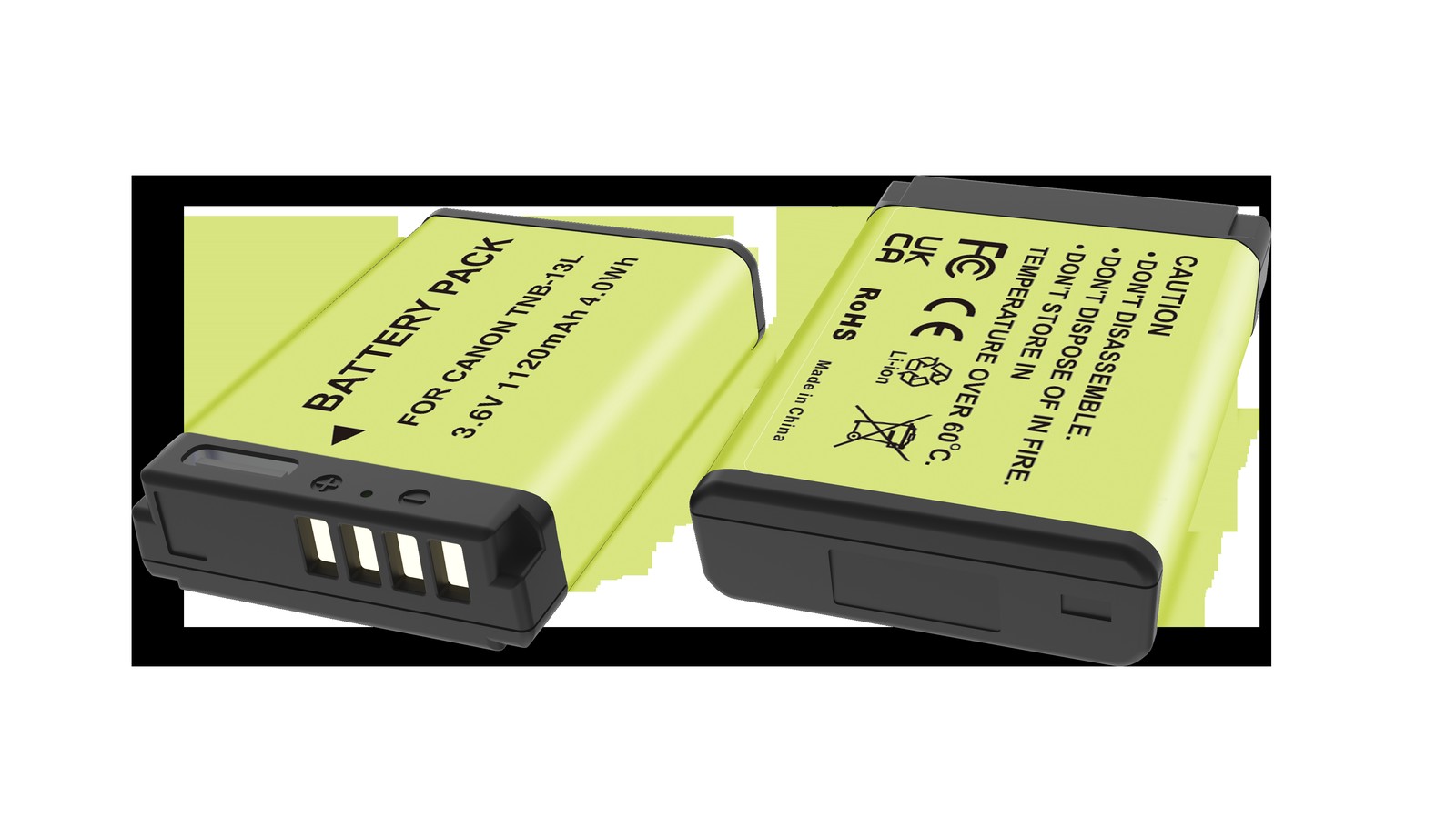
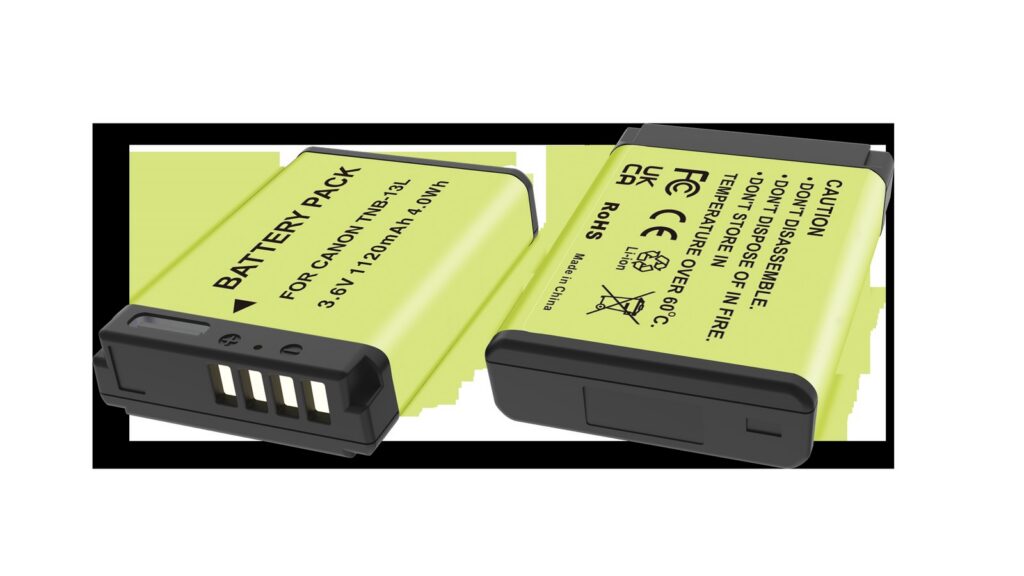
Product render of the YO NB-13L compatible battery: front label, rear LED charge indicator and USB-C port.

The CIPA 55 minutes is measured in a loop of powering on, zooming, powering off and starting again, so it includes handling and standby. The 90 minutes is the ideal-condition continuous total. Real shooting lands between the two, depending on how you work.

Turning the official numbers into plain terms

Way of shooting Usable time per pack Notes
CIPA loop test About 55 minutes Includes power cycling, zooming and review — close to casual use
Continuous 1080p About 60-80 minutes Screen on, Wi-Fi off
Continuous 4K About 35-55 minutes Higher draw, and heat forces you to break it up
Mostly stills, occasional clips About 200-250 shots Convert by time when mixing with video

The 4K range is wide because it is not only a battery question. The body is small with limited room to shed heat, so a long 4K take trips a temperature warning first and you have to stop and let it cool. Those pauses stretch the pack’s usable time while shrinking the useful footage. Shooting 4K, the limit you hit is usually body temperature rather than charge.

What a ten-minute vlog actually costs

Many people budget by finished length and forget the shooting ratio. A ten-minute finished vlog usually involves 30-50 minutes of recorded material, because of retakes, angle changes and cutaways.

  1. Talking head: ten minutes finished, about 20 minutes of material, plus review and setup — roughly 30% of a charge. One pack covers two or three of these.
  2. Walking and talking: a shooting ratio closer to 1:4, so ten finished minutes needs about 40 minutes of material and consumes around 60% of a charge. One pack, one segment.
  3. Multiple locations: frequent power cycling, setting changes and review cost more than straight recording. Budget on 30 minutes of usable material per pack.

By that arithmetic, two vlogs in a morning needs two packs as an absolute minimum; three or more, or stills mixed in, needs three. Charge everything together at the hotel in the evening and start again the next day.

How many to carry, by situation

  • Indoor talking head, half day: 2 packs. Swap when one runs out, with a power-bank top-up in between.
  • City walk, full day: 3 packs. Stop-and-start shooting drains quickly, and the third is insurance.
  • Travel over several days: 4 packs plus a two-bay charger. Two hours in the evening fills two packs, so the next day starts clean.
  • Event coverage where you cannot stop: 4 packs and up, and consider external power. The 20 seconds it takes to change a pack may be exactly the moment you miss.

The NB-13L is light — under 30g each, so four come to just over a hundred grams. Since weight is not a burden, carry more than you think you need. This is helped by the NB-13L’s shared fit: the same pack works across the G7X, G9X and SX740, so extras are never wasted.

What actually saves power

  1. Default to 1080p. For most platforms 1080p at 25p or 30p is plenty, and it buys 30-50% more runtime than 4K while keeping the body cooler.
  2. Switch off Wi-Fi and Bluetooth. Leave them off when you are not transferring. The wireless module keeps scanning on standby — not a large draw, but a constant one.
  3. Drop the screen one step. Raise it outdoors if you must, but there is no need to run it flat out indoors. The screen is one of the biggest loads on this camera.
  4. Review less. Checking after every take is the most expensive habit in vlogging. Trust the monitor and check everything at the end.
  5. Switch off rather than waiting for sleep. The G7X III wakes quickly, so switching off costs you nothing and saves a meaningful amount of standby drain.
  6. Turn off unnecessary digital zoom and enhanced stabilisation. Electronic stabilisation crops and processes the image continuously, drawing more than optical stabilisation.

Stacked together, these usually buy about 20% more time per pack. Compared with buying a pack labelled 1800mAh, changing settings is the more certain gain.

Top-ups: where a power bank beats a spare

The G7X Mark III uses USB-C and supports in-body charging. With a power bank rated 5V/2A or more you can top up in a café or a car without hunting for an outlet. The catch is speed: a full charge from empty takes close to two hours, so it suits topping up while you shoot, not rescuing a flat pack before a take.

If you need long recordings from a fixed position — interviews, streams, lessons — swapping packs interrupts the image. That is where external power makes sense, along the lines of this dummy battery setup: an adapter replaces the pack and runs from mains or a large supply. Build quality varies widely on G7X dummy adapters, though, so confirm the output is 3.6V and regulated; the wrong voltage will damage the body outright.

If you travel for work, read the airline rules for lithium-ion packs in advance. The guide to lithium battery carry-on rules covers the detail, and although small packs like the NB-13L face fewer restrictions, there is still a quantity limit.

FAQ

Can one pack cover a whole event?

Usually not. At 1080p one pack gives 60-80 minutes of usable recording, and events tend to run past two hours. Rotate two packs, or use external power at a fixed position. Changing a pack interrupts recording, so plan ahead for anything important.

Why does 4K stop after a while?

Usually heat protection rather than a flat battery. The body is small and cooling is limited, so continuous 4K triggers a temperature warning. Pause for a few minutes, or switch to 1080p. Only if it stops very early with a cool body should you suspect the pack or card speed.

Can I record while charging?

Yes, depending on firmware and how power is supplied. With a USB-C power bank the camera may run on external power rather than charging, and the pack still drains slowly. Long charging-while-recording sessions heat both body and pack, especially in summer, so work in a ventilated spot.

Do spare packs have to be genuine?

No. Genuine packs are consistent and decode fully; a properly built compatible pack costs about half as much for similar capacity. The key is avoiding overrated products and packs with no protection board — the tell-tales are set out in the NB-13L buying guide.