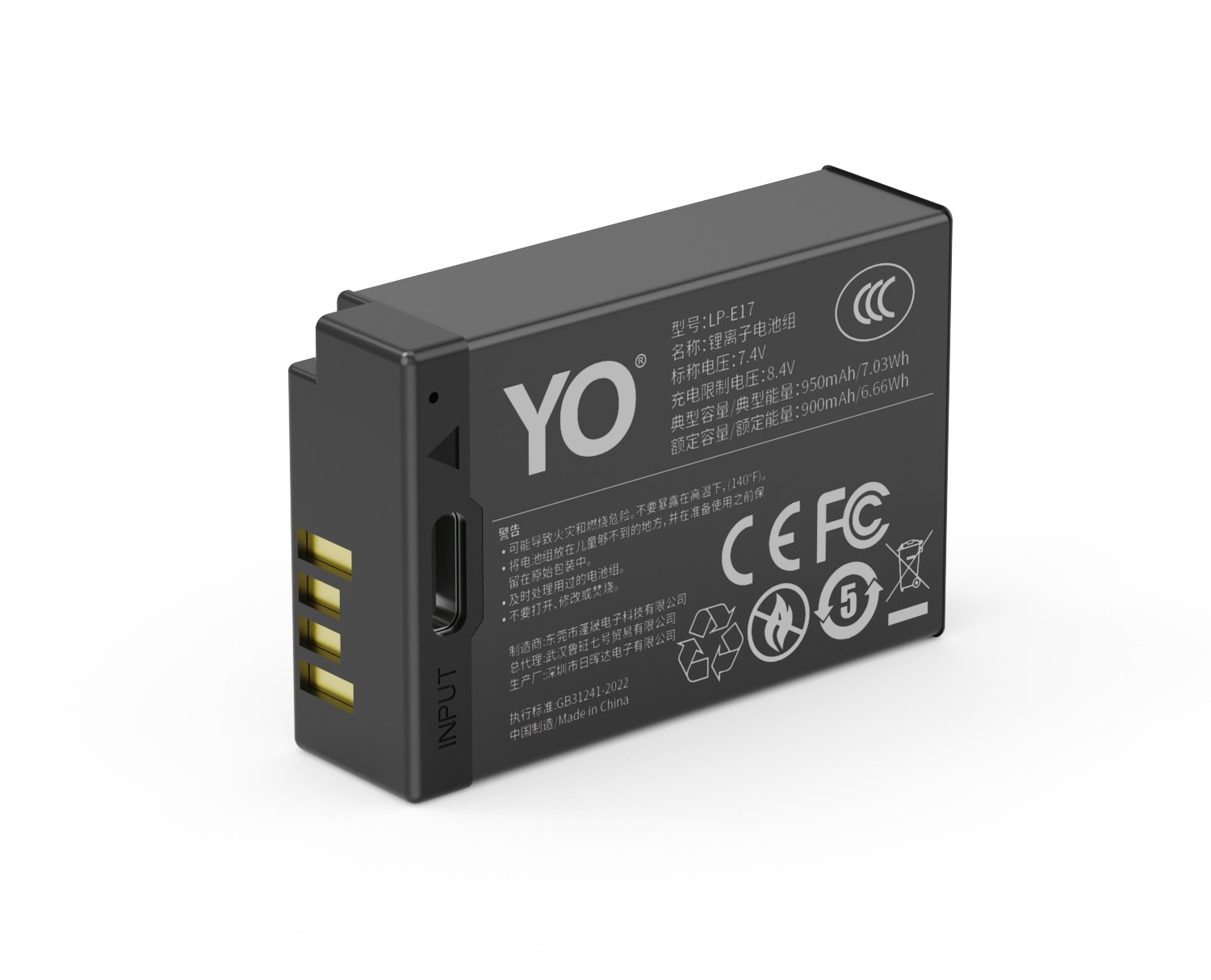
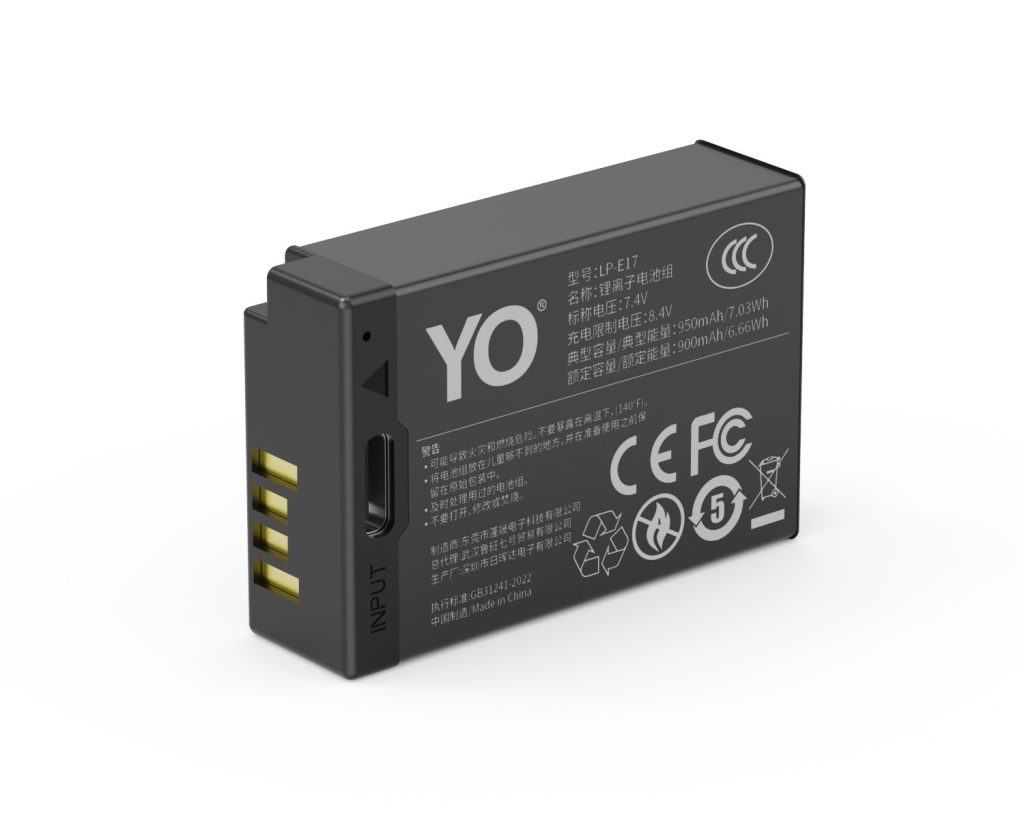
A EN-EL14+ can be topped up via MH-24: a dock for home, a power bank on location, and external power only for long takes. Charging efficiency depends heavily on temperature, so pause below 5°C or above 40°C. Mild warmth is normal; a pack that is hot to the touch, smells unusual or has deformed should be disconnected immediately. For long storage keep about 50% charge and top up every three months.
By CIPA standard the D5600 delivers about 820 shots per charge (P7800 350). Real-world figures fall with viewfinder use, bursts, flash and low temperature, so budgeting around 70% of the rating is safer.
Three charging paths compared
The paths differ mainly in speed and whether the cell has to come out. A dock is stable and can charge two at once; in-body USB is convenient but usually stops charging when the camera is powered on; a power bank covers location work.
Method
Note
MH-24
Stable, charges two cells at once, best for home or studio rotation
Temperature and storage limits
Charge between 5–40°C, and store around 15–25°C in a dry place at roughly 50% charge. Leaving a pack fully charged or completely flat for months accelerates capacity loss.
Item
Value
EN-EL14+
EN-EL14 / EN-EL14a / EN-EL14+
EN-EL14a
Nikon EN-EL14+
en-el14-plus
1090 mAh / 8.07 Wh
D5600
820 / P7800 350
D500 / D7000 → EN-EL15
EN-EL14 / EN-EL14a / EN-EL14+
EN-EL14 / EN-EL14a / EN-EL14+
1090 mAh / 8.07 Wh
Power for long recordings
For long takes, streaming or time-lapse, prefer external power and watch the heat. Charging while the camera runs keeps the cell warm, so leave room for ventilation in summer or in enclosed spaces.
To pick by model, start with the specifications and stock status on Nikon EN-EL14+ 1090mAh, then browse the full article set in EN-EL14+; if your body belongs to a neighbouring system, EN-EL15 has the side-by-side explanation.
FAQ
Can the EN-EL14+ be charged inside the camera?
It depends on the body: MH-24. Where in-body USB charging is supported, it normally stops as soon as the camera is switched on, so a dock is more predictable when you are in a hurry.
How long does a full charge take?
It varies with charger output, remaining charge and ambient temperature. A dock is usually the fastest and most stable option, while in-body USB and power banks are slower. Use the charger indicator rather than the in-camera percentage as your guide.
Can I shoot while charging?
External power is fine for long recordings or streaming, but body and cell both stay warm. In summer or enclosed spaces, improve ventilation and never put a hot pack straight into a sealed case.
How should I store the cell long term?
Keep it around 50% charge in a dry place at 15–25°C and top it up every three months. Long periods fully charged or fully flat accelerate ageing; recycle a swollen pack instead of recharging it.
For travel, a workable rule is one to two packs per day plus one spare. A short trip of three days or less: 3–4 packs. Around a week: 4–6 packs with a dual-slot charger. Self-drive or trekking routes where power is unreliable: 6–8 packs. Count matters less than the two things people get wrong: packing and the flight rules. The NP-FZ100 is roughly 16.4Wh, well under the 100Wh threshold, but spare lithium cells still belong in your carry-on, never in checked luggage, and the terminals need short-circuit protection.
Product render of the YO NP-FZ100 compatible battery: front label, rear LED charge indicator and USB-C port.
Estimating from trip length
The table assumes a moderate day of mostly stills with some video mixed in. Heavy video users should add roughly 30–50% on top.
Trip
Per day (approx.)
Packs to carry
Charger?
Weekend, 2 days
1–2 packs
3–4 packs
Optional
3–5 days
1–2 packs
4–5 packs
One dual-slot
6–10 days
1–2 packs
4–6 packs
Yes
Trekking / no reliable mains
2–3 packs
6–8 packs
Yes, plus power bank
Video-first trip
3–4 packs
8 and up
Yes, ideally external power
These numbers assume an NP-FZ100 rated at 2600mAh / 7.2V / roughly 19.24Wh, delivering around 400–700 frames in mixed room-temperature use. Newer and higher-resolution bodies, or heavy screen use, pull you toward the low end — and planning against the low end is the safer habit. Check the NP-FZ100 compatibility list for your exact body.
Flying and transit: batteries stay with you
All spares go in the cabin. Checked bags are out for lithium cells, regardless of capacity.
16.4Wh is far below 100Wh, so an NP-FZ100 needs no airline approval under FAA and TSA rules. Quantity limits still apply — commonly around 20 spare cells per passenger — so confirm against your carrier before you fly.
A pack fitted in the camera may travel with the body, but power the camera down and close the compartment.
Protect the terminals. Keep the retail packaging, fit the plastic cap, or tape over the contacts. Loose packs never share a pocket with keys and coins.
Trains and long-haul buses treat lithium cells the same way. Pulling the battery case out at security speeds things up.
Packing: no shorts, no crushing, easy to tell apart
Three common approaches
Dedicated battery case — one slot per pack, crush-proof and short-proof, quick to grab. The right pick from four packs upward.
Retail packaging plus caps — cheapest option and good terminal protection, but bulky and slow to work from.
Soft pouch — light and compressible, good for trekking, but check that every slot has a divider so contacts can’t touch.
Number everything
Label each pack and rotate in order. Two reasons: you stop hammering one pack while the rest sit unused, and when one starts running short you know exactly which to retire. Capacity typically falls to around 80% after 300–500 cycles, so a pack that clearly fades mid-trip should be replaced when you get home.
Charging on the road
Lead with a dual-slot charger. Refilling 2–4 packs overnight weighs less than carrying them.
Power bank plus USB charger works in cars and cafés. Packs warm slightly while charging; if one is hot to the touch, stop and check it.
Don’t shoot while charging. Body heat stacks on top of charging heat, and long takes are more likely to trip thermal protection.
Use every outlet you pass — lunch stops, airport gates, the car’s 12V socket.
Unplug after the light turns green. Green means full. There’s no benefit to leaving packs parked on the charger.
If video is a big part of the trip, read dummy battery and power adapter options first — running a dummy battery off a power bank cuts the number of packs you carry considerably.
Cold, heat and humidity
Cold. Below freezing, capacity drops sharply, and near -10°C you may get roughly half of normal. More on this in cold-weather battery behavior. Keep spares in an inside pocket, warm them against your body before use and rotate.
Condensation. Moving from freezing outdoors into a warm room can fog both body and packs. Seal them in a bag and let them come up to temperature before shooting or charging.
Heat. A car dashboard in summer gets brutally hot. Don’t leave packs in a parked car, and don’t charge in direct sun.
Humidity and salt air. Salt mist corrodes contacts. Wipe terminals with a dry cloth when you get home and make sure they’re dry before storage.
FAQ
Can spare batteries go in my checked suitcase?
No. Spare lithium cells are carry-on only. In principle a pack installed in a powered-off camera can travel with the device, but enforcement varies, so carrying everything with you is the safe play.
Is eight packs too many?
On numbers, usually fine — most carriers allow around 20. Packaging is the real issue: each pack needs its own short-circuit protection, because loose bare cells tend to get pulled aside.
Any risk in traveling with third-party packs?
A compliant compatible pack is a legitimate alternative, provided the source is reliable and basic protection circuitry is present. Do one full charge and discharge before you leave and confirm your body reads it and the runtime looks normal.
How should I store packs I won’t use for months?
Hold them at 40–60% charge in a cool, dry spot around 15–25°C and top them up every three months — see long-term battery storage. Neither fully charged nor fully empty is a good state to sit in; both speed up capacity loss.
Two charging options, same capacity: standard 2600mAh (dock required) or USB-C 2600mAh (phone charger or power bank). Pick the version on the NP-FZ100 product page; bulk pricing via wholesale.
For a rental fleet, compatible NP-FZ100 cells beat stacking originals on value, and the arithmetic is simple. One compatible cell runs around $17.89. Using the common industry figure of roughly 300–500 cycles to 80% capacity, that works out to something like $0.04–$0.06 per cycle. An original Sony NP-FZ100 usually starts at $70 and up through official channels, so the same cycle count costs several times more. Rental is fundamentally about spreading gear cost across booking count, which means low unit cost compounds into a real advantage. For fleet quantities, work from a wholesale inquiry rather than retail, since pricing moves with quantity, batch and invoicing terms.
Product render of the YO NP-FZ100 compatible battery: front label, rear LED charge indicator and USB-C port.
Three things that make rental different
Usage intensity is unpredictable: one renter shoots lightly on a trip, the next runs bursts all day. Cycle burn is far harder to forecast than with owned gear.
Loss and damage belong in the model: cells are small and easy to leave behind, and they get dropped and soaked in renters’ hands. They are a high-attrition accessory.
Every handover must be full and verifiable: a renter who finds the cell weak at call time takes it out on your review score and your repeat rate.
So the buying question is not “should we buy expensive.” It is “how do we get the lowest cost per delivered booking while keeping health checkable.”
Cost per cycle across three stocking options
Option
Purchase cost
Cost per cycle (estimate)
Fits
Compatible cells, single
Around $17.89 each
Roughly $0.04–$0.06
The bulk of any fleet
Two cells plus charger kit
Around $36.74 per kit
Cells as above, plus a charger
Bookings rented as a kit
NP-FZ100 (USB-C) (2600mAh)
Around $19.66 each
Slightly higher, longer runtime per swap
Video bodies, long-record bookings
Original Sony cells
Usually $70 and up
Several times the compatible figure
A few fallbacks, premium bookings
Those per-cycle numbers are straight arithmetic from list prices and the 300–500 cycle range, meant for comparison, not as measured results. The takeaway for a rental house: spend the budget on quantity, not on unit price. More cells at the same spend means more concurrent bookings you can accept.
How many: ratio to bodies, not to bookings
3–4 cells per body rented: below three, a renter shooting hard all day will run dry.
One dual-slot charger per 4–6 cells: a charger is a small add-on to any order.
10%–15% attrition stock: covers losses, damage and cells that reach end of life.
Size for peak season: holiday demand clusters, so plan for the peak.
Fleets usually run tens or hundreds of cells, which is well past the point where retail buying makes sense. Get a bulk number through a wholesale inquiry and lock a single batch so the whole fleet can be managed as one.
Loss, deposits and inspection: put the risk in the process
Before check-out
Number every cell and tie the number to the check-out sheet.
Charge fully before handover and fire a few frames to confirm the body recognizes it.
Photograph or note contact condition so you never hand out a cell that already shows corrosion.
At check-in
Reconcile numbers and count; settle anything missing against the sheet.
Inspect the shell for cracks or swelling and the contacts for water or corrosion.
Short test: does it power the body and shoot, and does anything unusual appear on screen?
Pull anything questionable for a second look before it goes back into circulation.
Retirement calls
A swollen cell stops now. No more charging, no passing it on as a gift or as used stock — send it to recycling.
Cells well below the batch average leave prime circulation and drop to backup or scrap.
As a rule, avoid running a batch past about two years or past heavy cycling.
Most only care whether they can finish the shoot. Note brand and capacity at handover, deliver it fully charged, and put damage terms in the contract. For premium bookings, include one original cell as a fallback.
What if the body says remaining charge may not display accurately?
That is the usual message on some Sony bodies with a non-original cell. Power delivery is unaffected and shooting continues. Mention it at handover so renters do not read it as a fault.
A renter lost a cell. How do we settle it?
Settle against the numbered check-out sheet — it is the cleanest method. Log every cell number on the handover list and have both sides sign it.
How should long-term backup stock be stored?
Hold it at roughly 40%–60% charge in a cool, dry spot around 15–25℃ / 59–77℉, and top up every three months. More detail is in long-term NP-FZ100 storage.
Build your kit: the NP-FZ100 is 2600mAh / 7.4V / 19.24Wh. Battery only, battery plus charger, or two batteries plus charger — pick under Bundle. If you would rather leave the dock at home, the same-capacity USB-C version (2600mAh / 7.2V / 18.72Wh) charges from any phone charger. Bulk orders: wholesale enquiry.
Compare watt-hours before milliamp-hours: our EN-EL14+ compatible cell is 1090mAh / 8.07Wh, with the original EN-EL14a setting the baseline. Milliamp-hours describe charge, not energy, so they cannot be compared across voltage platforms. Watt-hours (voltage x capacity) are the honest figure. Where a label states both a typical and a minimum rating, use the minimum for conservative runtime estimates.
By CIPA standard the D5600 delivers about 820 shots per charge (P7800 350). Real-world figures fall with viewfinder use, bursts, flash and low temperature, so budgeting around 70% of the rating is safer.
Original vs our cell, item by item
The table puts the original rating and our compatible cell on the same basis. Price is the listed retail figure; check the product page for current terms. Where a minimum rating is printed, that figure is the better basis for conservative estimates.
Item
Original
Our compatible cell
EN-EL14+
—
1090 mAh
Wh
—
8.07 Wh
mAh (min)
—
1040 mAh
CNY
—
¥53.1
Balancing capacity, price and warranty
Higher capacity does not double your shots: the body cutoff voltage and its fuel-gauge algorithm both shape the reading. For a spare cell, price, cycle life and warranty often matter more than the peak number.
Item
Value
EN-EL14+
EN-EL14 / EN-EL14a / EN-EL14+
EN-EL14a
Nikon EN-EL14+
en-el14-plus
1090 mAh / 8.07 Wh
D5600
820 / P7800 350
D500 / D7000 → EN-EL15
EN-EL14 / EN-EL14a / EN-EL14+
EN-EL14 / EN-EL14a / EN-EL14+
1090 mAh / 8.07 Wh
Choosing a kit by shooting load
For light use, one original plus one spare is enough. For a full day of travel or video work, carry two or more and rotate them through a dual-bay charger.
To pick by model, start with the specifications and stock status on Nikon EN-EL14+ 1090mAh, then browse the full article set in EN-EL14+; if your body belongs to a neighbouring system, EN-EL15 has the side-by-side explanation.
FAQ
Is 1090mAh an inflated rating?
Our EN-EL14+ compatible cell is specified at 1090mAh / 8.07Wh. The label also states a minimum of 1040mAh. with the original EN-EL14a setting the baseline. Compare the Wh figures rather than mAh alone.
Should I look at mAh or Wh?
Wh. Milliamp-hours only become energy once multiplied by voltage, so comparing mAh across different voltage platforms is misleading. 8.07Wh is the like-for-like baseline for this pack.
Can a higher-capacity cell damage the camera?
No. As long as the shell, contacts and protection circuit match the system, capacity only affects runtime. The one caveat is that older bodies may report charge level inaccurately.
Should I buy one cell or two?
For a full day outside or video work, carry two or more and rotate them through a dual dock. For indoor or short sessions, one original plus one spare is enough. Budget conservatively against the D5600 baseline.
Short answer: it fits and it works, but on an EOS R8 a 750mAh battery is emergency power rather than main power. The R8 is a full-frame body, and its finder, sensor readout and in-camera processing all draw more than the APS-C bodies in the same family, so the same battery typically lasts noticeably less time in the R8 than in an R50 or a 200D II. Treating it as the battery that lives in the bag just in case is sensible; treating it as your only spare invites trouble at the worst moment.
Product render of the YO LP-E17 compatible battery: front label, rear LED charge indicator and USB-C port.
That conclusion needs no measurement. It follows from the power structure of the body, which is worth breaking down.
Where the R8 spends its power
The first draw is the finder. The R8 uses an electronic finder, so as soon as the camera is on and you are framing, either the screen or the eyecup is refreshing continuously. That draw depends on brightness setting and refresh rate, and it is a constant item that runs even at idle. A DSLR can let the sensor and screen rest while you use the optical finder; a mirrorless body has no such option.
The second is sensor readout. A full-frame sensor has a larger photosensitive area, and its readout circuitry moves more data per unit of time, which raises draw. The R8 uses an electronic first-curtain shutter, so the sensor takes part in the exposure as well, which makes the cost of each press higher than on a body with a mechanical shutter.
The third is in-camera processing and wireless. Focus computation, stabilization coordination and Wi-Fi or Bluetooth standby all stack on top of baseline draw. Switching these off in the menu saves something, but the saving is far smaller than the capacity difference.
How the 750mAh fits the R8
One premise first: a Canon original LP-E17 is about 1040mAh / 7.5Wh, while the 750mAh is the smallest of three self-defined tiers and is not equivalent to it. Estimating time by capacity ratio is crude but effective: 750 against 1040 is a little over seven tenths of an original battery.
Use case
What 750mAh roughly covers
Advice
Indoor setups, product shots, a few dozen frames
Usually enough, even with margin
Fine to carry
Half-day street work, mostly screen framing
Tight; a second battery is often needed
Make it the second battery, not the first
All-day location work, bursts, 4K clips
Not enough; it is a mid-session top-up
Do not plan it as the primary
Cold outdoor work
Usable capacity shrinks further
Keep it inside a pocket, emergency only
Note that the table gives range judgments, not precise figures. With the same battery, leaving Wi-Fi on or off, setting screen brightness a few steps higher, or using the eyecup instead of the screen can change the result considerably. The body manual and your own shooting rhythm are more reliable guides.
Where the 750mAh is the right choice
There is one role it fills well: you already have a large battery as primary and want a light, cheap top-up you do not have to worry about. The R8 is not a heavy body, and a 750mAh in a small bag adds almost nothing, which suits outings of an hour and a few dozen frames.
The other is overnight standby. If you leave the camera on a tripod waiting for a particular moment, with most of that time spent idle, the low duty cycle does not demand much total capacity, and a 750mAh will drain more slowly than you might expect.
Conversely, if your pattern is one battery for the whole trip, the 750mAh should not be on the shortlist at all; the 950mAh version is the easier choice.
A more sensible pairing
For R8 users, a sound arrangement is one large battery as primary plus one or two 750mAh batteries as top-ups. The primary covers the first half, the 750mAh covers the wrap-up and the unexpected, which keeps total weight under control without loading all the risk onto a small battery. For how many batteries are enough, the scenario estimates in the capacity and compatibility guide are a good starting point.
Two power-saving actions cost nothing and are worth taking: switch off wireless functions you are not using, and drop finder brightness one step. Both pay off more on the R8 than on a DSLR, because they address constant draw. One more note: neither the 750mAh nor the 950mAh has a USB-C charging port, so topping up an R8 on the road still means carrying the LC-E17 dock charger or a third-party charger with PD support. Direct charging exists only in the T series.
FAQ
Will a 750mAh battery damage the R8?
No. The LP-E17 voltage spec is fixed, and the body identifies a battery by voltage and communication rather than capacity. A 750mAh simply holds less and cannot damage the body through being small. The premise is a battery from a legitimate source with a working protection board.
Why does the same 750mAh last longer on an R50?
Because the R50 is an APS-C body with less sensor readout and lower overall draw than the full-frame R8. With less consumption, the same capacity naturally lasts longer. This is why battery runtime was never a property of the battery alone.
Roughly how many shots will the R8 get from a 750mAh?
There is no single answer; it depends on framing method, burst ratio, wireless settings and temperature. A reasonable expectation is clearly fewer than the same battery gives on an APS-C body, in the “enough for an emergency, not enough as a primary” range. Build a baseline on your own body with the three-step method rather than borrowing someone else’s number.
Do two 750mAh batteries equal one original battery?
In capacity, close; in experience, not equivalent. Two batteries mean one swap mid-session, and that swap tends to land at the least convenient moment. The discharge plateaus also differ. If the budget allows, one 950mAh plus one 750mAh is usually a better combination than two 750mAh batteries.
The Sony A7 IV runs on the NP-FZ100, rated 2280mAh at 7.2V for roughly 16.4Wh. CIPA puts it around 500 to 580 frames, and shooting normally you tend to see 60 to 80 percent of that — call it 350 to 520 frames. In 4K, one battery records for roughly 90 to 130 minutes. For a day that mixes stills and video, plan around three cells. Those numbers move with your settings, so below is a breakdown of what draws the most power, what you can safely turn down, and how many packs to bring.
Product render of the YO NP-FZ100 compatible battery: front label, rear LED charge indicator and USB-C port.
A7 IV run time ranges and what shifts them
Against the A7 III, the A7 IV carries more resolution and stronger video features, which puts more work on the processor. In practice that means a slightly shorter range. Here is what to expect:
Usage
Reference range (approx.)
Notes
Stills via viewfinder
400–520 frames
Based on a moderate shooting rhythm
Stills via rear screen
330–450 frames
Screen brightness matters a lot
Continuous 4K
90–130 min
Limited by bitrate and heat
Mixed day
300–450 frames plus several clips
Plan for 3 cells
These are brackets, not lab results. Ambient temperature, lens stabilisation, firmware version and card speed all shift the outcome, so treat your own average after a few outings as the number that decides when you swap. Wider per-camera comparisons live in the NP-FZ100 battery life database.
The six settings that drain it fastest
Rear screen instead of EVF: a lit screen is the single biggest draw, and running it at maximum brightness makes it worse. Use the viewfinder where you can.
Continuous AF tracking: real-time tracking keeps the focus motor and processor working constantly. Single AF suits static subjects and saves real power.
Stabilisation: IBIS working with lens stabilisation draws more at long focal lengths and in video. Switch it off on a tripod.
High-bitrate formats: the higher the bitrate and resolution, the heavier the encoding load. High-bitrate 4K draws noticeably more than 1080p.
Constant playback and deleting: reviewing keeps screen and processor busy. Batch it instead of checking every frame.
Leaving the camera awake: power down between setups or shorten the auto-off timer, so it is not draining in your bag.
Adjustments that cost you little
None of these meaningfully affects image quality, and together they add real time to every cell:
Set auto power-off to a short interval and keep screen brightness just high enough to judge the frame;
Turn off wireless features you are not using — Wi-Fi, Bluetooth and FTP transfers are quiet power sinks;
Use single AF for static subjects instead of continuous tracking;
Shoot video in fewer, cleaner takes rather than starting and stopping repeatedly;
In winter, keep spares in an inside pocket and rotate them through.
How many cells per scenario
Scenario
Cells suggested
Bundle
Cost
Everyday / street
2
1+1 kit plus 1 single
$40.82
Full travel day
3
2+1 kit plus 1 single
$54.63
Wedding / event
4
Two 2+1 kits
$73.48
Video-led day
3 plus dummy battery
2+1 kit, 1 single, external power
From $54.63
Only need a spare? The NP-FZ100 2600mAh comes on its own, with a charger, or as a two-battery kit. Both versions hold 2600mAh; the USB-C one costs slightly more and saves you carrying a dock.
Powering video work
The A7 IV handles 4K well, but continuous recording puts both the battery and heat management under pressure. Interviews, livestreams and any locked-off setup do better with a dummy battery fed from an AC adapter or power bank: nothing discharges, you never crack the battery door mid-take, and there is less heat building inside the body. Handheld work still depends on cells, so keep two or three rotating. Check that the dummy battery’s voltage and connector match the A7 IV before you buy one. The thinking behind a video power setup is laid out in power solutions for the A7S III and other video bodies — different camera, same logic.
Second bodies and backup cameras
The A7 IV shares its battery with the A7 III, A7R III, A7R IV, A7R V, A9 series, A1, A7C series, A6600, FX3 and others. If you travel with a second body, standardising pays dividends: one pack type, nothing to sort at packing time, and any battery in the bag can rescue either camera. Two per body is the usual baseline, plus one spare held back.
FAQ
Which battery does the A7 IV use?
The NP-FZ100. It is shared with the A7 III, A7R III, A7R IV, A7R V, A9 series, A1, A6600, A7C series and FX3, so multi-body shooters only need to stock one type.
Can I reuse my old A7 III batteries?
Yes, same spec. Just note that a couple of years in, those cells may have faded to around 80 percent capacity, so expect fewer frames than a fresh pack delivers and recalibrate your swap rhythm.
Will the camera warn me about third-party batteries?
Some bodies show the note about charge possibly being displayed inaccurately. That is a normal communication difference and you can keep shooting. A “cannot recognise” message is a different situation — check the model and the contacts, and see the NP-FZ100 FAQ for the full sequence.
What should I watch out for in winter?
Capacity falls off below freezing and may be roughly halved around −10°C (14°F). Beyond carrying more cells, keep the spares warm in an inside pocket, rotate them through, and let a spent one warm back up before you write it off.
A kit for the A7 IV
Two charging options, same capacity: standard 2600mAh (dock required) or USB-C 2600mAh (phone charger or power bank). Pick the version on the NP-FZ100 product page; bulk pricing via wholesale.