Posted on — Leave a comment

How to Read Battery Date and Batch Codes on an NP-FZ100

Start with the honest answer: there’s no single industry-wide date coding scheme for camera batteries, and manufacturers vary a lot, but the date is almost always somewhere on the pack or its packaging. Common formats are a plain year-and-month print, a laser-etched batch string, or a production/expiry stamp on the outer box or label. For our own products, whatever is printed on the cell label or the package is the reference. As a rough guide for judging stock age: under a year is effectively fresh, up to two or three years remains fine to use, and beyond three years calls for closer inspection. Below we cover each format, how to interpret it, and practical checks both when you buy and when you audit what you own.

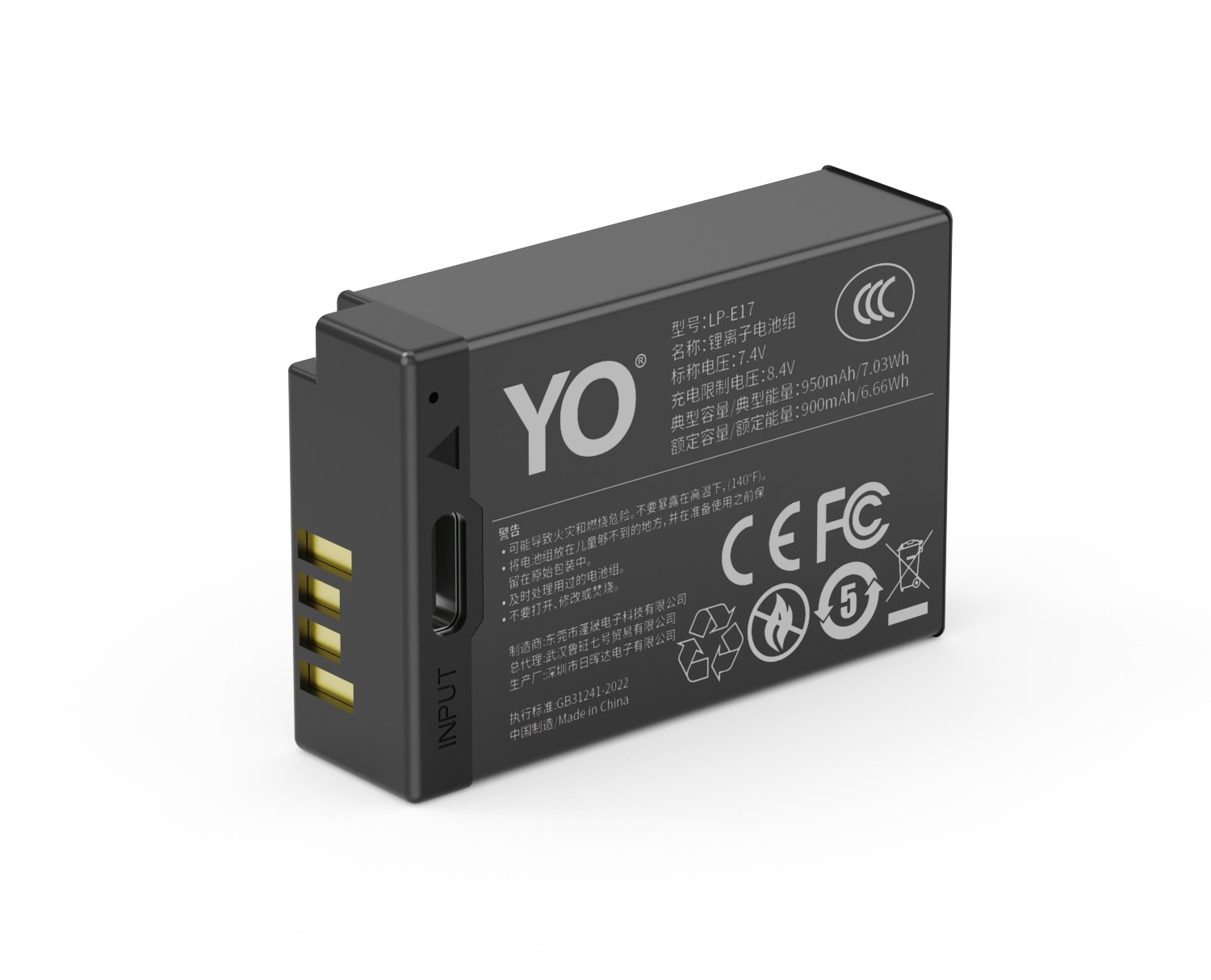
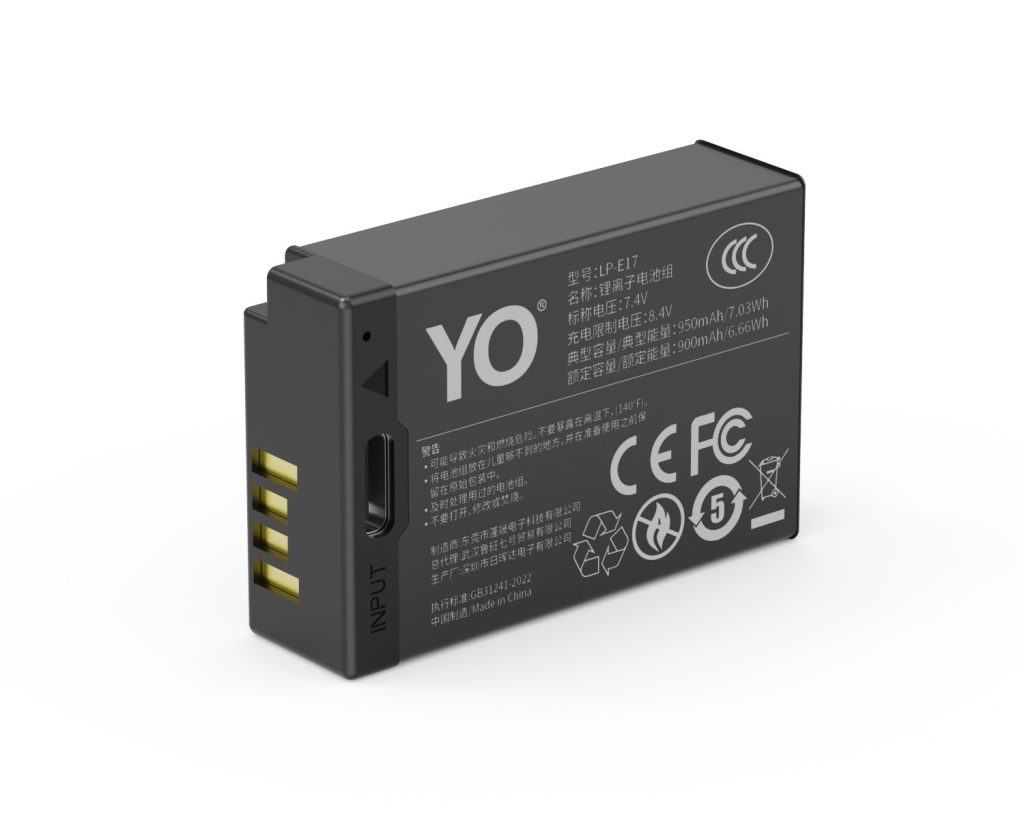
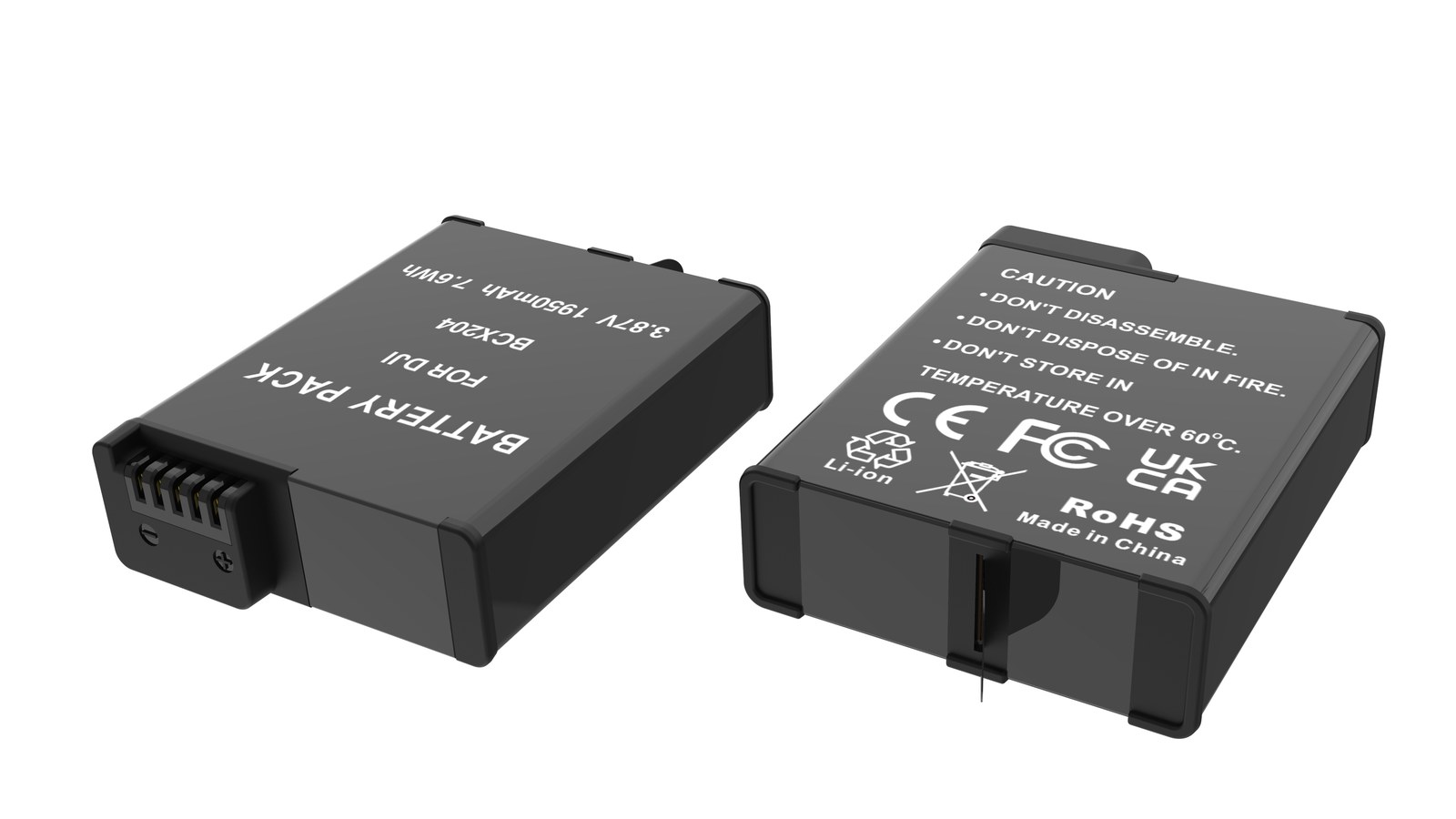
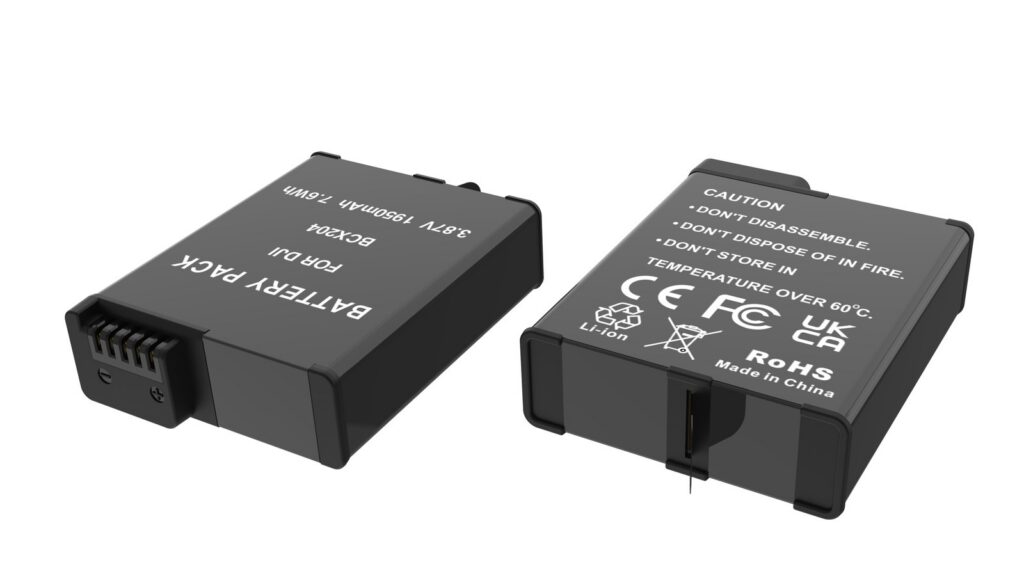
YO NP-FZ100 camera battery render
Product render of the YO NP-FZ100 compatible battery: front label, rear LED charge indicator and USB-C port.

Formats you’ll run into

Format What it looks like How to read it Reliability
Plain month and year Year and month printed on the label or shell Read it literally High
Laser etch or stamp A string of characters containing digits Requires the maker’s coding key, which differs per manufacturer Medium — hard to judge when the rule isn’t public
Lot number Letters plus digits identifying a production run Usually needs the manufacturer or seller to map it to a date Medium, depending on whether anyone can look it up
Package or leaflet stamp Production date or shelf life printed outside Read it directly; check it agrees with the cell itself Relatively high
Nothing legible No date on pack or packaging Judge indirectly from condition and measured performance Low — ask the seller

A warning worth repeating: those “letter X means year Y” decoder charts circulating online are not universal. Applying one brand’s scheme to another maker’s pack will usually give you the wrong year. When a code doesn’t make sense, asking the seller takes less time and gives a better answer.

Why the date matters at all

Lithium cells age even while they sit unused, and the rate depends mostly on charge level and temperature. A pack stored two years at half charge in a cool warehouse and one stored two years at 100% in a damp climate will not be in the same condition. With that in mind:

  • Under one year: effectively a new battery.
  • One to three years: normally fine. Run one full charge-discharge cycle after purchase and see what runtime actually looks like.
  • Over three years: capacity may have dropped noticeably and internal resistance may have risen. Even at a discount, don’t rely on it for paid work.

That timeline is a general guideline only; storage conditions matter more than elapsed time.

No date visible? Judge it another way

Look at the pack

  • Contacts: a new cell has bright, unoxidized contacts with no scratches. Anything plugged in repeatedly leaves visible wear marks.
  • Shell: clean edges, sharp printing, no burrs, no lifted or stained labels.
  • Seams: tight and even, with no bulging or adhesive squeeze-out.

Look at the packaging

  • Intact box with clean printing; accessory bags and documentation present.
  • The model on the box matches the model on the cell, so you’re not getting fresh packaging around old stock.

Look at the numbers

  • Charge it, put it in the body, and count frames under identical settings against a pack you trust.
  • Watch charging time: a tired pack often fills faster because there’s less capacity to hold — and then runs out sooner.
  • Leave it full for a day or two and see how much it loses on its own. Unusual self-discharge usually means high internal resistance.
  • For a stricter method, follow how to spot a fake capacity rating.

What a batch code is for

A batch (lot) is a group produced under the same conditions. It matters for two reasons:

  • Consistency. Buying several packs from one lot usually gives you closer capacity and resistance values, so runtime matches across multi-camera setups.
  • Traceability. If something goes wrong, the lot code is how a seller scopes the issue and handles a claim.

On bulk orders, request matching lots in writing and keep the packaging so the codes stay available.

Buying new: three habits that prevent problems

  • Ask the date. Request the current batch’s production date before ordering; reputable sellers answer directly.
  • Inspect on arrival. Model, capacity, and date should agree between cell and box, and contacts should show no use.
  • Establish a baseline. Run one full cycle and record your starting runtime; later drops mean something. Typical rates are in the one-year capacity loss report.

One more scenario: buying a used body, where the included pack is often older than the camera — or has been swapped. Pull it and check it separately.

Auditing the packs you already own

  • Mark the purchase date on the shell with tape or a marker. In practice it’s more useful than the production date.
  • Number packs and rotate them so none sits untouched for months.
  • Check capacity every six months and demote the weakest one to backup duty.
  • Anything idle for more than three months gets a top-up, then storage at 40%–60%.

FAQ

Does an old production date guarantee a bad battery?

No. Storage conditions dominate. A pack kept cool, dry, and half-charged can be in good shape after two years. Judge it by measured runtime, not the date alone.

Why do some packs only carry a lot number?

Manufacturers differ. Some treat lot codes purely as internal traceability and don’t publish dates. In those cases, ask the seller to look up the lot.

Are those online code-decoder charts reliable?

Only for the specific manufacturer and period they were compiled for. Cross-brand application produces wrong answers, so ask the seller instead.

Can I return old stock?

That follows the seller’s return policy. Agree an acceptable production window before ordering, then inspect promptly so any claim lands inside the window.

Is matching batches worth requesting?

Worth it for multi-camera or crew shooting, where consistency keeps runtimes comparable. Casual shooters can simply buy what they need.

Bottom line and buying notes

Two charging options, same capacity: standard 2600mAh (dock required) or USB-C 2600mAh (phone charger or power bank). Pick the version on the NP-FZ100 product page; bulk pricing via wholesale.
Posted on — Leave a comment

Original NP-FZ100 Cells Wearing Out: What to Do for the A7 III and A7R III

The Sony A7 III and A7R III share the same NP-FZ100. Both have been on the market long enough that most original packs are well into their decline. The common complaints sound the same: “100 percent at dawn, half gone after thirty frames,” “shuts down mid-burst,” “dies instantly outdoors in winter.”

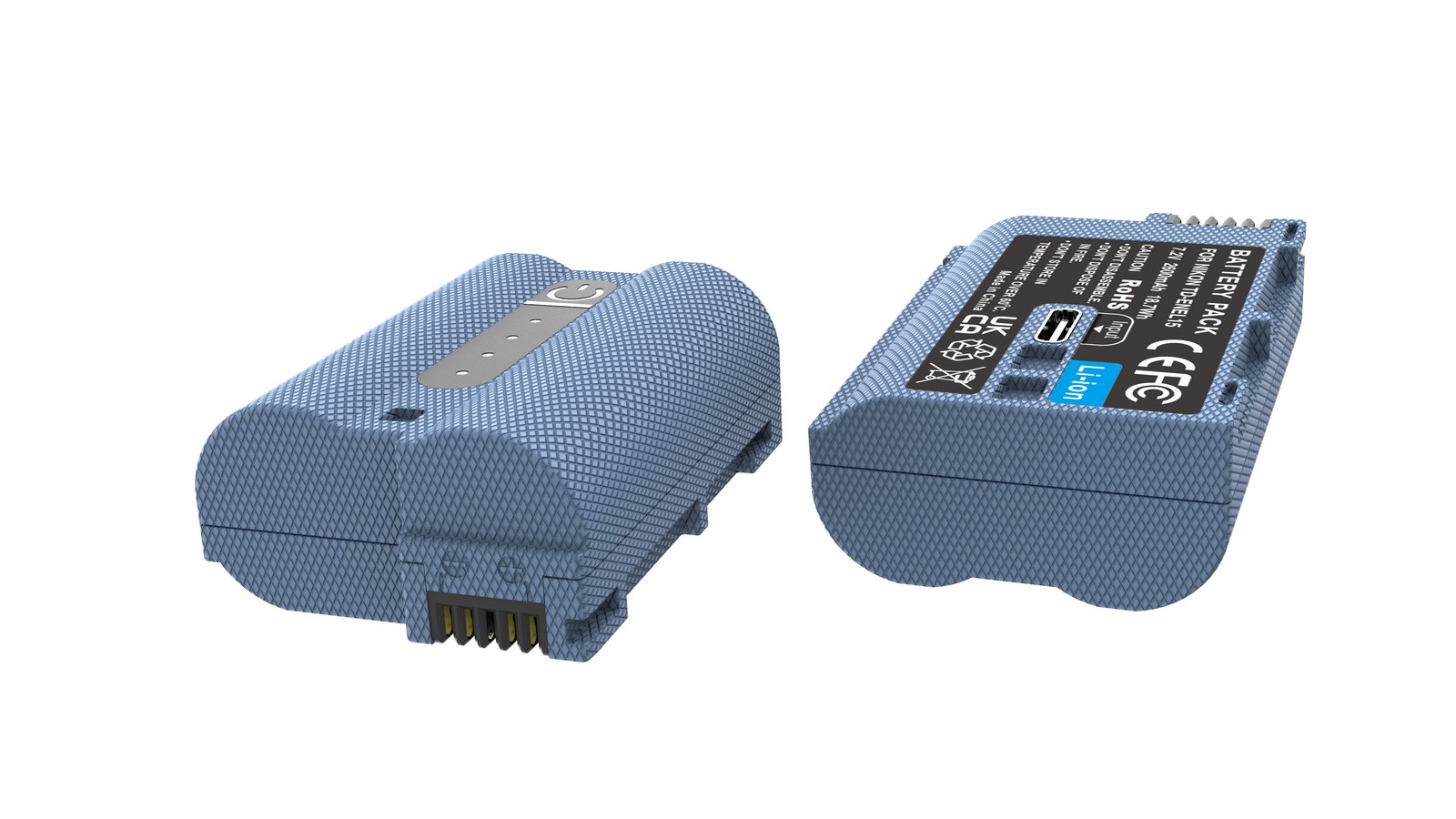
YO NP-FZ100 camera battery render
Product render of the YO NP-FZ100 compatible battery: front label, rear LED charge indicator and USB-C port.

The test is simple. Lithium cells hold roughly 80 percent of rated capacity after 300 to 500 cycles, so a clear drop after a year is expected wear, and replacement around two years is typical. You do not have to buy OEM to fix it: a genuine pack through official channels generally starts at $70 and up, while our compatible cell is about $17.89. Plan on two to three rotating cells per body.

How to Tell Whether a Cell Is Really Done

  • Non-linear drop-off: solid for the first half, then a cliff from around 30 percent. That is rising internal resistance.
  • Fails under burst: stills are fine but the body powers off during a burst or HD clip, which means high-current delivery has fallen off.
  • Runs hot charging: the shell is noticeably warmer than it used to be, or charging takes longer yet depletes faster.
  • Cold sensitivity: in the same cold, a healthy cell loses capacity while an old one can trip protection outright.
  • Physical change: bulging shell, open seams, heavy contact oxidation. Retire it immediately.
  • Fast self-discharge: charged, left a month, pulled out under half — the cell’s self-discharge rate has climbed.

Two or three of those together means replacement time. If cold-weather drop is the only symptom, deal with temperature first — inside pockets, rotate cells — and reassess.

Why Cells Age: The Normal Cycle Curve

Lithium wear is chemistry. Habits influence it, but nothing prevents it. The industry rule of thumb is roughly 80 percent capacity after 300 to 500 cycles. A cycle need not be a full drain: cumulative discharge equal to the rated capacity counts too, which is why shallower top-ups tend to extend life.

Three things accelerate it: long storage at full charge, sustained heat, and frequent deep discharge. Flipping those — store at 40–60 percent, avoid heat, top up often — buys extra months. The rules apply equally to genuine and compatible packs.

Replacement Plan: How Many, and How to Kit Them

Situation Advice Kit Typical spend
One cell clearly down, body still primary Two new; demote the old one Two cells + charger About $36.74
Both cells old, everyday shooting Replace both, add dual charger Two-cell kit + a spare About $36.74 plus about $17.89
Heavy paid work (weddings, events) Three to four, numbered Two two-cell kits, or add singles From about $73 for two kits
Body now a backup One cell is enough One cell + charger About $22.93

On capacity: the 2600mAh NP-FZ100 and the 2600mAh NP-FZ100 (USB-C) carry the same 2600mAh, so runtime is identical. Older bodies draw more overall, so the extra margin is felt a little more, but it is rarely decisive — choose on budget. The numbers are unpacked in 2280mAh vs 2600mAh explained.

First Few Charges on New Cells

  • Skip the 12-hour first charge. Pull it when the charger light changes; overcharging adds nothing.
  • Run two or three cycles with actual shooting. Watch whether the gauge falls smoothly and confirm the cell agrees with your body.
  • A note saying remaining charge may display inaccurately is normal; keep shooting. Only a “cannot be used” or ID error calls for checking contacts and model.
  • Label each cell with a number and purchase date, then review wear in six months. That beats guessing.

Habits That Slow the Decline

  • Top up often rather than deep-cycling, and avoid running to automatic shutdown before charging.
  • Store long-term at 40–60 percent, cool and dry around 59–77°F, and recharge every three months.
  • Slight warmth while charging is fine; hot to the touch is not. Stop and inspect.
  • In winter keep spares in an inner pocket and load them just before shooting. Better than leaving them in the bag.
  • Flying: spares stay in carry-on, never checked. Protect the terminals with retail packaging, caps or tape, and confirm airline limits.
  • Swollen cells go out of service immediately and to a recycling point. Never puncture or burn them.

FAQ

Do the A7 III and A7R III share batteries?

Yes, both take the NP-FZ100. One set of cells and one charger can serve both bodies, which brings accessory cost down.

Can an unused original pack be revived?

If it sat for a long time full or empty, the loss is usually permanent. Try one or two full cycles and see. If capacity stays well short, replace it. For long storage, hold 40–60 percent and top up every three months.

Will runtime drop versus a fresh genuine pack?

With similar ratings the difference usually sits between a few percent and the mid-teens, moving with settings. Against a two-year-old cell that has lost twenty percent, any new pack is a clear improvement.

What should I do with old cells?

Swollen ones retire at once and go to recycling. Tired but intact cells should still go to a drop-off rather than the trash, kept clear of metal objects in transit.

Bottom Line

Two charging options, same capacity: standard 2600mAh (dock required) or USB-C 2600mAh (phone charger or power bank). Pick the version on the NP-FZ100 product page; bulk pricing via wholesale.
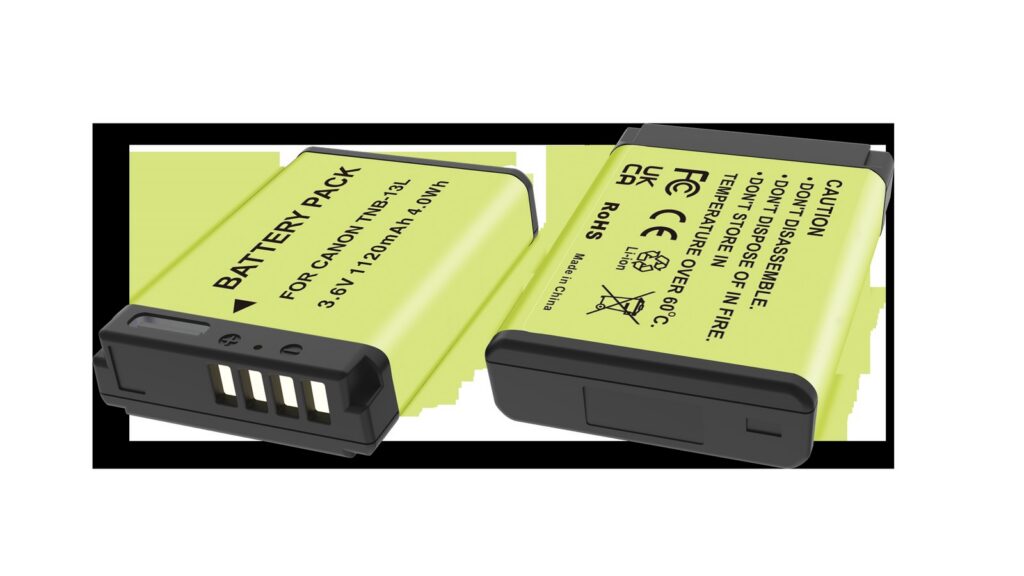
Posted on — Leave a comment

LP-E6 Charging Options Compared: Dock, In-Body USB and Power Banks

A LP-E6 can be topped up via LC-E6 / LC-E6E / Dual Dock: a dock for home, a power bank on location, and external power only for long takes. Charging efficiency depends heavily on temperature, so pause below 5°C or above 40°C. Mild warmth is normal; a pack that is hot to the touch, smells unusual or has deformed should be disconnected immediately. For long storage keep about 50% charge and top up every three months.

Key specifications and limits: 8K / 30 fps → LP-E6P / LC-E6 150 min. Actual figures vary with resolution, frame rate, screen brightness and ambient temperature, so plan spares around the shortest figure in the table.

Three charging paths compared

The paths differ mainly in speed and whether the cell has to come out. A dock is stable and can charge two at once; in-body USB is convenient but usually stops charging when the camera is powered on; a power bank covers location work.

Method Note
LC-E6 Stable, charges two cells at once, best for home or studio rotation
LC-E6E No need to remove the cell, ideal for travel, but charging usually stops when powered on
Dual Dock Good for location top-ups; check output specs and cable quality

Temperature and storage limits

Charge between 5–40°C, and store around 15–25°C in a dry place at roughly 50% charge. Leaving a pack fully charged or completely flat for months accelerates capacity loss.

Item Value
LP-E6 LP-E6 / E6N / E6NH / E6P
LP-E6NH 2130 mAh / 16 Wh
lp-e6nh 2600 mAh / 18.72 Wh
LP-E6 8K / 30 fps → LP-E6P / LC-E6 150 min
R5 II 8K / 30 fps → LP-E6P LP-E6 / E6N / E6NH / E6P
LP-E6 / E6N / E6NH / E6P 2600 mAh / 18.72 Wh

Power for long recordings

For long takes, streaming or time-lapse, prefer external power and watch the heat. Charging while the camera runs keeps the cell warm, so leave room for ventilation in summer or in enclosed spaces.

To pick by model, start with the specifications and stock status on Canon LP-E6 2600mAh, then browse the full article set in LP-E6; if your body belongs to a neighbouring system, canon-lp-e17 has the side-by-side explanation.

FAQ

Can the LP-E6 be charged inside the camera?

It depends on the body: LC-E6 / LC-E6E / Dual Dock. Where in-body USB charging is supported, it normally stops as soon as the camera is switched on, so a dock is more predictable when you are in a hurry.

How long does a full charge take?

It varies with charger output, remaining charge and ambient temperature. A dock is usually the fastest and most stable option, while in-body USB and power banks are slower. A full charge on the original dock takes about 150 minutes.

Can I shoot while charging?

External power is fine for long recordings or streaming, but body and cell both stay warm. In summer or enclosed spaces, improve ventilation and never put a hot pack straight into a sealed case.

How should I store the cell long term?

Keep it around 50% charge in a dry place at 15–25°C and top it up every three months. Long periods fully charged or fully flat accelerate ageing; recycle a swollen pack instead of recharging it.

Posted on — Leave a comment

LP-E6NH Guide — 2130mAh Gain and Compatibility List

Short answer: the LP-E6NH is the third-generation general-purpose pack in Canon’s LP-E6 family, rated 2130mAh / 7.2V — about 265mAh more than the LP-E6N and about 330mAh more than the original LP-E6. It fits almost every Canon body that takes the LP-E6 series, but “it fits” and “it runs everything at full capability” are two different things. In a DSLR such as the 5D Mark IV, 6D Mark II or 90D it is essentially a longer-lasting Canon pack; in the EOS R5, R6, R6 Mark II and R7 it is the supplied model; and in the EOS R5 Mark II and later bodies it is a “works but limited” option, where the LP-E6P is the real primary.

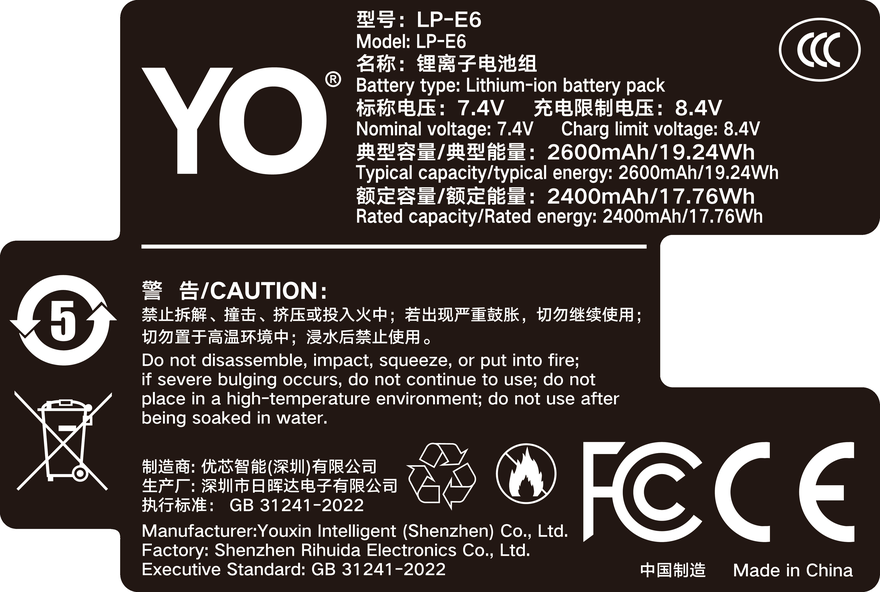
YO LP-E6NH battery rating label
Rating label of the YO LP-E6NH battery: nominal voltage, typical capacity and safety certifications.

Below we take four lines — capacity, bodies, real-world runtime and the risks of mixing — and finish with a list you can match against your own gear.

Four generations, four official Canon models

Many people assume the letter suffix is only a batch or region distinction, but Canon has released exactly four official packs in this family, and the cells, protection board and discharge strategy differ generation by generation.

Model Rated capacity Background Typical bodies
LP-E6 1800mAh / 7.2V Widely adopted around 2008 with the EOS 5D Mark II 5D Mark II, 7D, 60D
LP-E6N 1865mAh / 7.2V Updated around 2014 alongside a new generation of bodies 5D Mark III, 5D Mark IV, 6D, 6D Mark II, 80D, 90D
LP-E6NH 2130mAh / 7.2V Introduced in 2020 with the EOS R5 / R6 R5, R6, R6 Mark II, R7, plus all the older bodies above
LP-E6P 2130mAh class Introduced in 2024 with the EOS R5 Mark II, focused on higher continuous discharge R5 Mark II and newer bodies; older bodies generally run it at a reduced level

All four share the same external dimensions, mount and contact positions, so physically any of them goes into any LP-E6 body. The differences are in the cells, the protection board and the identification chip: capacity sets how long it runs, discharge capability sets whether it can feed high-draw modes, and the chip sets whether the body recognizes it and how accurate the gauge is.

Watch for one naming trap as well: LP-E6+ is not a Canon designation — it is how some third parties (YO included) label an enhanced version of the LP-E6 form factor. See the notes in the LP-E6+ enhanced battery category — the two should not be conflated.

The 2130mAh gain — 14% on paper, less in the field

Going from 1865mAh to 2130mAh is roughly a 14% paper increase. But a camera is not a constant-power load, so how much more you actually shoot depends on whether you use the screen, whether stabilization is on, whether you are bursting or recording video, and how warm it is.

  • Still photography: with finder shooting, wireless off and occasional playback, one LP-E6NH typically covers about 800-1200 frames; shooting entirely on the screen with frequent review and Wi-Fi transfer pushes you toward the lower end.
  • Video: continuous 4K usually lands in the 60-90 minute range, and shorter with higher bitrates, a hotter body or longer stabilization use.
  • Idle drain: leaving the camera on for long periods with Bluetooth connected consumes current steadily. This has nothing to do with capacity; it is a habits issue.

So a reasonable expectation is this: compared with an LP-E6N, a day out shooting gains you roughly “half a pack to one spare pack” of margin, not double the runtime. To squeeze more out of the time you have, see the rig suggestions in the LP-E6NH category.

Full compatibility — bodies that take it directly

According to Canon’s published support range, the LP-E6 series covers the following bodies:

  • Full-frame DSLRs: EOS 5D Mark II, 5D Mark III, 5D Mark IV, 6D, 6D Mark II
  • APS-C DSLRs: 7D, 7D Mark II, 60D, 70D, 80D, 90D
  • Full-frame mirrorless: EOS R, R5, R5 Mark II, R6, R6 Mark II
  • APS-C mirrorless: EOS R7

Fit an LP-E6NH to any of the above and it will generally power and shoot normally. The differences show up in the details: newer bodies recognize the pack more completely and display a percentage, while a few early bodies may show only coarse bars, and in rare firmware versions report a communication error. Updating body firmware usually improves this; if it still falls short, the supported-model list in the body manual is the authority.

Three mistakes worth avoiding

One: expecting an older body to “unlock” new features

Backward compatibility means the new pack fits the old body, not that the old body gains the new pack’s full capability. An older body’s power circuit and firmware set its ceiling, and no battery turns a 5D Mark III into an R5 Mark II.

Two: treating the LP-E6NH as the best choice for the R5 Mark II

The R5 Mark II’s high-bitrate video and high-speed bursts ask for more sustained current. An LP-E6NH fits and shoots, but some high-load modes may be limited or slow down early. To run them fully, look at the LP-E6P high-discharge battery tier.

Three: mixing generations without tracking cycles

When rotating several packs, mark them so one or two do not carry all the work for years. Lithium-ion packs degrade faster when left idle at high or zero charge, so rotating them is better than saving them. Third-party brands such as YO undercut Canon noticeably at the same capacity tier and suit a backup slot rather than being the only primary.

FAQ

Will an LP-E6NH work in an old body like the 5D Mark II?

It fits and powers the camera normally, but the 5D Mark II’s firmware is from an earlier era, so the gauge may show coarse bars rather than a percentage. Shooting itself is unaffected; before heading out, plan backups on the conservative rule of swapping one bar early.

Does 2130mAh mean exactly 14% more shots than 1865mAh?

Not necessarily. Capacity is the numerator; power draw is the denominator. Bursts, long-exposure noise reduction, stabilization, screen brightness and wireless all change the denominator. The theoretical gain is 10-15%, and in practice it feels closer to “a bit more than half a pack.”

Does the LP-E6NH have a USB-C charging port?

No. No pack in this generation of Canon’s LP-E6 line has a charging port, so charging goes through the LC-E6 / LC-E6E dock or a compatible third-party charger. To top up from a power bank you can only charge a pack inside the body through its USB-C port, and the wattage plus whether shooting while charging works depends on the body.

How do Canon and third-party packs of the same capacity differ?

Mostly in cell consistency, protection-board strategy and the identification chip. Canon behaves more predictably in extreme temperatures and under heavy load, while third parties have a clear price advantage. Third-party packs are fine as supplements for everyday shooting; for important work, keep Canon in the primary slot.

Posted on — Leave a comment

NB-13L II in the SX740: Runtime Math for a Superzoom

Short answer: the SX740 is a 40x compact superzoom, and its main power draw is the zoom motor, optical stabilization, and the screen rather than the sensor itself. One NB-13L II at room temperature, with little zooming and single-frame shooting, will manage roughly 200-250 shots; a travel day of constant zooming drops that to 150-200. Two packs is the floor, and three is sensible for telephoto work.

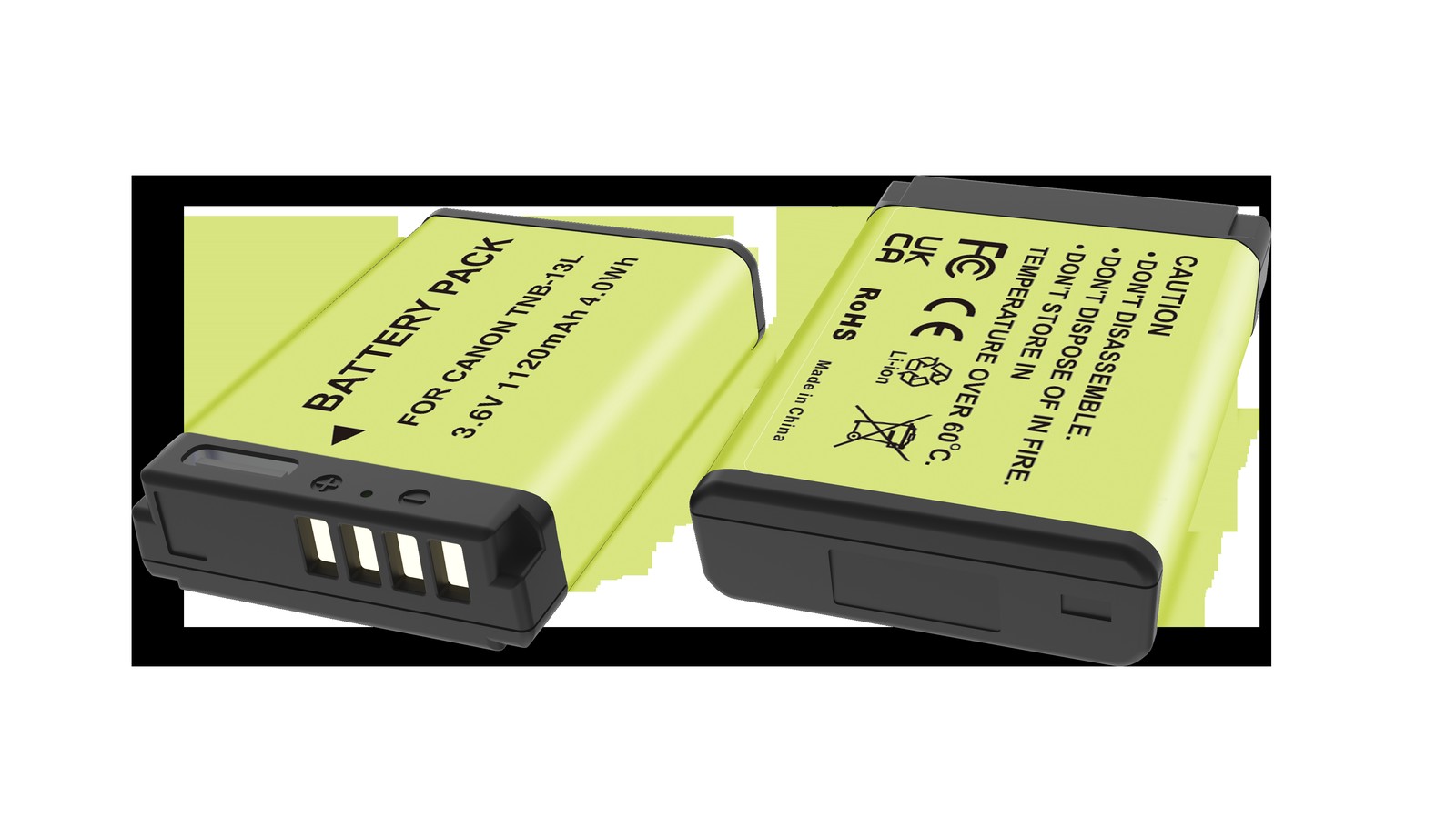
YO NB-13L camera battery render
Product render of the YO NB-13L compatible battery: front label, rear LED charge indicator and USB-C port.

This class of camera is unusual: the sensor is only 1/2.3 inch with modest pixel count, so per-shot processing costs little, but it is paired with a 40x optical zoom lens and strong stabilization. That combination gives it a power profile completely unlike the G7X you may be used to.

The SX740 drains power differently from a G7X

The zoom motor. This is the biggest variable. Pushing from the wide end to the tele end means a small motor driving the entire lens group forward and back over a long travel. On a 40x body the barrel extends further than the camera is long, and every full sweep draws a substantial pulse of current. For birding or shooting a performance, where you hunt for a subject again and again, a few dozen sweeps can eat a noticeable amount of charge.

Optical stabilization. The longer the focal length, the more handshake gets magnified and the harder the stabilization group has to work. Half-press the shutter at the tele end and you can feel the image “settle” — that is the lens group moving in real time, drawing power continuously.

The screen. The SX740 has no electronic viewfinder, so all composition happens on the rear screen. A screen that is always on and turned up is a steady baseline load, only loosely tied to how many shots you take and closely tied to how long the camera is on.

Autofocus. At the tele end depth of field is shallow and contrast is low, so autofocus has to search back and forth. That costs more than at the wide end and produces more hunting.

How many shots one pack delivers

Usage Approximate shots Notes
Little zoom, single frames, room temperature 200-250 Mostly wide to mid focal lengths
Frequent tele zooming 150-200 Birding, performances, sports
Heavy continuous shooting Noticeably lower Write and buffer pressure
Occasional video Counted in minutes, drains faster Video draw is far above a single frame
Cold outdoor use Two to three tenths less than room temperature Usable capacity drops temporarily

Treat that table as a starting point, not a promise. Two people shooting the same 200 frames can use twice the difference in charge — one standing still and composing slowly, the other tracking a bird back and forth at full zoom.

Budgeting batteries for a trip

  1. Estimate the day’s shot count. City sightseeing usually runs 150-300; nature subjects (birds, animals, flowers) often run 300-500 because of repeated zooming.
  2. Convert conservatively at 200 shots per pack. 300 shots means two spares, 500 means three. That conversion already accounts for moderate zooming.
  3. Add the cost of being switched on. Ten hours out means the camera may be on for six or seven, and the screen and stabilization at idle will eat close to another half pack.
  4. Check for a charging window. If you can charge back at the hotel, carry one fewer. For multi-day camping with no power, plan three per day plus a power bank.
  5. Add one more for cold trips. Winter, altitude, and early-morning shoots all lower usable capacity temporarily. It recovers at room temperature, but in the moment it is simply not enough.

Power-saving settings and choosing a pack

  • Turn off continuous autofocus. Switch to single AF and focus with a half-press; it saves a lot of back-and-forth current.
  • Shorten the image review. Do not auto-display for two seconds after each shot; turn it off or set 0.5 seconds.
  • Turn off Wi-Fi and Bluetooth. Enable them only when transferring. Constant connection costs real standby power.
  • Drop screen brightness one step. Bright outdoor light genuinely needs it; indoors and on overcast days you can turn it down.
  • Compose first, then zoom. Point the camera in roughly the right direction before extending to the focal length you want, instead of sweeping from wide all the way to tele while hunting.
  • Avoid power cycling. Switching off and on involves the longest barrel travel of all, which costs more than idling. For short pauses, let it sleep.
  • Shoot single frames rather than low-speed bursts. Bursts load the write path and buffer, and they draw more power.

Two points on choosing a pack

First, the NB-13L is the only option for this body. Do not try to substitute another model or add an adapter. Second, rotating several packs is more practical than chasing one high-capacity pack — the physical size of the pack sets the capacity ceiling, and expecting one to last all day is unrealistic.

The YO NB-13L II is positioned as a backup: capacity close to OEM, with the improvements in cell consistency and cycle life. For a camera that burns two or three packs a day like the SX740, consistent behavior across packs matters more than a bigger single pack, because you do not want the one you just loaded to drop a bar without warning. For compatible bodies and specs, see the NB-13L II category and the NB-13L category; the G7X and G9X series use the same model.

FAQ

Is one battery enough for a day with the SX740?

For most travel, no. City sightseeing at 200-300 shots plus long hours switched on usually outlasts a single pack before evening. Two is the floor, and three is advisable for telephoto subjects.

Why is the tele end so much more demanding?

Three causes stack up: a long zoom motor travel, larger stabilization compensation, and autofocus that hunts more at long focal lengths. All three get worse as focal length increases.

Can I power the SX740 from a power bank?

It depends on whether the body supports USB power and on the firmware installed; check the manual for your unit. The safer approach is to carry more packs and recharge them in a dock or by direct pack charging, which avoids the heat of charging while shooting.

A pack sat unused for a long time. Is it still usable?

Charge it first and see whether it reaches full normally, then put it in the body and check that the charge reading is stable. Do not use it if it gets unusually hot while charging, if the case has swollen, or if it drops bars quickly once installed. The right storage level for long periods is 40%-60%, topped up every three months.

Posted on — Leave a comment

750mAh in the EOS RP and R50: Shot Counts and Limits

YO LP-E17 相机电池

Short answer: for light use with screen framing and little reviewing, one 750mAh battery gives roughly 160-190 shots on an EOS RP, about 250-290 on an R50 and about 290-325 on an R10. These ranges are derived from the published runtime figures for each body on the 1040mAh original, multiplied by the 750/1040 ratio; they are estimates, not measurements. Real frame counts are rewritten by framing method, stabilization, screen brightness and temperature, and the same battery can differ by a factor of two between two photographers.

YO LP-E17 camera battery render
Product render of the YO LP-E17 compatible battery: front label, rear LED charge indicator and USB-C port.

The bodies people ask about most are covered below, along with the situations where a 750mAh battery runs out sooner than expected.

Estimated ranges for four common bodies

Body Original 1040mAh reference 750mAh estimate Main variables
EOS RP About 220-260 shots About 160-190 shots Screen or finder, stabilization, mount adapter
EOS R8 About 250-320 shots About 180-230 shots Share of video, burst frequency
EOS R10 About 400-450 shots About 290-325 shots Proportion of electronic finder use
EOS R50 About 350-400 shots About 250-290 shots Screen brightness, wireless left on

The second column is taken from published nominal battery figures for each body and serves only to establish a ratio. Those figures are laboratory results that are hard to reproduce in daily use, so treat the body manual and your own experience as authoritative.

Why the RP and the R50 differ so much on the same 750mAh

Three reasons. First, baseline draw from the sensor and processor: the RP is full frame, and reading a full frame costs more than reading the APS-C sensor in the R50. Second, framing method: the RP’s electronic finder is high-resolution and refreshes quickly, so long spells with the camera to the eye cost more than screen framing, while R50 users tend to compose on the articulating screen and save power. Third, the lens: the RP is often paired with fast glass or adapted EF lenses, and lens stabilization and focus motors run off the same battery.

So the same 750mAh battery behaves like half a day on an RP and closer to most of a day on an R50. When buying, do not look at the battery figure alone; calculate it together with the body and the lens.

Lenses make a real difference too. A stabilized lens keeps its gyro sensor and drive motor running, which raises idle current, and adapting an EF lens draws additional power through the adapter. An RP with a 24-105 stabilized zoom and an RP with a 50mm prime are the same body, yet runtime can differ by thirty or forty percent. That is also why online opinions about the same battery so often contradict each other: people are using different lenses.

Five drains that get underestimated

  1. Holding half-press focus for long periods. Many people keep the shutter half-pressed while composing, so the focus motor runs continuously and the battery drains faster than it would during bursts.
  2. Wireless and Bluetooth left on. A camera kept connected to a phone draws noticeably more at idle, which can eat two or three tenths of the charge over a day.
  3. Maximum screen brightness in strong daylight. Turning brightness to full to see the image makes the screen itself a major consumer.
  4. Video and time-lapse. Constant-power draw means very short usable time from 750mAh, and the body may shut down early as the voltage sags.
  5. Cold. Below 0°C internal resistance rises and nominal capacity cannot be delivered, which is the most common cause of a sudden flat battery on winter shoots.

The first two are the ones most often misdiagnosed as a failing battery. Plenty of people fit a new battery and see the same problem, because the actual drain is the phone that stays connected and the shutter that stays half-pressed. Run through this list before buying a replacement; it often buys the 750mAh another hour or two.

When to move straight to the 950mAh

The test is simple. If your usual day regularly approaches the upper end of the estimates above, or if the shoot cannot be interrupted, do not use the 750mAh as your primary. The 950mAh holds about nine tenths of the original, its discharge curve is flatter, and the low-battery warning arrives closer to the true reserve; the differences are set out in the LP-E17 950mAh section.

The better role for the 750mAh is the last battery in the bag: run a 950mAh or an original as primary, and carry a 750mAh as the fallback, where its weight is almost unnoticeable. If the work involves long recording, go straight to the 1050mAh long-runtime tier. The full comparison across the three tiers is in the capacity and compatibility guide.

FAQ

How long can a 750mAh battery record video on an RP?

By capacity ratio, roughly seven tenths of the original’s recording time. Video is more sensitive to voltage, however, and the body will also stop on its own at the temperature limit, so usable clips are usually shorter than the ratio suggests. For long recording, move to 1050mAh and carry a spare.

Why does my RP show two bars and then shut down?

A low-capacity battery sags faster under load, and the camera estimates remaining charge from voltage, so it can shut down while the gauge still shows a reserve. This is usually not a fault; a higher-capacity battery with a flatter discharge curve generally eases it.

Will an R50 fail to recognize a 750mAh battery?

No. As long as the battery is built to the LP-E17 spec, the handshake and the gauge work normally. If you see a “battery cannot be recognized” message, check the contacts for oxidation or dirt first, then confirm the battery is an LP-E17 and not an LP-E12.

Posted on — Leave a comment

Five Common DR-FZ100 Mistakes: Mixed Packs, Overnight, Heat

Short answer: the five easiest ways to misuse a DR-FZ100 are — charging new and old packs of different capacity in the same round; leaving it plugged in all night after the lights go green; burying it at the bottom of a camera bag or stacking gear on top; charging in a car or in direct sun; and leaving an empty slot exposed and powered for long periods. None of these is dangerous on its own, but all of them accelerate wear or add risk, and all are cheap to change.

The DR-FZ100 is a dual-slot charging case, not a battery. It charges two NP-FZ100-class packs at once and stores them when closed. Because it is a box, plenty of people treat it as just another accessory to shove in a bag, forgetting that charging actually has temperature and current requirements.

Mistake one: charging two packs in different states

Putting a brand-new NP-FZ100 (USB-C) alongside an OEM pack that is two years old and down to eighty percent looks harmless, but the two cells accept charge quite differently. The smaller-capacity pack reaches its 4.2V cutoff first; if the circuit shares a single constant-current path, the pack that filled first then sits under a continuous trickle at high voltage.

The subtler problem is consistency: after a few months of mixed charging, the gap in real capacity between the two widens, and it becomes obvious on the day you need one pack to last two hours. Number your packs and pair packs of the same capacity, age and workload as fixed partners.

What to do instead

  • Pair by capacity and purchase date, and keep each pair in the same slot cycle.
  • When the difference between old and new is obvious, do not put them through the same round.
  • With third-party packs from different brands, watch the gap in finishing time; if it is large, charge them separately.

Mistake two: all-night charging

A lithium pack ages markedly faster sitting at 4.2V than at a middle state of charge. The DR-FZ100 normally drops to a trickle or stops output once full, but the pack still sits at full voltage for hours, and the case has little internal volume to dissipate heat. Across a whole night that is not kind to cycle life.

What to do instead

  • Start charging before bed and unplug in the morning, or use a timer socket to cut power after three or four hours.
  • If you do not need a full pack immediately, take it off at eighty or ninety percent rather than chasing the last bar.
  • Before long storage, leave packs at forty to sixty percent — self-discharge and aging are both slowest there.

Mistake three: stacking and crushing

The usual camera-bag scene: the case pushed to the bottom, with a body, lenses and a gimbal on top. The lid takes continuous load, the packs are pressed down, and the contacts carry lateral force. Nothing shows at first, but over time the contacts wear, the shell distorts slightly and the lid closes loosely.

What to do instead

  • Keep the case in the top layer or a side pocket, not underneath everything.
  • Seat packs properly when loading and unloading rather than forcing them.

Mistake four: charging in high heat

Leaving the case charging in a car in summer is the highest-risk habit of the five. A car in sun runs far hotter inside than outside, and charging a lithium pack at that temperature sharply raises the rate of side reactions and visibly accelerates capacity loss; in extreme cases it can trigger thermal runaway.

Another hot scenario that gets missed is charging straight after a shoot. After continuous recording the pack itself is above forty degrees, and plugging it in immediately means adding heat on top of heat. The suitable charging window is usually 10–30°C; outside it, both efficiency and safety margin fall away.

What to do instead

  • Do not charge in the car, in direct sun or next to a radiator.
  • Let a pack that has just come out of the camera cool for twenty minutes first.
  • Do not wrap the case in clothing or a bag while charging; keep it ventilated.
  • In cold conditions, let packs come back to room temperature before charging — the cold-weather notes cover the details.

Mistake five: powered empty slots left open

When only one pack is charging, the other slot is empty, and many people simply leave the case plugged in. That is not dangerous in itself, but it has two practical consequences: an open slot collects dust and metal debris in the contact area, which in quantity causes poor contact; and on some cases the empty slot stays in a detection standby state, drawing repeated tiny currents to no purpose and adding a heat source.

What to do instead

  • Unplug and close the lid when the case is not in use.
  • Check inside the empty slot now and then, and clear dust with a dry soft cloth or an air blower — never scrape the contacts with metal.
  • If you habitually charge only one pack, put the second in as well to cut the time the slot stays exposed.
Mistake Main effect Typical symptom How hard to fix
Mixed pack states Capacity consistency degrades Runtime gap between the two widens Easy, just pair them
Left plugged in overnight Faster capacity loss Noticeably quicker drain after six months Easy, add a timer socket
Stacked and crushed Contact wear, shell distortion Lid feels loose, occasional poor contact Easy, move where it lives
Charging in heat Accelerated aging, safety risk Case feels hot while charging Moderate, change location
Exposed empty slot Dust on contacts, false status Light on but no charge Easy, just close the lid

Not one item in that table costs money. The value of a charging case is that it centralises charging — but if the way you use it is careless, centralising simply magnifies the error, because one mistake affects two packs at once.

If you own packs with a built-in USB-C port such as the NP-FZ100 (USB-C), there is a more flexible option: travel with a single cable and charge from a power bank, leaving the case at home for storage. The trade-offs between the two routes are in the direct-charge battery category; the case’s own procedures and indicator meanings are in the other articles in the DR-FZ100 category.

FAQ

Can the DR-FZ100 charge OEM and third-party packs at the same time?

Usually yes — the slots are managed independently and mixing does not directly damage anything. But packs with very different capacity and condition will finish far apart, and over time that hurts pairing consistency. Keep similar packs in the same slot rather than placing them at random.

Is it normal for the case to get warm?

Mild warmth is normal; charging involves losses. If it feels properly hot, or one side is much hotter than the other, that usually points to high internal resistance in that pack or a hot charging environment. Test by moving the case and by swapping the pack separately; if it is still hot, stop using it.

Can the case stay plugged in as a permanent dock?

Short term yes, long term no. Constant power keeps the pack at full voltage for hours and adds risk when nobody is watching. Charging to full, then cutting power and closing the lid, is the safer habit.

Does an empty slot slow the other one down?

On most products the slots work independently, so an empty slot does not affect the other’s speed. A few designs share total output, in which case charging both is slower per slot. The output specification in your documentation is the authority.

Posted on — Leave a comment

Why Older EN-EL15 Packs Are Limited on Z6 II, Z7 II and Z8

Short answer: the Z6 II, Z7 II and Z8 all ship with an EN-EL15c. Its 2280mAh is only about 20% more than the older version, so the real threshold is communication and charge management: only the EN-EL15b and EN-EL15c can enable in-body USB charging and USB PD power, and only they report charge percentage and battery-age information in full. An older EN-EL15 will not trigger an error in these bodies, but you lose those functions and you meet a low-charge warning sooner under heavy load.

YO EN-EL15C camera battery render
Product render of the YO EN-EL15C compatible battery: front label, rear LED charge indicator and USB-C port.

What the three bodies actually require

Start with the differences between them. They share a bay specification but not the same power demand: the Z8 has little scope for saving power beyond its mechanical shutter, and 8K plus high-frame-rate 4K are sustained high-current loads. The Z6 II and Z7 II are gentler, though dual EXPEED 6 processors and five-axis stabilisation still run constantly.

Body Supplied pack Accepted packs In-body USB charging USB PD shooting
Z6 II EN-EL15c EN-EL15 / 15a / 15b / 15c Requires 15b or 15c Requires 15b or 15c
Z7 II EN-EL15c EN-EL15 / 15a / 15b / 15c Requires 15b or 15c Requires 15b or 15c
Z8 EN-EL15c EN-EL15 / 15a / 15b / 15c Requires 15b or 15c Requires 15b or 15c

Accepted and fully usable are two different things. Nikon’s compatibility notes are explicit that older packs can be used in the body but that some functions are limited. That detail usually appears as a footnote in the manual, which is easy to miss.

Three concrete limits on older packs

1. About 20% less capacity, and heavy loads widen the gap

1900mAh against 2280mAh is 380mAh on paper. In a DSLR that might only mean a hundred-odd fewer frames, but in a Z8, with 8K recording, burst buffer writes and stabilisation all working at once, the current is high and rising internal resistance trims usable capacity further. An old pack usually performs worse than the rated ratio suggests.

2. In-body USB charging simply stops working

This is the most consequential limit. The Z6 II, Z7 II and Z8 all accept a USB-C supply to charge the pack inside the body and to keep shooting while plugged in. That depends on charge-management circuitry built into the pack, which the first-generation EN-EL15 and the EN-EL15a do not have. Plug in and the camera merely switches to external supply; the charge level does not rise.

For timelapse, streaming or studio work at a fixed position, in-body charging defines two entirely different workflows: with it, one pack can run all day; without it, you swap packs mid-session or hang a dummy battery off the body.

3. Battery data and battery-age display are incomplete

Z-series bodies offer a battery-age display showing relative health. That figure comes from a recording chip inside the pack, which older packs often cannot be read for, or which reports distorted values. Charge percentages that jump also occur, and in cold conditions a fall from 30% straight to shutdown is more likely.

Why the Z8 is more sensitive

The Z8 sits at the higher end of Nikon’s mirrorless power draw: a square body, damping design beyond the mechanical front curtain, a bright EVF and 8K recording all point to sustained high current. Its official CIPA figure is in the low three hundreds, and in real use two or three hundred frames plus some video will usually exhaust a single EN-EL15c before the day ends.

More telling is the derating behaviour. Once charge falls below a certain point, or internal resistance causes voltage sag, the body actively limits some functions — lower burst rate, capped 8K clip length. It never says “because the pack is weak”; it just feels as though the camera has suddenly slowed down. With old packs, that confusion comes up more often.

Planning a sensible spare kit

  1. Run an EN-EL15c in the main body, original or a highly consistent third party. Z8 owners in particular should not economise here, since a mismatched protocol produces an outright “this battery cannot be used” message. When choosing a third party, look for a maker that has adapted to the Z8 and Z6 III; brands such as YO that publish a compatibility list are easier to buy from.
  2. One spare at minimum, two on a shooting day. For light use a Z6 II or Z7 II is fine with one plus one; a Z8 is better with two spares.
  3. Add a 30W-plus USB PD power bank. Plugged into the body during a break, it adds a meaningful amount in half an hour and saves swapping packs.
  4. Manage grip pairs together. On an MB-N11 or MB-N12, use packs of the same model and batch so the weaker one does not trigger an early warning for the pair.

If you tend to buy three or four packs at a time, standardising on the EN-EL15c is the simplest policy: it works in old DSLRs, is fully featured in new mirrorless bodies, and mixing does not cause problems. For the full picture across the four generations, see the EN-EL15 family guide. If you travel often, confirm the cabin limits in advance — the rules are set out in whether camera batteries can fly.

FAQ

Can a Z6 II use an EN-EL15a?

It fits and it works, and shooting functions are unaffected, but in-body USB charging and USB PD shooting stop working and the charge reading may be inaccurate. Acceptable for occasional emergency use; as a main pack, switch to the b or c version.

Is an EN-EL15b enough for a Z8?

Functionally yes — USB charging and power both work — it simply holds about 20% less than the c version. If the budget allows, the c version is the better choice for a Z8, with the b version kept as a spare.

Will a Z8 reject a third-party EN-EL15c?

It can. The Z8 validates packs strictly, and some third-party products that have not been adapted trigger the “this battery cannot be used” message. Choose one that explicitly states support for the Z8 and Z6 III, and test it in the body as soon as it arrives.

What can I do about poor runtime in the cold?

Falling discharge capability below freezing is physics, not a fault. Keep spares against your body, rotate them, and charge partly returns once they are back at room temperature. The approach in this minus 10°C battery test is worth reading; the method is brand-neutral.

Posted on — Leave a comment

TNP-W126S and Fujifilm’s Third-Party Battery Warning

Short answer: it may appear, and when it does it usually does not affect shooting. Some Fujifilm bodies show a battery-related line on the startup screen when a third-party battery is fitted; press confirm or restart the body and carry on. The shutter is not locked out and video recording is not limited. Whether it appears, and in what form, depends on the body model and firmware version, so the same battery can behave differently across bodies — which makes any claim of “never shows a warning” unreliable.

YO TNP-W126S battery rating label
Rating label of the YO TNP-W126S battery: nominal voltage, typical capacity and safety certifications.

What actually matters is not the prompt itself but the two issues that can come with it: whether the percentage readout is linear, and whether the body shuts down early at low charge. Those two decide how much you get through in a day.

1. How the prompt gets triggered

The body talks to the battery through the metal contacts in the compartment, reading model, cycle count, temperature and remaining capacity. A genuine battery carries an identification chip, and a third-party battery’s compatibility work consists of making the body recognize that set of data.

The catch is that the identification protocol is not fully public, so third-party makers implement it through reverse engineering and emulation. When body firmware is updated, the recognition logic can shift slightly, so the same battery that was silent on older firmware gains an extra line after the update. That is why online accounts contradict each other: people are describing different firmware versions.

Once that is clear, the conclusion follows. The prompt belongs to the identification layer and has nothing to do with how well the battery delivers power. It says “this battery is not one I certified,” not “this battery cannot be used.”

2. Three typical behaviors, very different in impact

Symptom Usual trigger Affects shooting? Response
Battery message on startup First fitting, or after a battery change No Confirm or restart; it usually does not recur
Percentage jumps, not linear Most common in the mid-to-low range Mildly affects judgment Plan swaps by bar count, not by percentage
Shuts down at one bar left Older battery, or cold conditions Yes; you lose the tail of the charge Replace earlier; do not treat the last bar as reserve

The first is purely informational, at the “see it and ignore it” level. The second calls for a small habit change: do not treat 30% as another hour of shooting, but use it as the signal to start looking for a place to swap. The third is a genuine compatibility issue, and it usually appears as a battery ages rather than when it is new.

3. A ten-minute compatibility check on arrival

Rather than re-reading reviews before you buy, verify once the battery arrives. No special equipment is needed:

  1. Fit it and power on: note whether a prompt appears, what it says, and whether confirming gets you into the shooting screen normally.
  2. Watch the reading: does a full battery show full, and after 20-30 frames does the number jump implausibly?
  3. Test contact stability: rock the body gently and open and close the battery door, watching for a sudden drop to zero or an unexpected shutdown. Either means the contacts are not mating properly.
  4. Run it down: watch the transition from two bars to one to shutdown. If it dies almost immediately at one bar, the tail of the discharge curve is calibrated conservatively.
  5. Try one direct charge: connect a phone adapter to the battery’s USB-C port and confirm the indicator responds, the battery reaches full, and the body reads it normally afterward.

After those five steps you can usually say whether the battery is usable or should go back. Repeated shutdowns at any of the first four steps indicate a hardware-level mismatch and are not worth working around.

4. When to return it, and when to live with it

Return it if: the body will not power on with it fitted, it shuts down repeatedly, direct charging produces no response, or the shell is swollen. Those are safety issues or functional failures, with no room for compromise.

Live with it if: the only issue is a line of text, a slightly non-linear percentage, or an early cutoff at the bottom. These are common traits of third-party batteries, and a replacement at the same price will most likely behave the same way. Adjust your habits — swap by bars, keep one battery ahead — and the impact becomes small.

Incidentally, the genuine Fujifilm NP-W126S is rated 1260mAh / 8.7Wh / 7.2V, and third-party products usually sit in the same range. There is no order-of-magnitude difference to be had. Claims along the lines of “double the capacity and it still bypasses the check” can safely be treated as false. To compare models side by side, see the NP-W126S category page.

One more caution: if a shoot is imminent, do not update body firmware on the same day. Changes in battery recognition after an update are uncommon, but if you run into one you will have no time to deal with it that day.

FAQ

Does the prompt stay on screen the whole time?

On most bodies it appears once at startup and disappears after you confirm. If it reappears every time you power on, that is simply how the model identifies this battery; it is something to get used to, and it does not affect shooting.

More prompts appeared after a firmware update. What now?

Confirm and keep shooting, and watch whether the level readout still behaves. If the update introduced abnormal shutdowns, you can roll the firmware back where the manufacturer allows it, or make a genuine battery the primary and demote the third-party one to backup.

Does the prompt affect the warranty?

Using a third-party battery does not by itself normally void a warranty, but if a body fault is attributed to the battery, establishing responsibility becomes awkward. While the body is still under warranty, a genuine battery as the main one is the safer arrangement.

Are the USB-C port and the identification chip separate things?

Yes. The USB-C port is an independent charging circuit and has nothing to do with how the body identifies the battery. So “it can direct-charge” does not mean “it will never prompt,” and the reverse holds too. For related models see the TNP-W126S category.

Posted on — Leave a comment

DJI Osmo Action Battery Fitment for Action 3, 4 and 5 Pro

Short answer: the Osmo Action 3 and Action 4 use the same battery, rated about 1770mAh, and are fully interchangeable; the Osmo Action 5 Pro moved to a new model, the BCX204, at about 1950mAh, with different dimensions and communication protocol, so it will not work with the previous generation. In other words, upgrading from an Action 4 to an Action 5 Pro means replacing your spare packs and charging hub as well. Confirming the camera generation before buying matters more than comparing capacity figures.

YO BCX204 camera battery render
Product render of the YO BCX204 compatible battery: front label, rear LED charge indicator and USB-C port.

An action camera battery looks like a minor accessory, but it determines continuous recording time, cold-weather usability and how much of your kit carries over. The relationships across the three generations are set out below.

1. Battery fitment across the three generations

DJI established the cold-resistant battery plus magnetic quick-release scheme with the Action 3, and the Action 4 reused the same battery and housing, so accessories are highly compatible between the two. The Action 5 Pro changed the body structure, sensor and cooling, and the battery changed with it.

Body Battery model Nominal capacity Compatibility
Osmo Action 3 Previous-generation cold-resistant battery About 1770mAh Interchangeable with Action 4 both ways
Osmo Action 4 Previous-generation cold-resistant battery About 1770mAh Interchangeable with Action 3 both ways
Osmo Action 5 Pro BCX204 About 1950mAh Not compatible with Action 3 / 4

One caveat: shell printing can vary between batches and sales channels, so fit should be judged by the shape of the camera compartment and the official compatibility list. When you see the word “universal”, check whether it means between the Action 3 and 4 or whether it quietly includes the 5 Pro — the latter is usually a seller being vague.

2. Why the two generations do not mix

Externally they are both magnetically attached square packs, but the differences sit in the details, and almost every one of them affects usability:

  • Dimensions and latch: the 5 Pro compartment was adjusted slightly, so the old pack will not go into the new body and the new pack will not go into the old one. This is physical incompatibility.
  • Communication protocol: the fuel gauge and temperature protection communicate differently as the platform was updated, so even forced contact may leave the body unable to read the charge, producing jumps or errors.
  • Charging hub: official hubs are generation-specific, with different contacts and bay dimensions. An Action 3/4 hub cannot charge a BCX204, and vice versa.
  • Water sealing: waterproofing on the Action series depends on the door and O-ring working together, and a pack of the wrong model breaks that seal. Confirm before you get in the water.

So “does it fit in the slot” is not the test; “does the body recognise it and does the door seal” is. The cost of mixing is usually not that it fails outright, but a sudden shutdown or water ingress at the worst moment — and neither is easy to recover from on an action camera.

3. How many to buy, by use case

The official runtime figures (about 160 minutes maximum for the Action 3/4 and about 4 hours for the 5 Pro) all assume 25°C, low bitrate and some features disabled. In real skiing, cycling or diving, expect 60-70% of that. Configure in this order:

  1. Confirm the generation first: Action 3/4 take the previous-generation pack, the 5 Pro takes the BCX204. Get this wrong and everything after it is wrong.
  2. Size to your shooting rhythm: two packs is enough for short-clip editors; for continuous capture (cycling, fishing, long vlogs) start at three and rotate through the charging hub.
  3. Consider cold use: for winter or altitude, favour the official cold-resistant spec, since third-party low-temperature cutoffs are generally more conservative and shut down earlier.
  4. Then think about charging: multi-battery users are better served by a hub than charging one at a time in the body; single-battery users can simply use a PD power bank.

Third-party packs are another option. Brands such as YO make separate Action 3/4 and 5 Pro versions by generation, usually at modest prices, which suits use as a supplement to first-party packs. Two things matter when choosing: whether the specific generation is named, and whether the temperature-sensing contact is retained — that directly affects false warnings in the cold.

4. Two things beyond runtime

The first is cycle life. Action camera packs are small with high discharge rates, and storing them full or fast-charging them often accelerates wear; after a year or two, a pack with the same rating may deliver only 70-80% of its original time. Getting into the habit of storing at around half charge after a shoot clearly extends service life.

The second is flying and transport. Lithium batteries must travel in the cabin and cannot be checked — a general civil aviation rule that has nothing to do with brand. For capacity arithmetic and declaration requirements, see our guide to whether camera batteries can fly; the logic applies to action camera packs too. For cold-weather behaviour, compare against our minus 10°C battery test, where the method and conclusions reinforce each other. More accessories for this model are collected on the Osmo Action battery category page.

FAQ

Can an Action 4 battery be used in an Action 5 Pro?

No. The two generations differ in dimensions, latch and communication protocol, and the Action 5 Pro uses the new BCX204. It does not work in reverse either — a 5 Pro pack will not fit an Action 3/4 compartment.

Are the Action 3 and Action 4 batteries identical?

They share one spec at about 1770mAh and swap in both directions. The two bodies use the same pack and magnetic quick-release structure, and the charging hub is shared as well, which is why Action 4 owners keep their accessories when upgrading.

Does a third-party battery affect waterproofing?

It can. Waterproofing depends on how precisely the door and O-ring mate, and if a third-party shell is out of tolerance the door may not compress fully. Use a first-party pack for diving or heavy water exposure; for ordinary dry-land use the impact is small.

How should a battery be stored when not in use?

Discharge to 40-60%, keep it somewhere cool and dry, and top up every three to six months. Storing full or completely empty accelerates wear, and a pack that has swollen or deformed should be retired immediately — do not charge it or fit it again.