Posted on — Leave a comment

What Does 580 Shots Mean? NP-W235 Runtime and Power Saving

Short answer: the roughly 580 shots of the X-T5 is a CIPA test figure, not a count you will necessarily reach. Real shooting loses ground to playback, bursts, a live screen, wireless links and cold, so about 300 shots per pack is a more everyday estimate, and that too is an estimate. Video runtime comes from 19.24Wh divided by assumed body power, saving power is mostly settings, and the number of packs to carry follows from your shot count. The compatible NP-W235 is quoted at 2600mAh, 7.4V and 19.24Wh, rated at 2400mAh and 17.76Wh, against about 2200mAh and 16.2Wh for the original. It fits the X-T4, X-T5, X-H2, X-H2S, X-S20, GFX 50S II, GFX 100S and GFX 100 II.
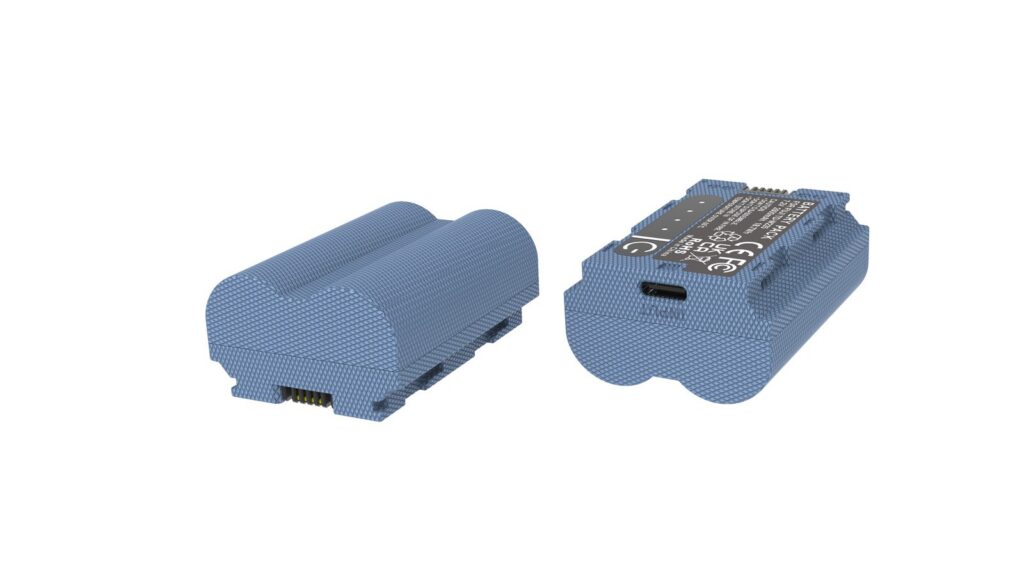
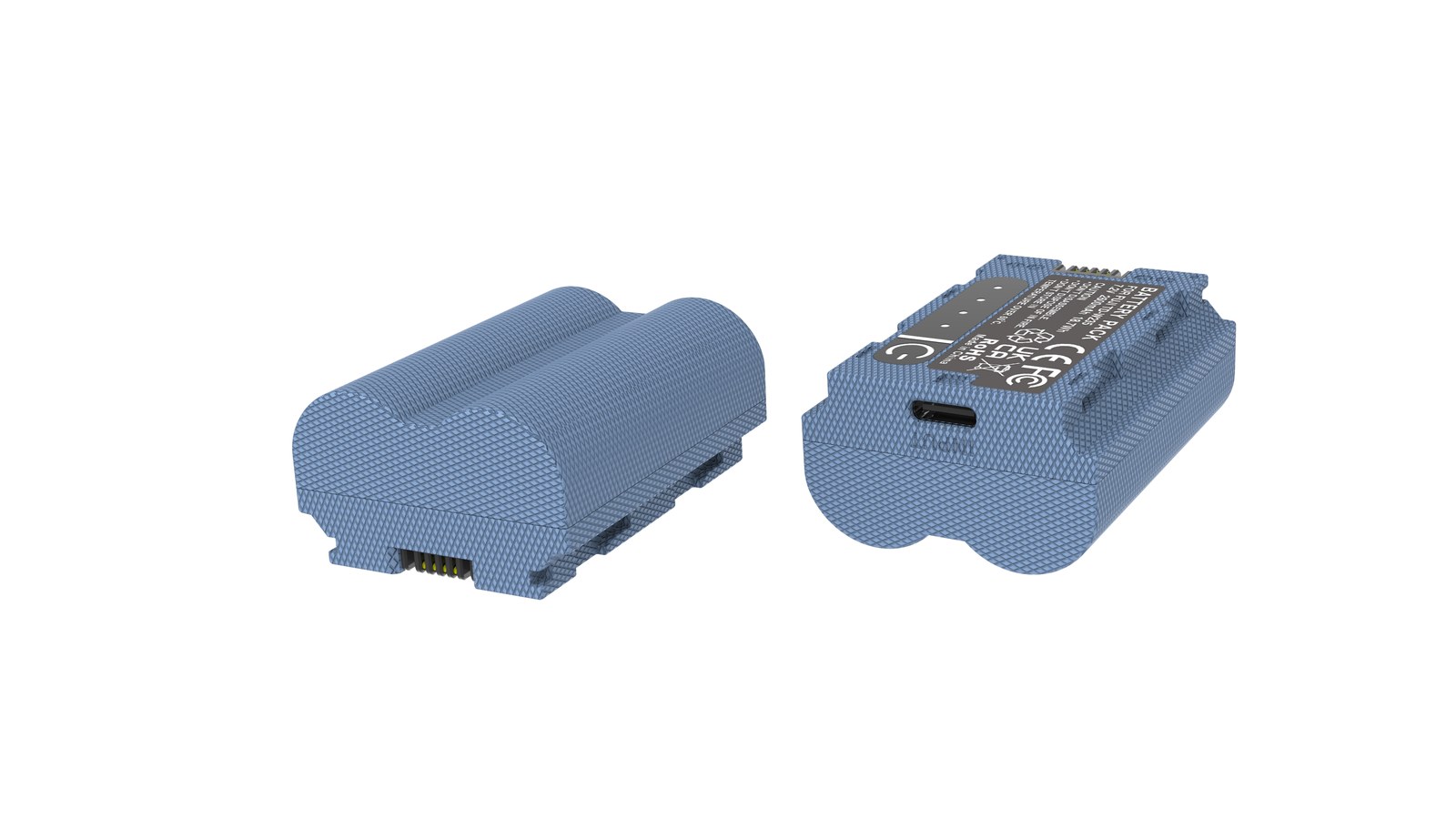
YO NP-W235 camera battery render
Product render of the YO NP-W235 compatible battery: front label, rear LED charge indicator and USB-C port.

What the 580 figure measures

CIPA is a fixed test routine. Under stated conditions, at a stated shooting rhythm and with stated settings, a camera keeps firing until the pack is empty, and the resulting count lets bodies be compared side by side. With an NP-W235 the X-T5 comes in at about 580 shots on that routine. It answers how many frames a standard procedure yields, not how many you will get today.

Why real shooting falls short

Screens and finders come first. Higher brightness, long live view and magnified checks after every frame keep the display drawing power. Playback looks brief, but across a day it adds up.

Focus and stabilisation come second. Focus hunting in dim light, continuous tracking, and lens and body stabilisation running for hours all add draw. Bursts and fast card writes follow the same logic, with mechanics moving throughout.

Connections and temperature come third. Wi-Fi, Bluetooth and a live phone link stay powered on, while in the cold the internal resistance of the cell rises and the usable charge appears to shrink, often recovering once the pack warms up. Keeping a spare close to your body helps more than hunting for a socket.

Estimating video runtime

Photos are counted in frames, video in hours, so the unit changes. Divide the quoted 19.24Wh by the assumed power draw of the whole camera while recording: at 6W, 19.24Wh ÷ 6W ≈ 3.2 hours; at 8W, 19.24Wh ÷ 8W ≈ 2.4 hours. Both 6W and 8W are assumptions chosen to show the arithmetic, not measured figures of any model. Real draw moves with codec, resolution, stabilisation and screen brightness, so these are estimates.

Use Basis or arithmetic Estimated result
Stills, CIPA routine (X-T5) Standard test procedure About 580 shots
Stills, real-use estimate CIPA figure discounted, estimate About 300 shots, estimate
Video, body power assumed 6W 19.24Wh ÷ 6W ≈ 3.2 hours About 3.2 hours
Video, body power assumed 8W 19.24Wh ÷ 8W ≈ 2.4 hours About 2.4 hours

Saving power, and how many packs

Changes you can make at once, roughly in order of impact:

  • Lower LCD and EVF brightness and shorten auto power-off.
  • Review less, and skip magnified checks of every frame.
  • Switch off Wi-Fi, Bluetooth and the phone link when unused.
  • Use stabilisation, pre-focus and face detection only when needed.
  • Prefer the mechanical shutter for static subjects and cut idle live view.
  • In the cold, keep spare packs close to the body and rotate them.
  • For video, settle on one resolution and codec and avoid repeated starts and stops.

Carry packs by working back from frames. At the estimated 300 shots per pack, a planned 800 frames gives 800 ÷ 300 ≈ 2.7, so three packs leave margin; video-first or all-day outdoor work is easier with three to four. Bodies such as the GFX 50S II, GFX 100S and GFX 100 II that take two packs should have both topped up before leaving. Figures are on the NP-W235 compatible battery page, with quantities under Fujifilm NP-W235 batteries.

FAQ

Does every pack deliver 580 shots?

That is the CIPA test figure for the X-T5, meant for comparing bodies. Playback, screens, wireless and cold add draw in real use, so the count is usually lower; about 300 shots is a nearer everyday estimate, still an estimate.

How long does video roughly run?

Divide 19.24Wh by assumed body power: about 3.2 hours at 6W and about 2.4 hours at 8W. The power values are assumptions, and real runtime moves with codec, resolution and stabilisation, so it is an estimate.

How many extra shots do power-saving settings give?

There is no fixed multiplier. Settings mainly cut the extra draw of screens, playback, wireless and idle time, and the effect depends on your habits. Treat it as reducing waste, not as turning 580 into a larger fixed number.

How many packs for a day out?

Work back from frames: two to three for a stills day of a few hundred shots, three to four for video-first or long outdoor days. Bodies taking two packs are best prepared as a matched pair and rotated.
Posted on — Leave a comment

LP-E6 Ageing and Troubleshooting: Swelling, Fast Drain and Not Recognised

Most “dead” LP-E6 packs are really dirty contacts, cold cells or normal ageing. Run three quick checks before buying a replacement. Batteries are consumables. As cycle count rises, internal resistance increases and the pack shows full charge for less time, or shuts down abruptly in the cold. Work in order: clean the contacts, retest in a second body, then log the shot count from three full charges.

Key specifications and limits: 8K / 30 fps → LP-E6P / LC-E6 150 min. Actual figures vary with resolution, frame rate, screen brightness and ambient temperature, so plan spares around the shortest figure in the table.

Symptom checklist

The table lists four symptoms by how often they occur. In most cases a replacement is not yet necessary; rule out contact and temperature factors first.

Symptom Likely cause What to do
Full charge drops to low very quickly Oxidised contacts or an aged cell Clean the contacts, retest in another body, then log full-charge shots
Body reports "cannot recognise this battery" Third-party decoding mismatch or dirty contacts Wipe and reseat; if it persists, test with an original-spec cell
Shuts down suddenly in the cold Higher internal resistance causes a voltage dip Keep spares warm in an inner pocket and retest at room temperature
Shell bulges or the pack runs hot Overcharge, hot storage or aged cells Stop using it immediately and recycle under local rules

A three-step diagnosis

Step one: wipe the contacts with a dry soft cloth and reseat the pack. Step two: retest in a second body from the same family. Step three: log the shot count from three full charges to separate real ageing from a bad gauge.

Item Value
LP-E6 LP-E6 / E6N / E6NH / E6P
LP-E6NH 2130 mAh / 16 Wh
lp-e6nh 2600 mAh / 18.72 Wh
LP-E6 8K / 30 fps → LP-E6P / LC-E6 150 min
R5 II 8K / 30 fps → LP-E6P LP-E6 / E6N / E6NH / E6P
LP-E6 / E6N / E6NH / E6P 2600 mAh / 18.72 Wh

When to replace the pack

Replace the pack when full-charge shots fall below about 60% of a new cell, the shell bulges, or the body repeatedly refuses to recognise it. Stop using a swollen cell immediately and recycle it properly.

To pick by model, start with the specifications and stock status on Canon LP-E6 2600mAh, then browse the full article set in LP-E6; if your body belongs to a neighbouring system, canon-lp-e17 has the side-by-side explanation.

FAQ

Does a jumping charge level mean the LP-E6 is dead?

Not necessarily. Clean the contacts, retest in a second body, then log the shot count from three full charges. Only a sustained drop in shots points to real cell ageing.

What if the camera says the battery is not recognised?

Dirty contacts or a third-party decoding mismatch are the usual causes. Wipe and reseat the pack; if it persists, test with an original-spec cell to separate a battery fault from a body fault.

Is fast drain in winter normal?

Yes. Cold raises internal resistance and causes a momentary voltage drop. Keeping spares in an inner pocket helps considerably, and capacity normally returns at room temperature.

When must the cell be replaced?

Replace it when full-charge shots drop below about 60% of a new cell, the shell bulges, it gets unusually hot while charging, or it is repeatedly not recognised. Never squeeze, puncture or recharge a swollen pack.

Posted on — Leave a comment

NP-BX1 Charging: Camera USB, Dock Charger or Power Bank

Short answer: a dedicated dock charger fills an NP-BX1 fastest. In-camera USB charging is the emergency route, it is slower and it ties up the camera. A power bank changes where you charge, not how fast. The pack holds 1090mAh typical and 1060mAh rated at 3.7V, which is 4.04Wh typical and 3.93Wh rated. With that little energy the absolute gap between the three methods is a few tens of minutes. What really decides your day is whether the camera stays free while a battery refills.

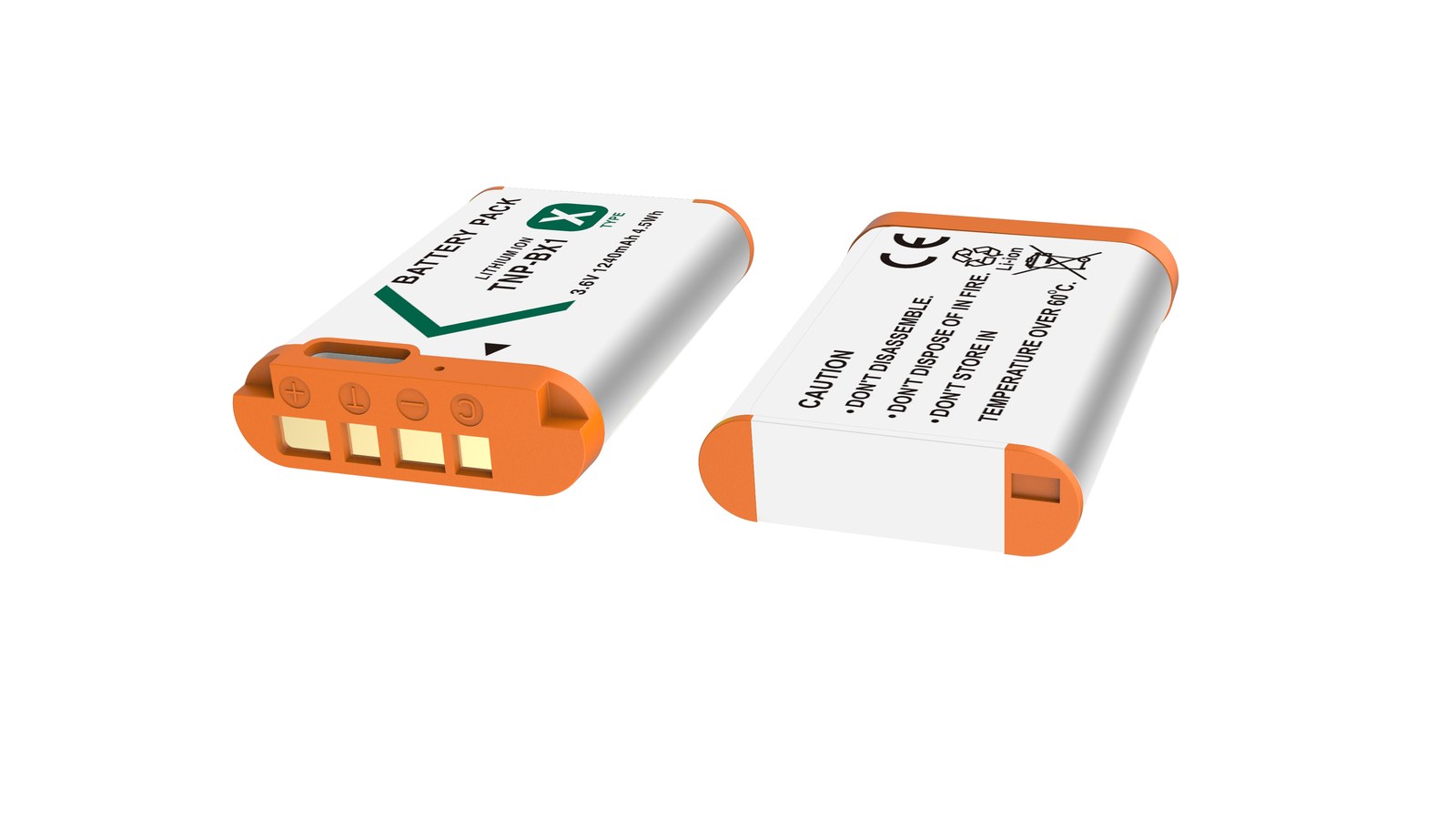
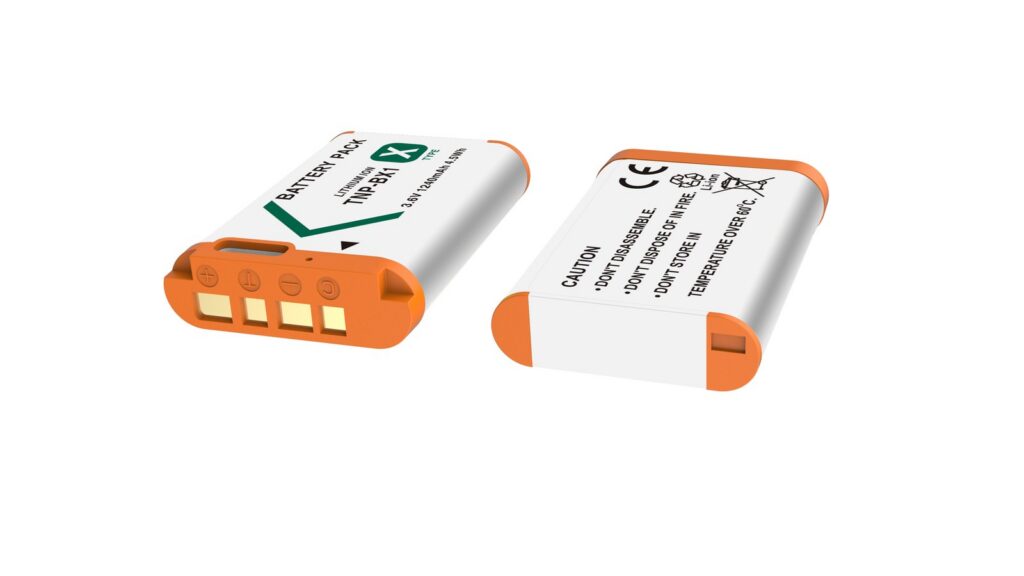
YO NP-BX1 camera battery render
Product render of the YO NP-BX1 compatible battery: front label, rear LED charge indicator and USB-C port.

Where the three methods actually differ

In-camera charging hands the job to the camera’s own power circuit. That circuit is deliberately conservative. It limits current to keep the body and the pack from heating, and on most models it expects the camera to be switched off. The same battery can take different times to fill in different bodies, because each model’s charging circuit is designed differently.

A dock charger skips the camera entirely. It converts 5V down to a constant 4.2V and feeds the cell directly, so the current can be set slightly higher and nothing competes for the camera’s attention. The trade-off is bulk. It is one more item in the bag, and on most kits the dock is sold separately.

A power bank is a 5V supply you can carry. The current still passes through the camera’s charging circuit or a USB dock, so the ceiling stays where it was. Buy one for capacity and convenience, not for speed.

Estimating the times, and the arithmetic behind them

The numbers below are estimates built from nameplate output and a 70 to 85 percent conversion efficiency. They are not measurements. The formula is pack energy divided by output voltage times output current times efficiency.

  • Dock at 4.2V and 0.6A gives 2.52W. At 0.8 efficiency that is about 2.0W, and 4.04Wh divided by 2.0W is roughly 2.0 hours.
  • In-camera at 5V and 0.5A gives 2.5W. At 0.7 efficiency that is about 1.75W, and 4.04Wh divided by 1.75W is roughly 2.3 hours.

Add ten to twenty minutes for the constant-voltage tail and the camera’s own idle draw. That puts a dock at about 1.8 to 2.1 hours and in-camera charging at 2.3 to 2.6 hours, which is close to what most people see in daily use.

Method Best for Rough time (estimate)
Dedicated dock (4.2V / 0.6A) Home, hotel, overnight top-ups 1.8–2.1 hours
In-camera USB Forgotten charger, emergencies 2.3–2.6 hours
Power bank into the camera Travel and outdoor shoots without an outlet 2.3–2.6 hours, limited by the camera
Power bank into a USB dock Trains, airports, camping 1.8–2.1 hours, depends on the dock input

Habits worth keeping

Lithium packs have no memory effect, so there is no reason to run one flat before charging. Topping up at one bar is fine. The two things that genuinely shorten life are leaving a pack discharged for months and charging it hot.

If the body or the pack becomes properly hot to the touch, stop. Warm is normal during in-camera charging, uncomfortable is not. Do not leave batteries in a parked car in summer, and do not charge a cold pack straight from outdoors. Let it return to room temperature first.

Unplug when the charger says full. The protection board cuts off at 4.2V, so leaving it connected longer adds nothing except time spent in a warm place.

This is where a cheap pack earns its place. At ¥24.57 each, three cost less than a meal. Swapping a battery takes ten seconds, while waiting at a charging point takes half an hour you would rather spend shooting.

How many to carry

For a travel day of two or three hundred frames plus the occasional clip, two packs are usually enough. If video is the main thing, four is safer. You can check the figures on the NP-BX1 compatible battery page, or compare other packages under Sony NP-BX1 batteries.

One point of honesty. The 1090mAh typical figure is below Sony’s roughly 1240mAh nominal rating for the original. The gap comes from how the numbers are quoted, rated versus typical, and from headroom reserved by the protection board. A third-party pack earns its place on price and on how many spares you can afford, not on extra capacity.

FAQ

Can in-camera USB charging damage the camera?

With the charger specified in the manual, or any compliant 5V supply, it is generally fine. The real risks are unstable output from a poor charger and sustained heat from shooting while charging. Switch the camera off while it charges.

Does the dock have to be an original Sony one?

No. A dock only has to convert 5V into a constant 4.2V with a proper cut-off, and that is not difficult to do well. Check that the rated output says 4.2V. Do not use a two-cell 8.4V charger on a single pack.

How many charges can a power bank deliver?

By energy, a 10000mAh bank is about 37Wh nominal. After conversion losses roughly 25 to 28Wh is usable, and dividing by 4.04Wh gives around six charges. That is a theoretical estimate. Cables, temperature and camera idle draw all take a cut.

Is it bad to unplug before the battery is full?

No. Shallow cycles wear a lithium cell less than deep ones, so charging whenever convenient is normal use. There is no need to run it down first.

Posted on — Leave a comment

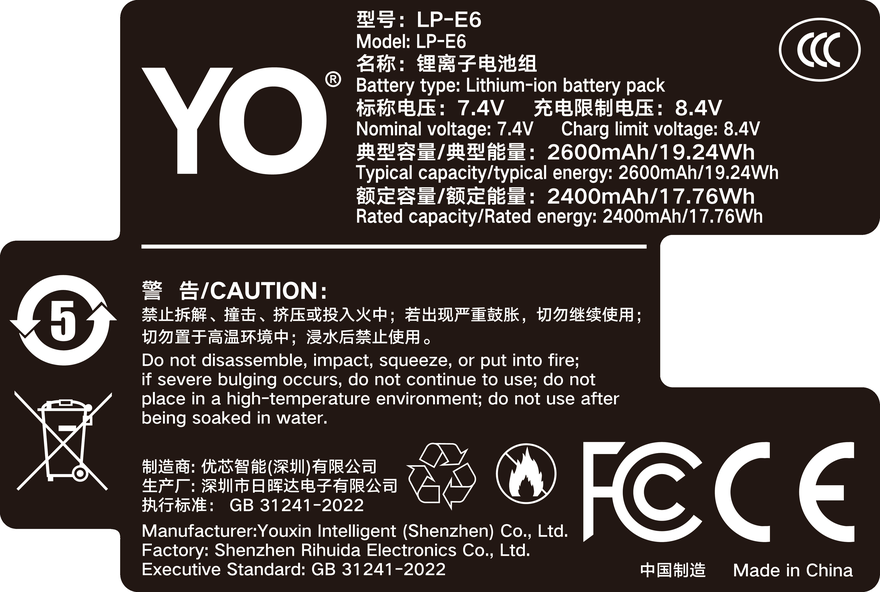
Can You Use an LP-E6+ in a Canon EOS R5 — The Limits

Short answer: it fits and it works, but it should not be your only pack for an R5. The EOS R5 ships with an LP-E6NH (2130mAh/7.2V), and an LP-E6+ is a compatible substitute. Everyday stills and ordinary video are fine; the moment you move into 8K, long high-frame-rate 4K takes or cold conditions, the limits show up.

YO LP-E6+ battery rating label
Rating label of the YO LP-E6+ battery: nominal voltage, typical capacity and safety certifications.

Start with the name. LP-E6+ is not a Canon designation — it is how some third parties (YO included) label an enhanced version, and Canon’s LP-E6 family consists of only four packs, LP-E6, LP-E6N, LP-E6NH and LP-E6P. So what follows is not “Canon’s support list for the R5” but what actually happens when a third-party enhanced pack goes into one.

1. The R5’s load profile is nothing like a DSLR’s

The EOS R5 is mirrorless: it meters from the moment it is switched on, with the sensor, EVF and image processor all working. Its power profile has three characteristics — high idle draw, high peak current and heavy sustained load.

  • High idle draw. Being on and metering costs power, and that is the most fundamental difference from the 5D series. A pack of the same capacity therefore has a naturally shorter usable time in an R5.
  • High peak current. 8K recording, high-frame-rate 4K and 20fps electronic-shutter bursts are sustained high-current loads, not the brief pulses of a DSLR.
  • Heat and throttling are linked. During long recordings the body warms, pack internal resistance rises with temperature, terminal voltage falls further, and the effect feeds on itself.

That is precisely why Canon introduced the LP-E6P in 2024 alongside the EOS R5 Mark II, positioned as a high-discharge pack. It also says something about how Canon views heavy-load shooting: capacity is not the only variable, and discharge capability matters just as much.

2. It is compatible, but there are four limits

Limit What it looks like Severity
Long high-bitrate recording Early low-battery warnings or thermal protection during long 8K or high-frame-rate 4K takes High
Burst runtime Visible voltage sag at 20fps, with runtime clearly shorter than a Canon pack of the same capacity Moderate
Gauge accuracy Percentage jumps; readings recover after a power cycle Moderate
Cold conditions Internal resistance rises sharply below 0°C and usable capacity shrinks further High

Of the four, the first two come from discharge capability, the third from gauge calibration, and the fourth is common to all lithium-ion packs — Canon does not escape it either, it simply has more margin.

One point deserves special mention: the LP-E6+ has no USB-C charging port. Many people assume an enhanced third-party pack can be charged by cable; it cannot. The R5 body accepts USB-C PD input for power or charging, but that is a body-side capability, and whether the battery has a port of its own is a separate question.

3. Scenario by scenario, the answer becomes clear

Fine to use: still photography, travel, portraits, event coverage, short clips of a few minutes. Single-session load is modest in these settings, an LP-E6+ has enough discharge margin, and the cost advantage is real.

Use with caution: full wedding or conference recording, 8K short-film work, drone ground monitoring — anything that cannot be interrupted. Not because failure is certain, but because the cost of failure is too high.

Not advisable: extreme-cold shoots, entire 8K long takes, and projects that depend on precise power planning, such as scheduling shots by percentage. The first two are physical limits; the last is a readout issue.

A practical arrangement is to keep a Canon LP-E6NH in the primary slot and an LP-E6+ in the backup slot. Use the backup between takes and switch back to Canon for the important shots. That controls cost without concentrating risk in one place.

To understand how Canon’s high-capacity and high-discharge models differ, see the LP-E6NH category and the LP-E6P category; general questions about enhanced packs are collected in the LP-E6+ category.

4. Three checks to run once it is in the camera

  1. Confirm recognition. Insert the pack, power on and see whether the level appears promptly and stays stable. A long stretch of odd readings or repeated warnings means the communication or gauge does not match — do not take it out on a job.
  2. Run a burst. Shoot a sequence on the electronic shutter and watch for a mid-sequence cutoff or a jumping gauge. This quickly exposes protection-board current limiting.
  3. Record a long clip. Record ten minutes or so at the highest specification you actually use, and see whether a low-battery or heat warning arrives early. This is more direct than any specification.

If all three pass, the pack is usable at your working intensity. If any one fails, demote it to backup rather than forcing it.

FAQ

Is the LP-E6+ a model Canon made for the R5?

No. Canon has no LP-E6+ model; the official LP-E6 family is LP-E6, LP-E6N, LP-E6NH and LP-E6P. The R5 ships with an LP-E6NH, and the R5 Mark II that followed in 2024 is paired with an LP-E6P.

Will an LP-E6+ make the R5 throw errors or lock up?

In most cases it will not lock up and works as soon as it is recognized. A particular product may show an odd gauge reading or a message about a non-Canon battery; that is a difference in communication and gauging. It does not affect basic power delivery, but it does affect planning shots by percentage.

Can an R5 shoot 8K on an LP-E6+?

Short clips usually work; long continuous recording is not advisable. 8K is the R5’s heaviest scenario and makes the greatest demand on sustained discharge, which is where Canon’s high-capacity or high-discharge models have more margin.

Can I charge an LP-E6+ through the camera’s USB-C port?

Not directly. The LP-E6+ has no USB-C interface and needs a dock. The R5’s USB-C input is a body-side capability that can power the body or charge a pack inside it, subject to the body manual, but that is not the same as a charging port on the battery.

Posted on — Leave a comment

X-S10 and X-E4: A Street Day on the TNP-W126S

Short answer: the X-S10 and X-E4 both take NP-W126S batteries. One has in-body stabilization, the other keeps its screen on, so real consumption runs faster than the spec sheet suggests. Pair one with a TNP-W126S as a spare and top up over USB-C during lunch and an afternoon coffee, and a day of street shooting is usually covered. The trick is not battery strength but whether the top-up fits into a pause you were going to take anyway. What follows follows one day: why these two bodies draw so much, where the charging windows fall, how to split the two batteries, and when a dock charger beats direct charging.

YO TNP-W126S battery rating label
Rating label of the YO TNP-W126S battery: nominal voltage, typical capacity and safety certifications.

1. Why these two bodies use more than you expect

The X-S10 is one of the few mid-range Fujifilm bodies with five-axis in-body stabilization. The stabilization unit runs continuously while the camera is on, even when you are just holding it up to compose. Add the deeper grip, which makes one-handed carrying easy, and many people leave the camera powered on for long stretches — so real on-time grows and the battery drains faster than a frame-count estimate would suggest.

The X-E4 has the opposite problem. The body is minimal, with no grip and few controls, so operation leans heavily on the screen and dials and the screen is lit for a large share of the time. It is positioned as a carry-everywhere camera, and owners tend to wear it on a strap, powered on, all day: not many frames, but long standby.

What the two share is that standby and screen time account for a large part of consumption. “Shoot less and save power” does not hold here; on-time is what decides runtime. Carrying a spare is what lets you stop power-cycling the camera to conserve.

Worth noting: the body’s USB port is mainly for data transfer and powering the body, so do not treat it as the main way to charge a battery — whether you can charge while shooting depends on the body’s documentation. The thing that genuinely charges independently of the body is the USB-C port on the battery itself.

2. Fit the top-up into three fixed windows

The value of direct charging is not speed but that it happens during time you were going to spend stopped anyway. A street day usually has three phases, and three matching windows:

  1. The night before: charge both batteries. Do not skip this, because the second battery is usually remembered only once you are already shooting.
  2. Midday break: take out the battery you used all morning, connect it to a power bank and leave it in your bag or on the table. Over 30 to 60 minutes of eating, it usually recovers a substantial share.
  3. Afternoon coffee or waiting for a train: if the afternoon burns fast, use the same window again, or simply switch to the second battery and keep charging the first.

Of the three, the midday one matters most. It decides whether the afternoon is spent nursing the last bar or shooting freely. Many people conclude one battery is not enough when the real problem is that they skipped the midday top-up.

3. Battery allocation across a day

Period Typical use Battery plan Notes
8:00-11:30 100-150 street frames, standby in between Battery A in the body Review little; drop screen brightness one step
12:00-13:00 Barely shooting Battery A out, on direct charge Power bank, shaded spot, not a sealed pocket
13:00-17:00 Depends on light, usually more than the morning Fit B; A keeps charging Alternate the two so neither runs flat
After 17:00 Good light, most of the keepers The topped-up A, or what is left of B Do not start any new high-draw features now

For stills only, with no video, a single battery usually lands in the 300-400 frame range, with wide variation from standby time, screen brightness, burst shooting and stabilization. Recording 4K drops that number noticeably, and a video-led day is better served by three batteries.

If you shoot street with an X100V, the logic is close to the X-E4; see the NP-W126S compatibility list to confirm battery generation.

4. Three cases where a dock charger wins

Direct charging is not universal. In these situations, carrying one dock charger is less trouble:

  • Three or more batteries in one night: direct charging handles one at a time, so three batteries queue into the small hours. A dock charger also queues, but it can sit on a table unattended all night.
  • An early start the next day: direct charging depends on a power bank, and the power bank itself needs charging, so two devices are queuing and it is easy to misjudge the timing.
  • Charging while shooting: not possible. Direct charging requires taking the battery out of the body, and while it is out the camera is out of action.

Conversely, if your day is “out in the morning, back at the hotel at night” and the hotel has sockets, direct charging and a dock charger are much the same and you should carry the lighter one. A direct-charge battery is designed for topping up on the move, not for replacing the charging routine you have at home.

If summer heat limits are more of a concern, a separate article on battery behavior in cold and extreme temperatures is worth reading; lithium cells follow the same rules at both ends of the range.

FAQ

Will the X-S10 show a warning with this battery?

Some bodies show a prompt the first time a third-party battery is fitted; restart or ignore it and shooting is unaffected. The same body can behave differently across firmware versions, so go by what yours actually does.

Can I charge a phone at the same time as the battery?

That depends on the power bank’s output. Most support multiple ports at once, but charging two devices splits the power and the battery takes longer to fill. If time is tight, charge the battery alone.

What size power bank should I get?

A 10000mAh bank, allowing for its rated capacity and conversion losses, typically tops this battery up two to three times and still has room for a phone. More capacity means more weight, so trade off against trip length.

Are two batteries enough for a day?

For stills-led shooting with a midday window, two usually suffice. For video-led work, or for all-day shooting without powering down, plan on three.

Posted on — Leave a comment

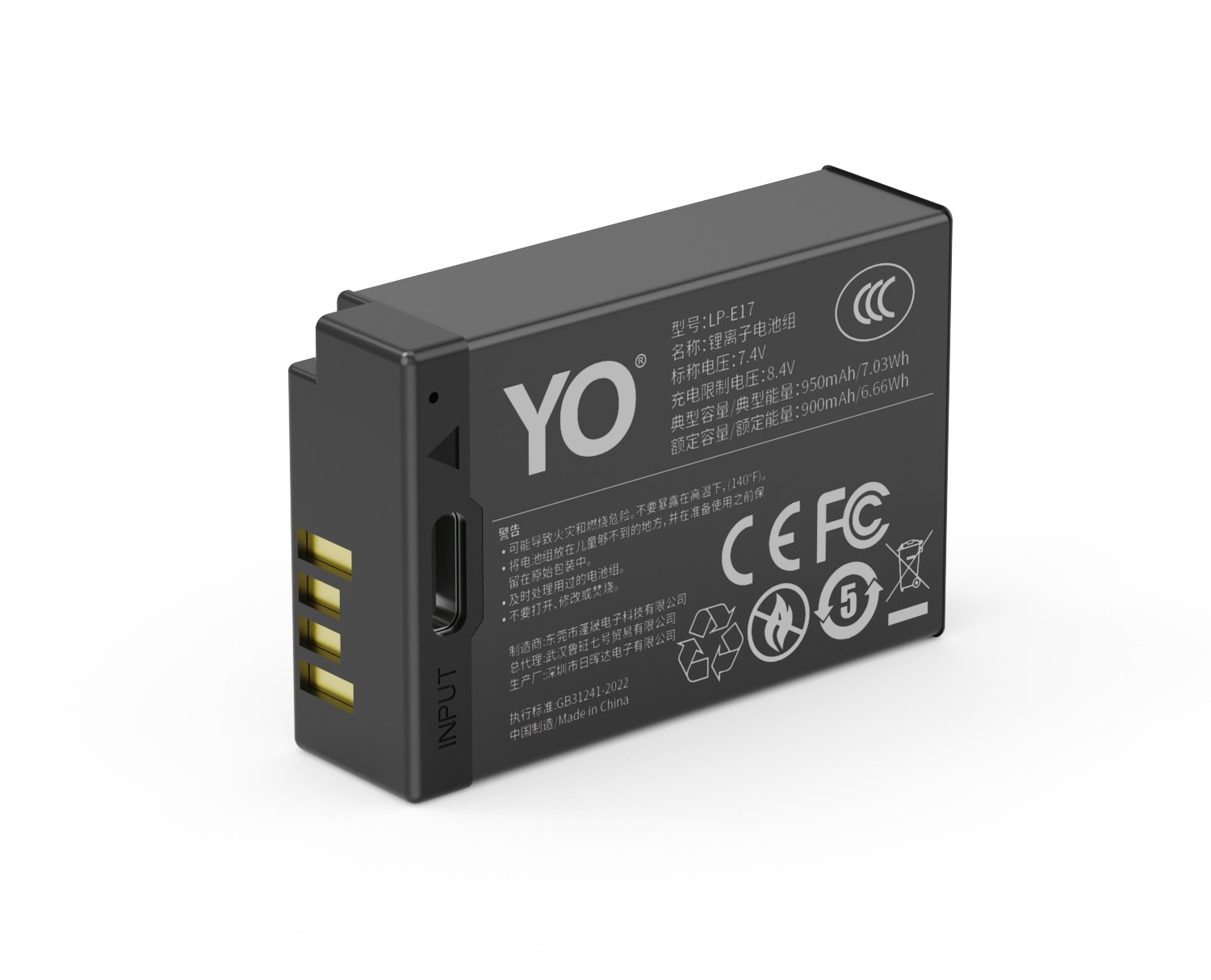
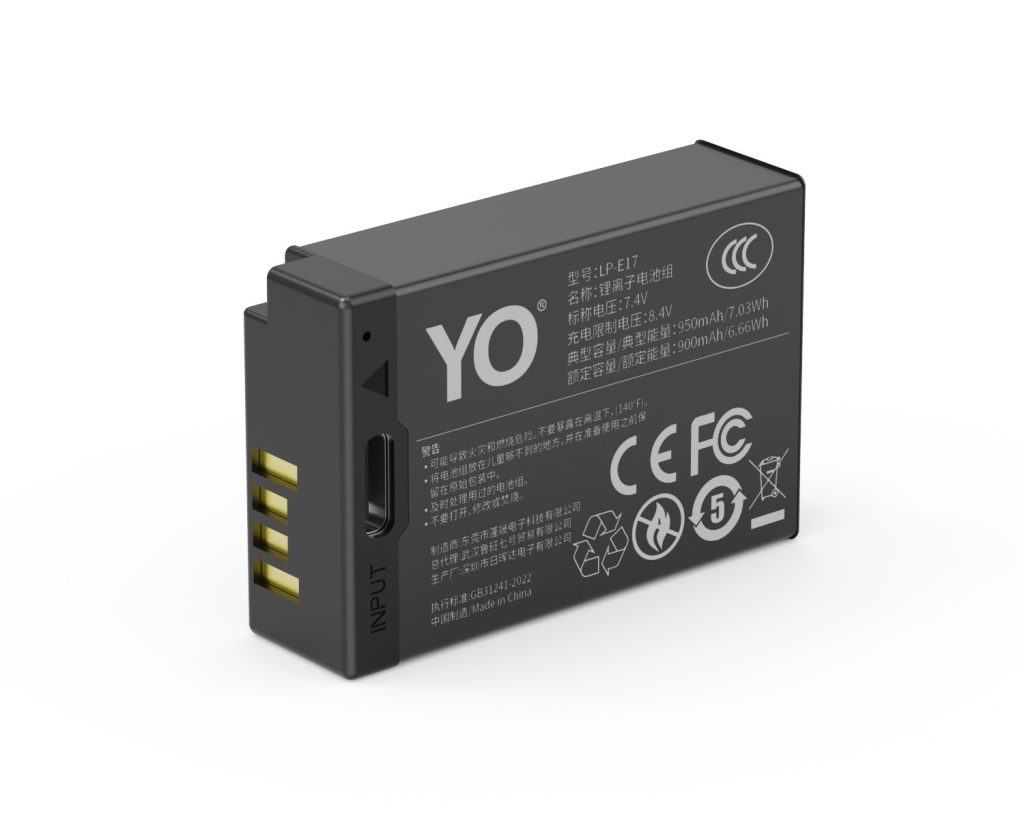
Canon LP-E17: 750, 950 and 1050mAh Tiers Explained

YO LP-E17 相机电池

Short answer: the LP-E17 is Canon’s 7.2V, 1040mAh small lithium-ion pack, used in the EOS RP, R8, R10, R50 and R100, in the 750D-to-850D generation of DSLRs, and in the M3, M5 and M6 series. The 750, 950 and 1050mAh versions sold on the market describe cell capacity tiers in compatible packs, not Canon models. More capacity lasts longer, but price, weight and cold-weather behaviour all shift with it. For everyday stills, the 950mAh tier is the best balance; the 1050mAh tier is only worth it if you record long video.

YO LP-E17 camera battery render
Product render of the YO LP-E17 compatible battery: front label, rear LED charge indicator and USB-C port.

First, a widely repeated error needs correcting: the EOS M50, M50 Mark II, M100 and M200 use the LP-E12, not the LP-E17. The two packs look similar and both sit in the seven-volt range, but their length and latch differ, so one will not force into the other. Get this wrong and the pack you bought is simply unusable.

Specifications first: where this pack sits

Canon rates the LP-E17 at 7.2V, 1040mAh, about 7.5Wh, with an operating range of 0-40°C, a weight of roughly 45g, and a full charge in about two hours at room temperature on an LC-E17C. Those numbers set the ceiling: this is a pack designed for lightweight bodies, not for long high-bitrate recording.

Compatible manufacturers generally keep the same casing and latch and build the cell in three tiers. What changes is usable energy and discharge capability, not the interface.

Version Nominal capacity Energy Best for Trade-off
Standard About 750mAh About 5.4Wh Backup, short outings, casual shooting Roughly 70% of original runtime, lowest price
Balanced About 950mAh About 6.8Wh Everyday shooting, travel primary Close to original, best value
High capacity About 1050mAh About 7.6Wh Video, timelapse, long days out Slightly heavier and pricier; some packs run tighter margins

Bear in mind that rated capacity and actual frame count are not linear. The camera shuts down once voltage crosses a threshold, so a pack with high internal resistance can fall away quickly in the second half even if it says 1050mAh — and may deliver fewer frames than a healthy 950mAh. That is why cheap high-capacity packs so often promise much and deliver little.

Full compatibility list

Series Bodies Note
EOS R mirrorless RP, R8, R10, R50, R50 V, R100 The R50 V and PowerShot V1 also use the LP-E17
EOS DSLR (three-digit) 750D, 760D, 800D, 850D, 200D, 200D II The 200D II is also sold as the 250D
EOS DSLR (two-digit) 77D Contemporary with the 800D, same mount
EOS M mirrorless M3, M5, M6, M6 Mark II Excludes the M50 series
Other PowerShot V1, BG-E18 grip The grip holds two packs

The easiest entries to overlook here are the 200D II and 850D. They arrived late enough that many assume a newer pack, but they still take the LP-E17. In the other direction, the M50 series looks like the M6 and sits at a similar price point, yet uses the LP-E12 — a detail frequently wrong in second-hand listings and bundle descriptions. Before ordering, check the body model once more against the LP-E17 section; it saves a return.

The LP-E17 is also used in the BG-E18 grip. With two packs fitted the grip draws from them in parallel rather than stacking voltage, so do not expect faster bursts — it only extends working time.

Choosing between the 750, 950 and 1050 tiers

  1. Start with your daily frame count. Canon rates the R8 at about 370 shots on the LCD and 220 through the finder; the R10 and R50 are a little higher. Discount that to 70% for real use and one 950mAh pack covers roughly half a day to a full day of stills.
  2. Then ask whether video is involved. 4K recording is a sustained discharge and is more sensitive to voltage stability than to capacity. For long takes, go straight to the 1050mAh tier and favour products that state a continuous-discharge rating.
  3. Do not buy everything in one tier. A common arrangement is one 1050mAh as primary, two 950mAh for rotation, and a 750mAh for backup and light days. Buying only the cheapest tier will leave you short when it matters.
  4. Check the production date. Lithium-ion packs lose capacity naturally after two years in storage. At the same price, a recent date beats an extra 100mAh.

Three details worth checking before you buy

The decoder chip. Original bodies read pack information to show remaining charge and health. Compatible packs without a decoder often jump from three bars to none, or trigger a “cannot recognise battery” message. That does not stop the camera working, but it leaves you unable to judge what is left, which is a real handicap in the field.

The protection board. Whether overcharge, over-discharge and short-circuit protection are all present decides whether the pack is safe in a bag alongside keys and coins. A properly built product has full protection circuitry between the terminals, even seams and a latch with some give. Do not take a chance on rough mouldings and burred edges to save a small amount.

Charger matching. The LP-E17 uses a charger of the LC-E17C type, with an 8.4V output at about 700mA. The wrong model ranges from an incomplete charge to cell damage. On multi-bay third-party chargers, confirm each bay is independently controlled rather than simply paralleled.

YO compatible LP-E17 packs come in all three tiers, 750, 950 and 1050mAh, so match your choice to the four points above. There is no inherently good or bad tier — only a good or bad fit.

FAQ

Will an LP-E17 fit an M50?

No. The M50, M50 Mark II, M100 and M200 use the LP-E12, a 875mAh pack that is shorter than the LP-E17 and has its latch in a different place. The two cannot be swapped and cannot be adapted. Confirming the body model before buying is the easiest step you can take.

Is 1050mAh always more durable than 750mAh?

Given equal quality and the same batch, yes — the gap is roughly 40%. But on an overrated product, or one with high internal resistance, the high-capacity version can sag faster in the second half and deliver fewer frames than a healthy low-capacity pack. Judge by stable behaviour over several cycles, not by the number on the box.

Does a compatible pack void the camera warranty?

Batteries sit outside the body warranty, and normal use of a compatible pack generally does not affect it. But if a swollen pack jams in the bay or leaks onto the contacts, the resulting repair is usually not covered. Better to buy one pack fewer than to buy one without full protection circuitry.

Can an old pack still be used?

Check three things: whether it has swollen, whether it loses more than 20% over a week at rest, and whether the body still recognises it. Fail any one and retire it. Never press on a swollen pack or keep charging it; dispose of it through local hazardous-waste or battery recycling channels. For more on maintaining packs of this type, see the Canon LP-E6 battery section.

Posted on — Leave a comment

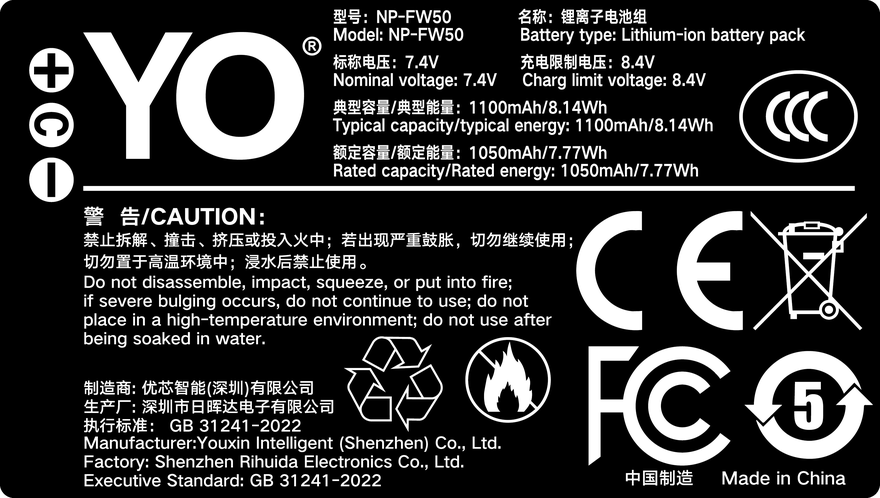
NP-FW50 on the A6400 and A6500: Real Battery Runtime

Short answer: Sony rates the A6400 at about 410 shots on the LCD and 350 through the finder, and the A6500 at about 350 and 310. In real shooting one NP-FW50 usually delivers 250-350 frames, or 60-90 minutes of video. Three things account for the gap: the viewfinder, Wi-Fi and Bluetooth standby, and constant review-and-delete. Get those under control and 30% more runtime per pack is achievable without buying a single accessory.

YO NP-FW50 battery rating label
Rating label of the YO NP-FW50 battery: nominal voltage, typical capacity and safety certifications.

1. Where the official and real numbers diverge

The CIPA method is standardised: 23°C, power on, one frame every 30 seconds, flash on every other frame on some models, no shutdowns in between. It measures frames taken while the camera stays awake — it does not include the time you spend standing there changing settings, scrolling menus or pushing files to a phone. Those are exactly the parts of real shooting that cost the most.

Body CIPA (LCD) CIPA (finder) Typical real range
A6400 About 410 shots About 350 shots About 280-350 shots
A6500 About 350 shots About 310 shots About 240-300 shots
A6300 About 400 shots About 350 shots About 270-340 shots
A6000 About 360 shots About 310 shots About 250-310 shots

The A6500 figure is lower, and the battery is not the reason — the body is. It is the only one of these four with five-axis stabilisation, so the sensor is constantly making micro-corrections and static draw runs well above the A6400. The same pack simply yields a few dozen fewer frames on an A6500, and that is a physical difference: settings can soften it, not remove it.

2. How many shots one pack really gives, by scene

Breaking usage down is more useful than memorising a single number. These are the typical drain rates for a healthy NP-FW50 in common situations.

  • Street shooting (2 hours): about 200-300 frames, 60-80% of a charge. Long uptime, frequent autofocus, little review — an efficient way to work.
  • Portrait session (3 hours): about 250-400 frames, often needing two packs. Heavy review to check expressions and showing clients images on a phone are what costs the extra.
  • Events and weddings (6 hours or more): plan on three packs and up. There is no chance to recharge, and the camera gets left on.
  • Talking-head vlogging: the A6400 manages about 70-90 minutes at 1080p; 4K runs in 20-30 minute blocks because of heat, with cooling pauses in between, so total time is limited by both charge and temperature.
  • Timelapse: one of the heaviest uses there is. Run a dummy battery from a power bank instead of leaning on the internal pack.

Cold deserves its own note. Below 0°C internal resistance rises and usable capacity shrinks; at -10°C the drain can approach twice the room-temperature rate. The site has a -10°C runtime test written around the NP-FZ100, and the conclusion holds for an FW50: in cold weather bring 1.5 times the fair-weather count and keep spares against your body.

3. Nine settings you can change today

All of these are in the A6400 and A6500 menus, ordered from largest effect to smallest. Doing the lot typically buys 20-30% more shooting per charge.

  1. Turn off wireless apart from airplane mode: go into the network settings and disable Wi-Fi, Bluetooth and NFC. Bluetooth standby is the silent killer — it keeps drawing slowly even when the camera is switched off.
  2. Shorten the auto power-off timer: set it to 1 minute. The default is already fine; do not push it to 5.
  3. Disable auto review: checking every frame the moment you take it is a major drain, especially at high screen brightness.
  4. Lower screen brightness: set it manually to level 3-4 and raise it outdoors only when needed. Auto brightness keeps maxing out as light changes.
  5. Set the finder to manual switching: auto switching keeps the EVF and LCD both on standby; manual saves roughly 10%.
  6. Turn off pre-AF: continuous focusing before you half-press is close to useless for street work, yet it drives the lens constantly.
  7. Switch stabilisation off on a tripod: the A6500’s in-body stabilisation does nothing on a solid support, and turning it off clearly lowers static draw.
  8. Use single shooting instead of bursts: bursts run sensor and processor at full load, and 10 fps costs far more than one frame at a time.
  9. Skip in-camera RAW conversion and retouching: these keep the processor loaded far longer than taking a picture does.

One small habit on top: power off when you change lenses. With the camera awake, the dust reduction and stabilisation systems are both running; it saves little charge but avoids the odd wasted frame from a bumped shutter.

4. How to build and charge the kit

The FW50’s capacity means carrying an extra pack will always beat trying to economise. The usual guidance: two packs for a half day, three for a full day, four where recharging is impossible. In any three-pack setup, make at least one of them a newer cell as a backstop — old packs fold first in the cold.

On charging, both the A6400 and A6500 accept in-body USB charging, but it is slow and the camera is unusable while it happens. A two-bay dock charger is more practical: charge both packs at the hotel overnight. For longer trips, note the airline rules for lithium-ion packs — spares must go in the cabin, never in checked baggage. The limits and declaration requirements are set out in this guide to carrying lithium batteries on a flight, and they apply to all camera packs.

One more thing is often overlooked: mixing old and new packs makes the gauge non-linear. An old pack can fall from 60% to 10% and leave you misjudging what is left. The fix is to group packs by age and only send the old batch out when you have a fallback. The YO FW50 suits exactly this filler role — modest price, honest capacity, good for reaching a workable count rather than chasing the strongest single pack. For more FW50 accessories and setups, see the NP-FW50 category.

FAQ

Can one A6400 pack cover a whole day?

For light use, yes — a half day of street shooting at 150-200 frames. But any full-day itinerary with constant review or file transfer will need a second pack. Experience says one A6400 pack maps to roughly 3 hours of continuous uptime; beyond that, swap.

Why does my A6500 drain faster than a friend’s A6400?

That is expected. The A6500 has five-axis in-body stabilisation, so the sensor assembly is always working and static draw is higher. Pack health, wireless settings and whether the lens itself is stabilised all stack on top. Rule out an ageing pack first, then compare settings.

Can I shoot while running off a power bank?

Both bodies accept USB power, but while shooting the input is often lower than the draw, so it only slows the decline rather than stopping it. For genuinely long recordings, use a dummy battery with a large supply instead of hoping a power bank will keep up.

Do these power-saving settings hurt image quality?

None of the nine affects image quality. They change screen brightness, wireless standby and auto review — none of which touch imaging. The one caveat is leaving stabilisation off for handheld video, where steadiness will suffer.