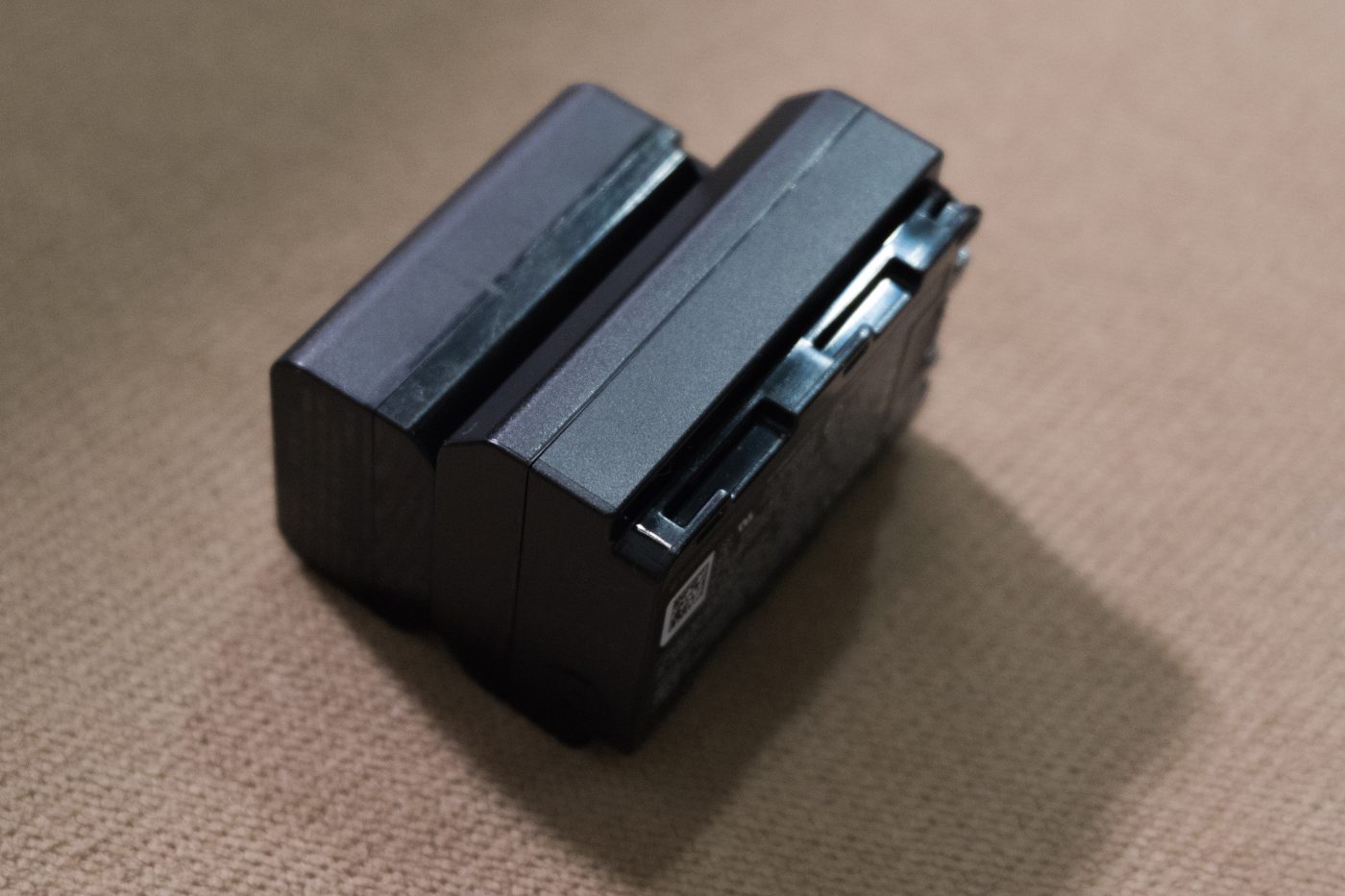
Short answer: for long-term storage leave an NP-FW50 at roughly half charge, keep it cool and dry, avoid both full charge in heat and a fully drained cell, and check it every few months. In winter keep spares close to your body, fit them only when needed and let them warm up before recharging. Keep the contacts clean and dry. Retire any pack that swells, smells unusual, runs abnormally hot or has a deformed shell. These are ordinary lithium-ion practices; no special equipment and no “activation” or “reconditioning” routine is involved.
Storage conditions
The two extremes a lithium-ion cell dislikes are full charge in heat and a long period completely empty. At full charge the internal stress is higher and heat accelerates ageing; a fully drained cell can fall into over-discharge and become unstable to recharge. About half charge before putting it away is the safest middle ground.
| Item | Practice | Reason |
|---|---|---|
| Charge level | Around 40%–60%; neither full nor empty | Avoids full-charge stress and over-discharge |
| Temperature | Cool, near room temperature; away from radiators, sunny windows and parked cars | Heat speeds up capacity loss |
| Humidity | Dry; avoid bathrooms and damp basements | Limits contact oxidation and corrosion |
| Contacts | Keep clean; use the terminal cover or a separate case | Prevents short circuits and grime build-up |
| Check interval | Inspect charge and appearance every few months | Self-discharge continues in storage, so do not let it slide into over-discharge |
There is no defensible fixed number for “how many years it keeps” or “recharge every X days”. Cell condition, storage temperature and starting charge all change the outcome. The table gives direction and a checking habit, not a lifespan promise.
Working in cold weather
In the cold, a lithium-ion cell releases less of its stored capacity. The symptoms are a rapidly falling percentage or a sudden shutdown despite a full indicator. That does not automatically mean the cell is dead; warming it up often recovers some capacity. The winter tactic is insulation rather than buying more packs: keep spares in an inside pocket, fit them only when needed, and put removed cells somewhere warm.
- Do not warm a pack with a hairdryer, radiator, open flame or hot water. Localised overheating is more dangerous than the cold.
- Coming from freezing outdoors into a warm room, let the cell and body reach room temperature first. Do not charge or fit them while condensation is still present.
- Recharge only after warming up. Charging a very cold cell is unfriendly to it, and that applies to lithium-ion generally.
- Turn off automatic image review and reduce wake cycles in winter; that saves more than choosing between capacity ratings.
Our NP-FW50 compatible cell is quoted at 8.14Wh, small enough that there is little cold-weather margin. Three packs for a full winter day is more realistic than hoping one is “cold resistant”; the TNP-FW50 USB-C version only changes how you refill, not cold behaviour.
Contacts and everyday care
Dirty contacts most often show up not as “it will not charge” but as a rejected battery, a jumping percentage or a sudden shutdown mid-shoot. Wipe the contacts on the cell and in the compartment with a clean, dry soft cloth. Do not scrape with metal, use liquid cleaners, or apply anything to the terminals.
Two more habits: never carry loose cells in the same pocket as keys or coins, since metal bridging the terminals can short them; and rotate multiple cells so one pack does not sit permanently full or empty. Neither costs anything, and both help more than any “calibration” trick. Lithium-ion cells have no memory effect, so periodic deep discharge to “activate” them is unnecessary.
Signs that mean retire the cell
| Sign | Action |
|---|---|
| Swollen or deformed shell, battery door will not close | Stop using it; do not charge or fit it again |
| Unusual smell, leakage, deposits on the terminals | Stop using it, isolate it, avoid skin contact |
| Abnormally hot while charging or in use | Unplug and stop using it |
| Full charge collapses quickly, repeated cold shutdowns | Likely ageing; replace rather than carrying more spares |
Dispose of worn cells through local battery or e-waste collection, not household rubbish, and never dismantle them. Capacity-loss and replacement articles are grouped in the NP-FW50 category; for fixed-camera work that cannot rely on swapping cells, see the DR-FW50 external power adapter.
FAQ
Should I store it full or empty?
Neither. Around 40%–60% is the safe middle, avoiding full charge in heat and deep over-discharge. Check it every few months.
My battery drains fast in winter — is it faulty?
Not necessarily. Cold temporarily reduces releasable capacity and warming often recovers some of it. Keeping spares warm and fitting them only when needed is more useful than diagnosing from one cold day.
Can I warm a frozen cell with a hairdryer?
No. Localised overheating is more dangerous than the cold. Let it return to room temperature indoors and wait for condensation to clear before fitting or charging.
Do I need a full discharge to recalibrate it?
No. Lithium-ion has no memory effect, and a deep discharge risks over-discharge. Charge as needed; if the readout misbehaves, check the contacts and consider cell ageing first.